%20-%20http%3A%2F%2Fwww.bohemiancoding.com%2Fsketch%20--%3E%3Ctitle%3EF21EF66B-AC70-4761-BD58-0CF80940AF0E%3C%2Ftitle%3E%3Cdesc%3ECreated%20with%20sketchtool.%3C%2Fdesc%3E%3Cdefs%3E%3ClinearGradient%20x1%3D%220.00537998663%25%22%20y1%3D%2249.9970053%25%22%20x2%3D%22100.036289%25%22%20y2%3D%2249.9970053%25%22%20id%3D%22linearGradient-1%22%3E%3Cstop%20stop-color%3D%22%23FF3176%22%20offset%3D%220%25%22%3E%3C%2Fstop%3E%3Cstop%20stop-color%3D%22%23FF7369%22%20offset%3D%22100%25%22%3E%3C%2Fstop%3E%3C%2FlinearGradient%3E%3ClinearGradient%20x1%3D%2248.5798817%25%22%20y1%3D%2254.2967493%25%22%20x2%3D%2255.1676529%25%22%20y2%3D%2234.4061796%25%22%20id%3D%22linearGradient-2%22%3E%3Cstop%20stop-color%3D%22%23FFFFFF%22%20offset%3D%220%25%22%3E%3C%2Fstop%3E%3Cstop%20stop-color%3D%22%23000000%22%20offset%3D%22100%25%22%3E%3C%2Fstop%3E%3C%2FlinearGradient%3E%3C%2Fdefs%3E%3Cg%20id%3D%22Page-1%22%20stroke%3D%22none%22%20stroke-width%3D%221%22%20fill%3D%22none%22%20fill-rule%3D%22evenodd%22%3E%3Cg%20id%3D%22Share-Collection-Page%22%20transform%3D%22translate(-428.000000%2C%20-134.000000)%22%3E%3Cg%20id%3D%22logo%22%20transform%3D%22translate(428.000000%2C%20134.000000)%22%3E%3Cpath%20d%3D%22M20.2986321%2C10.9688889%20L3.64248989%2C0.458888889%20C2.93397974%2C0.0108924108%202.04660609%2C-0.00636245151%201.32230058%2C0.413773117%20C0.597995072%2C0.833908685%200.149820407%2C1.62585232%200.150471698%2C2.48444444%20L0.150471698%2C14.6233333%20C0.132465611%2C15.4836852%200.56615818%2C16.2867701%201.28404255%2C16.7224094%20C2.00192692%2C17.1580487%202.89162767%2C17.1580487%203.60951203%2C16.7224094%20C4.3273964%2C16.2867701%204.76108897%2C15.4836852%204.74308288%2C14.6233333%20L4.74308288%2C6.71444444%20L7.45802224%2C8.42777778%20L12.9061725%2C11.8655556%20L12.935192%2C11.8844444%20L14.7365532%2C13.0211111%20L10.3997439%2C15.8311111%20L8.52852089%2C17.0422222%20C7.79949217%2C17.4755559%207.35782454%2C18.2861166%207.37715348%2C19.1552437%20C7.39648242%2C20.0243707%207.87371725%2C20.8130913%208.62123974%2C21.2113308%20C9.36876222%2C21.6095703%2010.267044%2C21.5536505%2010.962938%2C21.0655556%20L20.3136792%2C15.0055556%20C20.9876242%2C14.5689795%2021.3949851%2C13.8029055%2021.3903879%2C12.9807208%20C21.3857907%2C12.158536%2020.9698904%2C11.3973815%2020.2911085%2C10.9688889%20L20.2986321%2C10.9688889%20Z%20M2.51502695%2C20.9288889%20C1.54073252%2C20.928889%200.662393628%2C21.5356783%200.289647775%2C22.466264%20C-0.0830980782%2C23.3968496%200.123170463%2C24.4679301%200.812254393%2C25.1799777%20C1.50133832%2C25.8920252%202.53750581%2C26.1047847%203.43751166%2C25.7190299%20C4.3375175%2C25.3332751%204.92408368%2C24.4249898%204.92364892%2C23.4177778%20C4.92187147%2C22.0435305%203.84436182%2C20.930113%202.51502695%2C20.9288889%20Z%22%20fill%3D%22url(%23linearGradient-1)%22%20fill-rule%3D%22nonzero%22%3E%3C%2Fpath%3E%3Cpolygon%20id%3D%22Path%22%20fill%3D%22url(%23linearGradient-2)%22%20points%3D%2212.9061725%2011.8655556%207.45802224%208.42777778%207.45694744%208.41333333%22%3E%3C%2Fpolygon%3E%3C%2Fg%3E%3C%2Fg%3E%3C%2Fg%3E%3C%2Fsvg%3E)

Video marketing has become the dominant force in digital advertising, with reports indicating that video content drives over 80% of all internet traffic. According to recent industry data, businesses that utilize video in their marketing strategy see a significant increase in conversion rates compared to those relying solely on text. However, the traditional barrier to entry has always been the steep learning curve associated with professional editing software. This gap between high-quality expectations and technical capability is exactly where artificial intelligence steps in to bridge the divide. (About Us Promo com)
Understanding AI Video Tools
The term AI video maker is defined as a software application that uses machine learning algorithms to automate complex editing tasks such as cutting, coloring, and adding effects. These tools are designed to reduce the time spent on manual adjustments, allowing users to focus on the creative narrative rather than the technical mechanics. For business owners and marketers, this means that the ability to produce professional-grade content is no longer reserved for those with years of experience in video production. (FAQ Promo com Marketing)
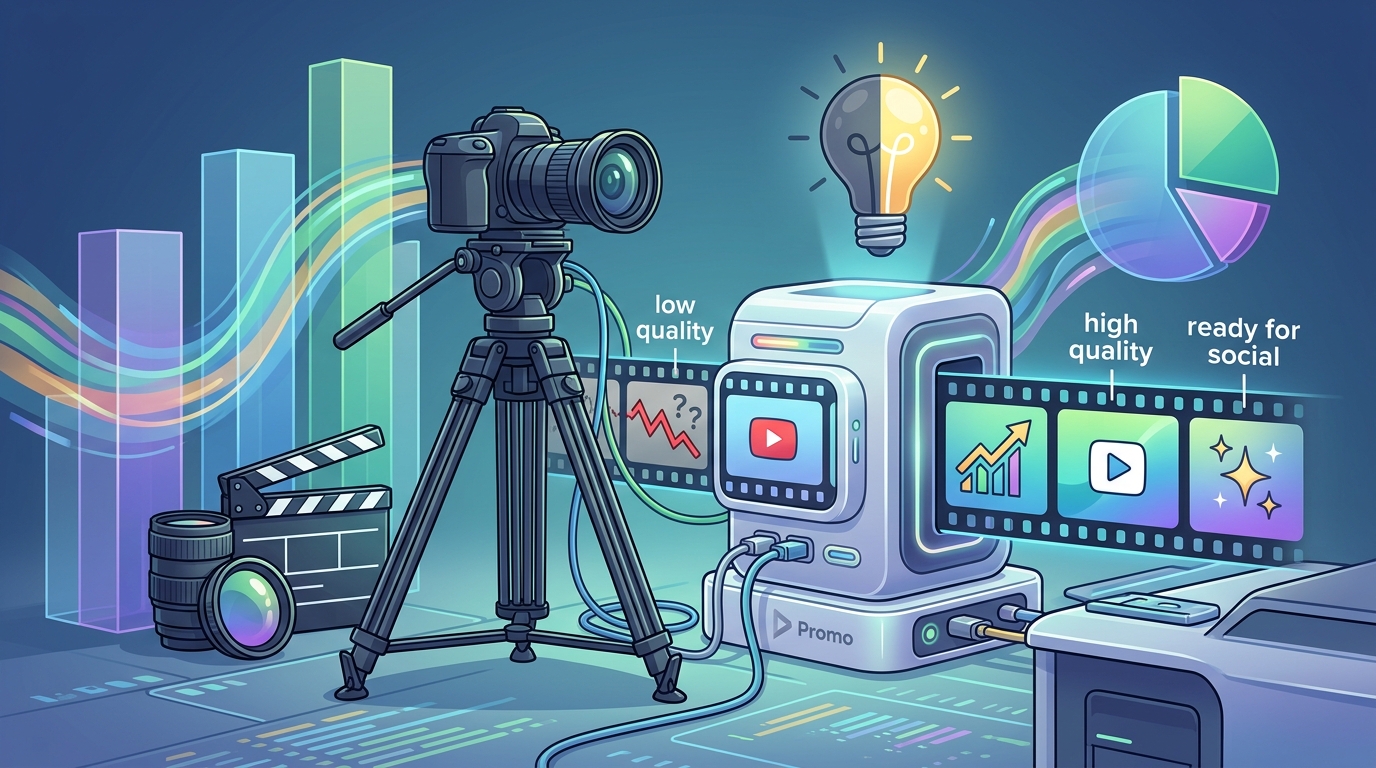
Promo.com has positioned itself as a leader in this space by offering a platform that prioritizes speed and ease of use. The platform allows users to create videos for various social media channels, including Facebook, Instagram, and YouTube, without needing to understand frame rates or codec specifications. By leveraging pre-designed templates and intelligent automation, the software handles the heavy lifting of layout and timing.
According to marketing analytics, videos created with AI assistance can be produced up to 10 times faster than traditional methods. This efficiency is crucial for brands that need to maintain a consistent posting schedule. The ability to quickly adapt content to trending formats ensures that marketing efforts remain relevant and engaging for the audience.
Core Features for Beginners
To successfully edit marketing videos without professional skills, you must understand the specific features that AI tools provide. These features are designed to simplify the workflow and ensure a polished final output.
Automated Templates
Templates provide a structured framework for your video. Instead of starting with a blank canvas, you select a design that matches your brand identity. The AI then populates the structure with your media assets, ensuring that transitions and text placements are visually balanced. This eliminates the guesswork involved in composition.
Smart Text and Subtitles
Many users watch videos without sound, particularly on mobile devices. AI tools often include automatic subtitle generation features. This ensures that your message is conveyed clearly regardless of the viewing environment. Adding text to video manually is time-consuming, but AI can synchronize captions with audio in seconds.
One-Click Resizing
Different platforms require different aspect ratios. A video that looks perfect on YouTube may be cropped incorrectly on Instagram Stories. AI video editors automatically detect the target platform and resize the content accordingly. This feature is essential for maintaining visual integrity across multiple channels.
Step-by-Step Workflow
Creating a marketing video using AI is a straightforward process. The following steps outline the typical workflow for a beginner using a platform like Promo.com.
- Select a Template: Browse the library of trending templates. Choose one that aligns with your campaign goal, whether it is a product launch, a holiday promotion, or a brand awareness ad.
- Upload Media: Upload your photos, video clips, and logo. The AI will analyze the duration and style of your assets to suggest the best fit for the template.
- Customize Content: Replace the placeholder text with your own copy. Adjust the color scheme to match your brand guidelines. Most AI tools allow for real-time previewing of these changes.
- Add Music and Audio: Choose from a royalty-free music library. The AI can often sync the beat of the music to the transitions in your video for a more dynamic feel.
- Export and Publish: Render the video in the desired resolution. You can then download the file or publish it directly to your social media accounts.
This workflow reduces the complexity of video production to a series of simple choices. You do not need to worry about keyframes, masking, or color grading curves. The software handles these technical details automatically.
Platform Comparison
While many tools claim to offer AI capabilities, the depth of automation varies significantly. The table below compares the key features of Promo.com against traditional editing software and other AI competitors.
| Feature | Promo.com | Traditional Software (e.g., Premiere Pro) | Basic AI Editors |
|---|---|---|---|
| Learning Curve | Low (Template-based) | High (Manual control) | Medium (Limited customization) |
| Template Library | Extensive and Trending | Minimal | Limited |
| AI Automation | High (Auto-resize, Auto-sync) | Low (Manual adjustments) | Medium (Basic effects) |
| Brand Consistency | High (Custom palettes) | High (Full control) | Low |
| Best For | Social Media Marketers | Professional Editors | Quick Personal Clips |
Promo.com stands out for its focus on social media marketing. The platform is specifically designed to meet the demands of modern digital marketing, where speed and platform-specific optimization are critical. Traditional software offers more granular control but requires a significant investment of time and skill.
Best Practices for Non-Experts
Even with AI assistance, certain best practices ensure your marketing videos perform well. The first rule is to keep your videos short. Attention spans are shrinking, and concise content is more likely to be watched to the end. According to engagement metrics, videos under 60 seconds often yield higher completion rates on social platforms.
Another critical practice is maintaining brand consistency. Use the same color palette and font styles across all your videos. This helps build brand recognition and trust with your audience. Promo.com allows you to save your brand colors and logos, making it easy to apply them to every new video you create.
Finally, always include a clear call to action. Whether it is visiting your website, following your page, or making a purchase, tell your viewers what to do next. The AI can help position this text prominently in the video, but the strategic decision must come from you.
Key Takeaways
- AI video tools automate complex tasks, allowing non-experts to create professional content.
- Promo.com offers a template-based approach that simplifies the video creation process.
- Automated resizing ensures your videos look correct on all social media platforms.
- Smart text and subtitle features improve accessibility and engagement.
- Consistent branding is essential for building trust and recognition.
- Short, concise videos generally perform better in social media algorithms.
- AI reduces production time, enabling more frequent and agile marketing campaigns.
Frequently Asked Questions
Do I need to install software to use AI video editors?
No, most modern AI video editors like Promo.com are cloud-based. This means you can access them directly through your web browser without downloading or installing any heavy software. This makes them accessible on any device with an internet connection.
Can I use my own music in AI-generated videos?
Yes, most platforms allow you to upload your own audio files. However, you must ensure you have the rights to use the music to avoid copyright issues. Promo.com also provides a library of royalty-free music that is safe for commercial use.
How long does it take to create a video with AI?
The time required depends on the complexity of the video and the length of your media. However, AI tools can reduce the process from hours to minutes. A typical social media ad can be created in under 10 minutes using templates and automated features.
Is AI video editing suitable for business use?
Absolutely. AI video editing is highly suitable for business use, especially for small to medium-sized enterprises that lack a dedicated video team. It allows businesses to maintain a professional presence on social media without the high cost of hiring professional editors.
Can I edit videos on my phone?
While many AI tools offer mobile apps, the full range of features is often available on desktop browsers. Promo.com is optimized for web use, allowing you to create and edit videos on your computer for a more precise experience.
What happens if I don't like the AI-generated video?
You can always revert to the original template or try a different one. AI tools are designed to be non-destructive, meaning you can experiment with different layouts and media without losing your original files. You can also manually adjust specific elements if the AI does not get it exactly right.
Are there free options for AI video editing?
Many platforms offer free trials or freemium models. Promo.com provides options for users to try the platform before committing to a paid plan. This allows you to test the capabilities and see if the tool fits your workflow before making a financial investment.
Start Creating Today
You do not need to be a professional editor to create high-impact marketing videos. The technology is now accessible, intuitive, and powerful enough to handle the technical heavy lifting for you. By leveraging AI tools, you can focus on your message and your audience, rather than the mechanics of editing.
Visit Promo.com to start creating your first AI-powered video today. Explore the template library to find the perfect design for your brand. Join thousands of marketers who are already saving time and increasing engagement with AI video creation. Sign up for a free trial and see the difference AI can make in your marketing strategy.