%20-%20http%3A%2F%2Fwww.bohemiancoding.com%2Fsketch%20--%3E%3Ctitle%3EF21EF66B-AC70-4761-BD58-0CF80940AF0E%3C%2Ftitle%3E%3Cdesc%3ECreated%20with%20sketchtool.%3C%2Fdesc%3E%3Cdefs%3E%3ClinearGradient%20x1%3D%220.00537998663%25%22%20y1%3D%2249.9970053%25%22%20x2%3D%22100.036289%25%22%20y2%3D%2249.9970053%25%22%20id%3D%22linearGradient-1%22%3E%3Cstop%20stop-color%3D%22%23FF3176%22%20offset%3D%220%25%22%3E%3C%2Fstop%3E%3Cstop%20stop-color%3D%22%23FF7369%22%20offset%3D%22100%25%22%3E%3C%2Fstop%3E%3C%2FlinearGradient%3E%3ClinearGradient%20x1%3D%2248.5798817%25%22%20y1%3D%2254.2967493%25%22%20x2%3D%2255.1676529%25%22%20y2%3D%2234.4061796%25%22%20id%3D%22linearGradient-2%22%3E%3Cstop%20stop-color%3D%22%23FFFFFF%22%20offset%3D%220%25%22%3E%3C%2Fstop%3E%3Cstop%20stop-color%3D%22%23000000%22%20offset%3D%22100%25%22%3E%3C%2Fstop%3E%3C%2FlinearGradient%3E%3C%2Fdefs%3E%3Cg%20id%3D%22Page-1%22%20stroke%3D%22none%22%20stroke-width%3D%221%22%20fill%3D%22none%22%20fill-rule%3D%22evenodd%22%3E%3Cg%20id%3D%22Share-Collection-Page%22%20transform%3D%22translate(-428.000000%2C%20-134.000000)%22%3E%3Cg%20id%3D%22logo%22%20transform%3D%22translate(428.000000%2C%20134.000000)%22%3E%3Cpath%20d%3D%22M20.2986321%2C10.9688889%20L3.64248989%2C0.458888889%20C2.93397974%2C0.0108924108%202.04660609%2C-0.00636245151%201.32230058%2C0.413773117%20C0.597995072%2C0.833908685%200.149820407%2C1.62585232%200.150471698%2C2.48444444%20L0.150471698%2C14.6233333%20C0.132465611%2C15.4836852%200.56615818%2C16.2867701%201.28404255%2C16.7224094%20C2.00192692%2C17.1580487%202.89162767%2C17.1580487%203.60951203%2C16.7224094%20C4.3273964%2C16.2867701%204.76108897%2C15.4836852%204.74308288%2C14.6233333%20L4.74308288%2C6.71444444%20L7.45802224%2C8.42777778%20L12.9061725%2C11.8655556%20L12.935192%2C11.8844444%20L14.7365532%2C13.0211111%20L10.3997439%2C15.8311111%20L8.52852089%2C17.0422222%20C7.79949217%2C17.4755559%207.35782454%2C18.2861166%207.37715348%2C19.1552437%20C7.39648242%2C20.0243707%207.87371725%2C20.8130913%208.62123974%2C21.2113308%20C9.36876222%2C21.6095703%2010.267044%2C21.5536505%2010.962938%2C21.0655556%20L20.3136792%2C15.0055556%20C20.9876242%2C14.5689795%2021.3949851%2C13.8029055%2021.3903879%2C12.9807208%20C21.3857907%2C12.158536%2020.9698904%2C11.3973815%2020.2911085%2C10.9688889%20L20.2986321%2C10.9688889%20Z%20M2.51502695%2C20.9288889%20C1.54073252%2C20.928889%200.662393628%2C21.5356783%200.289647775%2C22.466264%20C-0.0830980782%2C23.3968496%200.123170463%2C24.4679301%200.812254393%2C25.1799777%20C1.50133832%2C25.8920252%202.53750581%2C26.1047847%203.43751166%2C25.7190299%20C4.3375175%2C25.3332751%204.92408368%2C24.4249898%204.92364892%2C23.4177778%20C4.92187147%2C22.0435305%203.84436182%2C20.930113%202.51502695%2C20.9288889%20Z%22%20fill%3D%22url(%23linearGradient-1)%22%20fill-rule%3D%22nonzero%22%3E%3C%2Fpath%3E%3Cpolygon%20id%3D%22Path%22%20fill%3D%22url(%23linearGradient-2)%22%20points%3D%2212.9061725%2011.8655556%207.45802224%208.42777778%207.45694744%208.41333333%22%3E%3C%2Fpolygon%3E%3C%2Fg%3E%3C%2Fg%3E%3C%2Fg%3E%3C%2Fsvg%3E)

Video marketing has become the dominant force in digital advertising, with reports indicating that video content drives over 80% of all internet traffic. Despite this clear advantage, many business owners and marketers hesitate to create video assets because they assume professional editing skills are a prerequisite. This assumption is no longer valid. Modern artificial intelligence tools have democratized video production, allowing users to generate, edit, and publish high-quality marketing videos without touching a timeline or learning complex software. According to recent industry data, AI-assisted video creation can reduce production time by up to 70%, enabling teams to focus on strategy rather than technical execution. (About Us Promo com)
What Is AI Video Editing?
AI video editing refers to the use of machine learning algorithms to automate complex post-production tasks. Traditionally, editing required manual cutting, color grading, and audio mixing. AI tools now handle these processes automatically. The core technology analyzes your raw footage or text inputs to generate polished output. This technology is not just a filter; it is a comprehensive creative engine. (FAQ Promo com Marketing)
AI video editing is the automated process of generating, assembling, and refining video content using artificial intelligence algorithms to minimize manual user intervention. For marketers, this means you can input a script or a set of images, and the system will select appropriate stock footage, add voiceovers, and apply transitions. This capability allows small teams to compete with larger agencies in terms of output volume and consistency. (AI Video Maker for)
The barrier to entry has shifted from technical proficiency to creative direction. You no longer need to know how to keyframe an animation. Instead, you need to understand your audience and your message. Tools like PromoAI serve as creative co-pilots, handling the heavy lifting while you guide the narrative. This shift enables businesses to scale their video marketing efforts without hiring expensive production crews.
Core AI Features for Non-Experts
To edit marketing videos without professional skills, you must leverage specific AI capabilities. These features are designed to simplify the workflow and ensure professional results. Understanding these tools is essential for effective implementation.
Text-to-Video Generation
This feature allows you to create videos from scratch using only text prompts. You describe the scene, the tone, and the call to action. The AI generates the visual assets, selects the music, and synchronizes the audio. This is particularly useful for social media ads where speed is critical. According to marketing benchmarks, text-to-video tools can produce content in minutes rather than days.
Automated Subtitles and Captions
Most social media videos are watched without sound. Automated captioning ensures your message is accessible and engaging. AI speech recognition tools transcribe your audio and sync the text in real-time. This feature is not just a convenience; it is a necessity for retention. Data shows that videos with captions see significantly higher engagement rates on platforms like Instagram and LinkedIn.
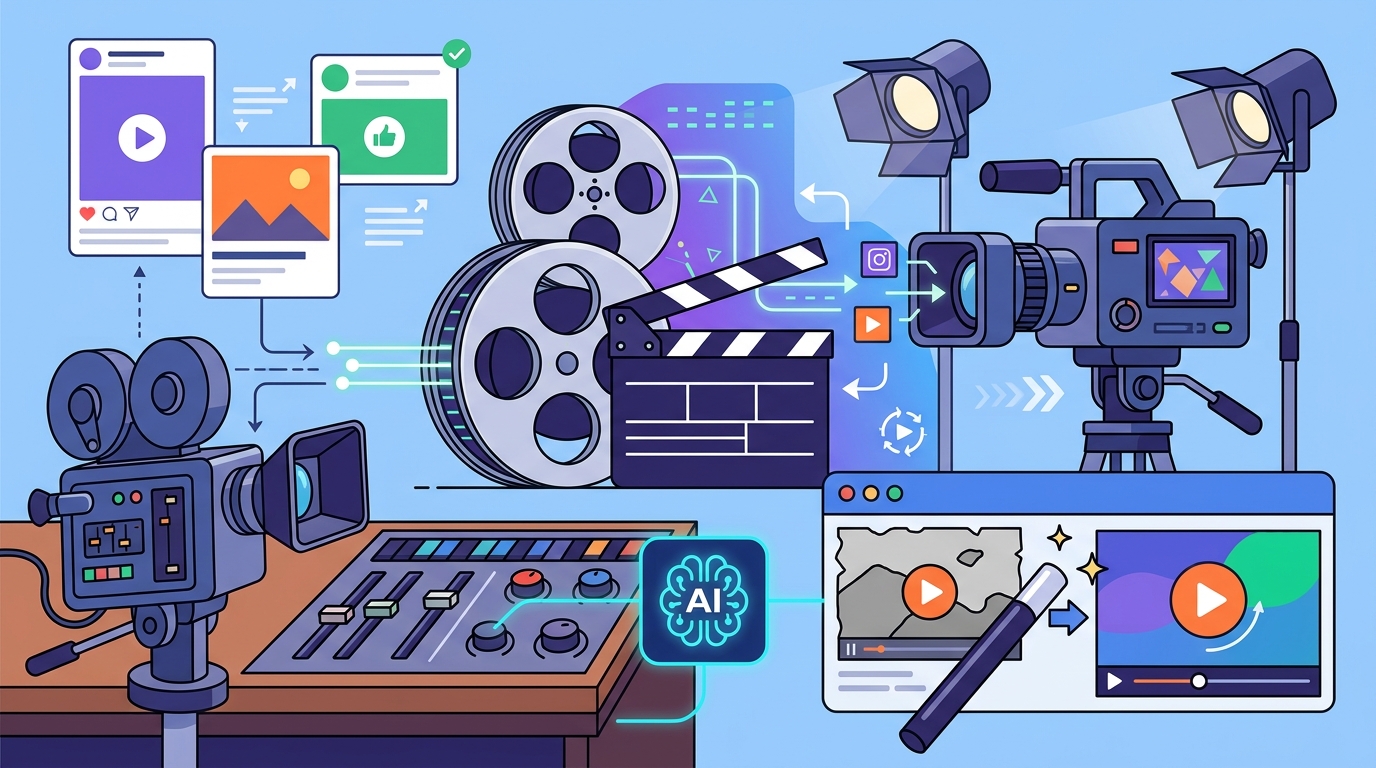
Smart Aspect Ratio Resizing
Marketing videos must fit various formats, from vertical TikTok stories to horizontal YouTube ads. Manual resizing often crops important elements. AI-powered reframing tools automatically adjust the composition to keep the subject in focus across all aspect ratios. This ensures your content looks professional on every device without manual adjustment.
Step-by-Step Workflow
Creating a marketing video with AI is a straightforward process. You do not need to learn complex software interfaces. Follow this streamlined workflow to produce high-impact content.
1. Define Your Objective and Audience
Before opening any tool, clarify the goal of the video. Is it a brand awareness ad, a product demo, or a customer testimonial? Your objective dictates the style and tone. AI tools perform best when given clear instructions. Vague prompts lead to generic outputs. Specific prompts yield targeted results.
2. Choose a Template or Start from Scratch
Most AI video platforms offer industry-specific templates. For example, real estate videos have different visual cues than fitness videos. Selecting a template provides a structural foundation. You can then customize the text, images, and colors to match your brand identity. This approach reduces the cognitive load and accelerates production.
3. Input Your Content
Upload your brand assets or use the platform's stock library. If you are using a text-to-video tool, write a concise script. Keep the language simple and direct. AI models are trained on clear, natural language. Avoid jargon unless it is industry-standard. The AI will interpret your text to generate relevant visuals and audio.
4. Review and Refine
AI is powerful, but it is not perfect. Always review the generated video for accuracy and brand alignment. Check the pacing, the voiceover tone, and the visual transitions. Most platforms allow you to tweak individual elements. Adjust the music volume or swap out a specific clip. This iterative process ensures the final output meets your standards.
5. Export and Publish
Once satisfied, export the video in the appropriate format. AI tools optimize the file size and resolution for different platforms. You can then schedule the video directly from the platform or download it for manual posting. This seamless integration saves time and reduces errors.
Platform Comparison
Not all AI video tools are created equal. Some focus on text-to-video generation, while others emphasize editing capabilities. Understanding the differences helps you choose the right solution for your needs.
| Feature | Promo.com | Traditional Editors | Basic AI Tools |
|---|---|---|---|
| Learning Curve | Low (Template-based) | High (Manual) | Medium (Prompt-based) |
| Production Speed | Minutes | Hours to Days | Minutes |
| Customization | High (Brand kits) | Unlimited | Low |
| AI Voiceover | Yes | No | Yes |
| Best For | Marketing Teams | Professional Editors | Quick Social Posts |
Promo.com stands out for its focus on marketing-specific needs. It offers a wide range of templates for e-commerce and restaurant industries. The platform integrates AI tools that streamline the entire workflow, from creation to publication. This makes it an ideal choice for businesses that need to scale video content without expanding their team.
Best Practices for AI Video
Using AI does not mean abandoning quality standards. To maximize the impact of your videos, follow these best practices. These guidelines ensure your content resonates with your audience and aligns with your brand.
Consistency is key to brand recognition. Use your brand kit to maintain consistent colors, fonts, and logos across all videos. AI tools allow you to save these settings, ensuring every output looks professional. Inconsistent branding can confuse your audience and dilute your message.
Keep your videos short and focused. Attention spans are shrinking, especially on social media. Aim for 15 to 60 seconds for most marketing content. Use AI to trim unnecessary parts and keep the pacing tight. A concise video is more likely to be watched to the end.
Test different variations. AI makes it easy to create multiple versions of the same video. Test different hooks, music tracks, and calls to action. Analyze the performance data to see what works best. This data-driven approach optimizes your ROI over time.
Key Takeaways
- AI video editing eliminates the need for professional software skills, allowing anyone to create high-quality content.
- Text-to-video technology can generate marketing assets in minutes, reducing production time by up to 70%.
- Automated subtitles and smart reframing are essential features for maximizing engagement on social media platforms.
- Promo.com offers specialized templates for industries like real estate, fitness, and e-commerce, streamlining the creation process.
- Brand consistency is maintained through saved brand kits, ensuring all AI-generated videos align with your identity.
- Data-driven testing of AI video variations is crucial for optimizing marketing performance and ROI.
- Video content drives over 80% of internet traffic, making AI-assisted creation a strategic necessity for modern businesses.
Frequently Asked Questions
Can I use AI to edit my own footage?
Yes, most AI video platforms allow you to upload your own footage. The AI can then assist with cutting, color grading, and adding effects. This hybrid approach gives you creative control while leveraging AI for efficiency.
Is AI-generated voiceover realistic?
Modern AI voiceover technology is highly realistic. It supports multiple languages and tones. You can choose a voice that matches your brand personality. Many users find it difficult to distinguish AI voices from human recordings.
Do I need a subscription to use AI video tools?
Most professional AI video tools operate on a subscription model. However, many offer free trials or limited free tiers. Promo.com provides a free trial to test its capabilities before committing. Subscriptions unlock advanced features like higher resolution exports and more templates.
How long does it take to create a video with AI?
Creation time varies based on complexity. Simple text-to-video videos can be generated in under five minutes. More complex projects with custom footage may take longer. However, AI still significantly reduces the time compared to traditional editing.
Can AI help with video marketing strategy?
While AI does not replace strategy, it provides data insights. Many platforms offer analytics on video performance. This data helps you understand what content resonates with your audience. You can then refine your strategy based on these insights.
Is AI video editing secure for business use?
Reputable AI video platforms prioritize data security. They use encryption and comply with privacy regulations. Your brand assets and data are protected. Always review the platform's privacy policy to ensure it meets your compliance requirements.
What is the best AI tool for social media ads?
Promo.com is optimized for social media ads. It offers templates specifically designed for Facebook, Instagram, and LinkedIn. The platform also includes tools for resizing and optimizing videos for each platform's unique requirements.
Start Creating Today
Stop letting technical barriers hold back your marketing efforts. AI video editing is accessible, efficient, and effective. You do not need to be a professional editor to create compelling content. Start using AI to scale your video production today.
Visit PromoAI to explore our creative video co-pilot. Sign up for a free trial and experience the power of AI-assisted video creation. Transform your marketing strategy with professional-quality videos, created in minutes.