%20-%20http%3A%2F%2Fwww.bohemiancoding.com%2Fsketch%20--%3E%3Ctitle%3EF21EF66B-AC70-4761-BD58-0CF80940AF0E%3C%2Ftitle%3E%3Cdesc%3ECreated%20with%20sketchtool.%3C%2Fdesc%3E%3Cdefs%3E%3ClinearGradient%20x1%3D%220.00537998663%25%22%20y1%3D%2249.9970053%25%22%20x2%3D%22100.036289%25%22%20y2%3D%2249.9970053%25%22%20id%3D%22linearGradient-1%22%3E%3Cstop%20stop-color%3D%22%23FF3176%22%20offset%3D%220%25%22%3E%3C%2Fstop%3E%3Cstop%20stop-color%3D%22%23FF7369%22%20offset%3D%22100%25%22%3E%3C%2Fstop%3E%3C%2FlinearGradient%3E%3ClinearGradient%20x1%3D%2248.5798817%25%22%20y1%3D%2254.2967493%25%22%20x2%3D%2255.1676529%25%22%20y2%3D%2234.4061796%25%22%20id%3D%22linearGradient-2%22%3E%3Cstop%20stop-color%3D%22%23FFFFFF%22%20offset%3D%220%25%22%3E%3C%2Fstop%3E%3Cstop%20stop-color%3D%22%23000000%22%20offset%3D%22100%25%22%3E%3C%2Fstop%3E%3C%2FlinearGradient%3E%3C%2Fdefs%3E%3Cg%20id%3D%22Page-1%22%20stroke%3D%22none%22%20stroke-width%3D%221%22%20fill%3D%22none%22%20fill-rule%3D%22evenodd%22%3E%3Cg%20id%3D%22Share-Collection-Page%22%20transform%3D%22translate(-428.000000%2C%20-134.000000)%22%3E%3Cg%20id%3D%22logo%22%20transform%3D%22translate(428.000000%2C%20134.000000)%22%3E%3Cpath%20d%3D%22M20.2986321%2C10.9688889%20L3.64248989%2C0.458888889%20C2.93397974%2C0.0108924108%202.04660609%2C-0.00636245151%201.32230058%2C0.413773117%20C0.597995072%2C0.833908685%200.149820407%2C1.62585232%200.150471698%2C2.48444444%20L0.150471698%2C14.6233333%20C0.132465611%2C15.4836852%200.56615818%2C16.2867701%201.28404255%2C16.7224094%20C2.00192692%2C17.1580487%202.89162767%2C17.1580487%203.60951203%2C16.7224094%20C4.3273964%2C16.2867701%204.76108897%2C15.4836852%204.74308288%2C14.6233333%20L4.74308288%2C6.71444444%20L7.45802224%2C8.42777778%20L12.9061725%2C11.8655556%20L12.935192%2C11.8844444%20L14.7365532%2C13.0211111%20L10.3997439%2C15.8311111%20L8.52852089%2C17.0422222%20C7.79949217%2C17.4755559%207.35782454%2C18.2861166%207.37715348%2C19.1552437%20C7.39648242%2C20.0243707%207.87371725%2C20.8130913%208.62123974%2C21.2113308%20C9.36876222%2C21.6095703%2010.267044%2C21.5536505%2010.962938%2C21.0655556%20L20.3136792%2C15.0055556%20C20.9876242%2C14.5689795%2021.3949851%2C13.8029055%2021.3903879%2C12.9807208%20C21.3857907%2C12.158536%2020.9698904%2C11.3973815%2020.2911085%2C10.9688889%20L20.2986321%2C10.9688889%20Z%20M2.51502695%2C20.9288889%20C1.54073252%2C20.928889%200.662393628%2C21.5356783%200.289647775%2C22.466264%20C-0.0830980782%2C23.3968496%200.123170463%2C24.4679301%200.812254393%2C25.1799777%20C1.50133832%2C25.8920252%202.53750581%2C26.1047847%203.43751166%2C25.7190299%20C4.3375175%2C25.3332751%204.92408368%2C24.4249898%204.92364892%2C23.4177778%20C4.92187147%2C22.0435305%203.84436182%2C20.930113%202.51502695%2C20.9288889%20Z%22%20fill%3D%22url(%23linearGradient-1)%22%20fill-rule%3D%22nonzero%22%3E%3C%2Fpath%3E%3Cpolygon%20id%3D%22Path%22%20fill%3D%22url(%23linearGradient-2)%22%20points%3D%2212.9061725%2011.8655556%207.45802224%208.42777778%207.45694744%208.41333333%22%3E%3C%2Fpolygon%3E%3C%2Fg%3E%3C%2Fg%3E%3C%2Fg%3E%3C%2Fsvg%3E)

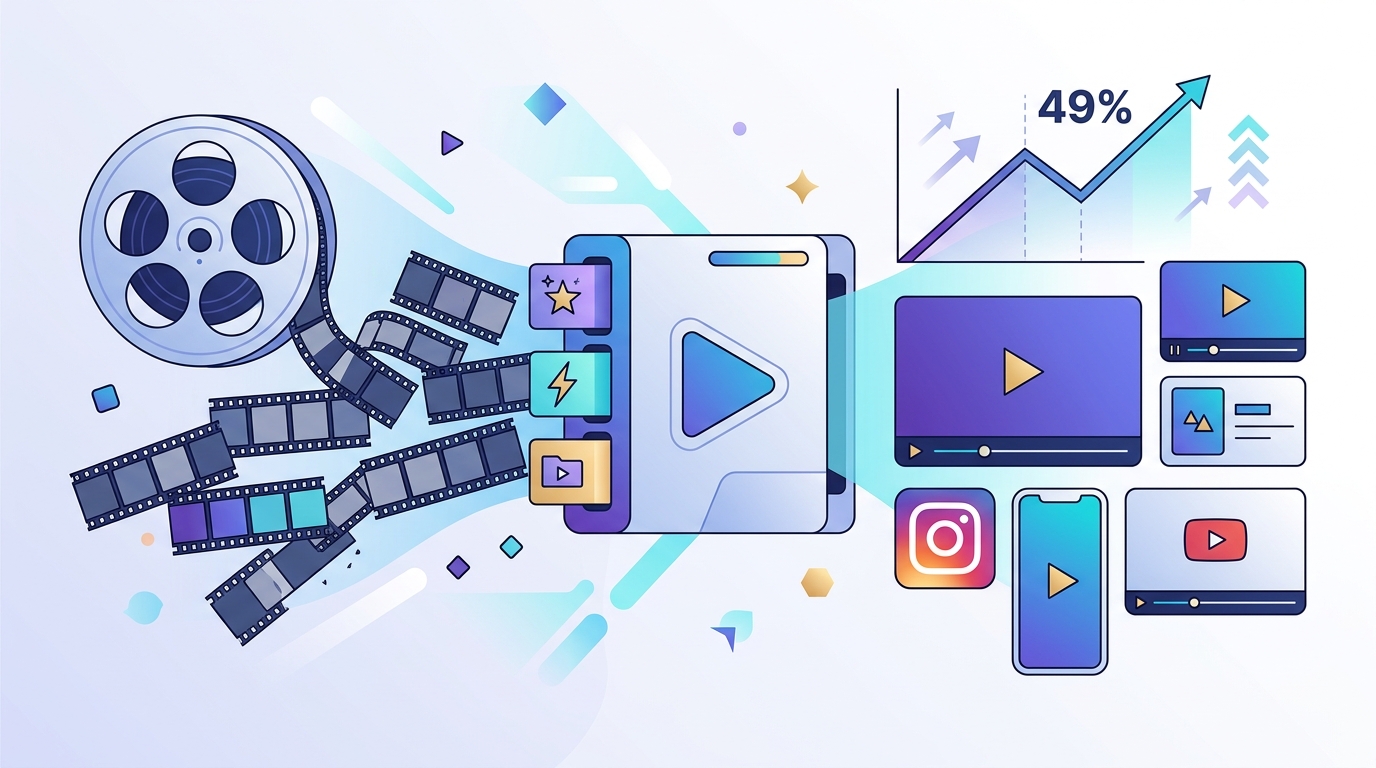
Marketing video production has shifted from a specialized craft to a scalable digital necessity. According to recent industry data, businesses that prioritize video content see a 49% faster year-over-year growth compared to those that do not. This surge in demand creates a significant bottleneck for small teams and solo entrepreneurs who lack the time or budget for professional editors. The solution lies in artificial intelligence tools that automate complex editing tasks. This guide explains how to leverage these technologies to produce professional-grade content without traditional expertise.
Understanding AI Video Tools
Artificial intelligence in video editing refers to software that uses machine learning algorithms to automate manual tasks. These tools analyze raw footage, audio tracks, and text inputs to generate polished outputs. The technology reduces the learning curve significantly. Users no longer need to understand keyframes, masking, or color grading curves. Instead, they interact with high-level prompts and templates.
AI video generation is the process of creating visual content from text or image inputs using generative models. This capability allows marketers to produce videos without filming any original footage. It is particularly useful for social media ads, explainer videos, and promotional clips. The technology handles the heavy lifting of scene composition and transition logic.
Automated editing is the use of software to cut, trim, and arrange video clips based on predefined rules or audio cues. This feature is essential for repurposing long-form content into short, engaging clips. It ensures that the final product maintains a professional rhythm without manual intervention. This efficiency is critical for maintaining a consistent posting schedule on platforms like Instagram and TikTok.
Core Features for Beginners
To edit marketing videos effectively without professional skills, you must understand the core features available in modern AI platforms. These tools are designed to simplify the creative process while maintaining high output quality.
Template-Based Creation
Templates provide a pre-designed structure for your video. They include layout, typography, and motion graphics that are already optimized for engagement. You simply replace the placeholder text and images with your brand assets. This method ensures visual consistency and saves hours of design time. It is the fastest way to produce content for campaigns.
Auto-Captioning and Subtitles
Most social media videos are watched without sound. Auto-captioning tools transcribe your audio and sync the text with the video timeline. This feature improves accessibility and viewer retention. It also allows you to edit the video by editing the text transcript, which is often faster than scrubbing through the timeline. Accuracy rates for modern AI transcription are exceptionally high.
Smart Resizing and Aspect Ratios
Different platforms require different video dimensions. A video that looks good on YouTube may be cropped incorrectly on Instagram Stories. Smart resizing tools automatically detect the subject of the video and reframe it to fit various aspect ratios. This ensures your content looks professional across all channels without manual cropping.
Step-by-Step Workflow
Creating a marketing video with AI follows a logical sequence. This workflow minimizes decision fatigue and maximizes output speed.
Step 1: Define Your Goal and Format
Start by identifying the purpose of the video. Is it a brand awareness ad, a product demo, or a customer testimonial? Choose the appropriate format from your AI tool. For example, use a short ad template for Facebook or a longer explainer format for YouTube. Clear goals lead to better template selection.
Step 2: Input Your Assets
Upload your brand assets, including logos, color palettes, and fonts. If you are using a text-to-video generator, write a detailed prompt describing the desired scenes. Be specific about the tone, style, and key messages. High-quality input results in high-quality output. Avoid vague descriptions that lead to generic visuals.
Step 3: Generate and Refine
Let the AI generate the initial draft. Review the output for accuracy and brand alignment. Make adjustments to the text, music, or timing as needed. Most AI tools allow for easy swapping of clips and music tracks. This iterative process ensures the final video meets your standards.
Step 4: Export and Publish
Export the video in the highest quality available. Check the file size and format compatibility with your target platform. Schedule the publication using integrated social media calendars. Consistent publishing is key to algorithmic growth.
Platform Comparison
Choosing the right AI video tool depends on your specific needs. The table below compares key features of leading platforms.
| Platform | Primary Strength | Best For | Key Feature |
|---|---|---|---|
| Promo.com | Speed and Templates | Social Media Ads | AI Video Maker |
| Canva | Design Integration | General Marketing | Magic Design |
| Descript | Audio Editing | Podcasts and Interviews | Text-Based Editing |
| Runway ML | Generative Effects | Creative Visuals | Gen-2 Model |
Promo.com stands out for its focus on marketing-specific templates and rapid production. It is designed for users who need to create high-volume content quickly. The platform integrates seamlessly with social media workflows. This makes it an ideal choice for agencies and small businesses.
Key Takeaways
- AI video tools automate complex editing tasks, reducing the need for professional skills.
- Templates provide a structured framework that ensures visual consistency and speed.
- Auto-captioning improves accessibility and viewer retention on social platforms.
- Smart resizing ensures content looks professional across different aspect ratios.
- Promo.com offers specialized tools for marketing video creation and social media optimization.
- Defining clear goals before starting leads to more effective video outcomes.
- Consistent publishing schedules are essential for algorithmic growth and brand awareness.
Frequently Asked Questions
Can I use AI to edit videos for free?
Many AI video platforms offer free tiers with limited features. These versions often include watermarks or lower resolution exports. Paid plans unlock full access to templates, higher quality exports, and advanced AI features. It is important to evaluate your budget against your production needs.
How accurate are AI-generated captions?
Modern AI transcription services are highly accurate, often exceeding 95% accuracy for clear audio. However, background noise and accents can impact performance. Always review and edit the generated captions before publishing. This step ensures clarity and professionalism.
Do I need to film original content?
No, you do not need to film original content. AI video generators can create videos from text prompts or stock footage libraries. This is useful for creating conceptual videos or promotional ads without a production crew. It significantly reduces production costs and time.
What is the best AI tool for social media ads?
Promo.com is optimized for social media ads with templates designed for Facebook, Instagram, and TikTok. It focuses on speed and conversion-driven design. Other tools may offer more creative control but require more time to master. Choose based on your volume and speed requirements.
Can AI replace human editors?
AI augments human creativity rather than replacing it entirely. It handles repetitive tasks and technical adjustments. Humans still provide the strategic direction, creative vision, and brand voice. The combination of AI efficiency and human insight yields the best results.
How long does it take to learn AI video editing?
Most AI video tools are designed for ease of use. Users can produce their first video in under an hour. Learning to leverage advanced features may take a few days. The learning curve is significantly lower than traditional editing software like Adobe Premiere.
Is AI video content safe for brand use?
Yes, AI-generated content is safe for brand use as long as you own the rights to the assets. Ensure that the AI tool provides commercial licenses for its outputs. Always review the generated content for brand alignment and accuracy before publishing.
Start Creating Today
Editing marketing videos with AI is no longer a futuristic concept. It is a present-day reality that empowers businesses to compete in a visual-first world. By leveraging tools like Promo.com, you can produce professional content without the steep learning curve of traditional software. Start by exploring the templates available on the platform. Sign up for a free trial to experience the power of AI video creation. Visit the blog for more tips on video marketing. Join the community of marketers who are already scaling their content production. Create your first video today and transform your marketing strategy.