%20-%20http%3A%2F%2Fwww.bohemiancoding.com%2Fsketch%20--%3E%3Ctitle%3EF21EF66B-AC70-4761-BD58-0CF80940AF0E%3C%2Ftitle%3E%3Cdesc%3ECreated%20with%20sketchtool.%3C%2Fdesc%3E%3Cdefs%3E%3ClinearGradient%20x1%3D%220.00537998663%25%22%20y1%3D%2249.9970053%25%22%20x2%3D%22100.036289%25%22%20y2%3D%2249.9970053%25%22%20id%3D%22linearGradient-1%22%3E%3Cstop%20stop-color%3D%22%23FF3176%22%20offset%3D%220%25%22%3E%3C%2Fstop%3E%3Cstop%20stop-color%3D%22%23FF7369%22%20offset%3D%22100%25%22%3E%3C%2Fstop%3E%3C%2FlinearGradient%3E%3ClinearGradient%20x1%3D%2248.5798817%25%22%20y1%3D%2254.2967493%25%22%20x2%3D%2255.1676529%25%22%20y2%3D%2234.4061796%25%22%20id%3D%22linearGradient-2%22%3E%3Cstop%20stop-color%3D%22%23FFFFFF%22%20offset%3D%220%25%22%3E%3C%2Fstop%3E%3Cstop%20stop-color%3D%22%23000000%22%20offset%3D%22100%25%22%3E%3C%2Fstop%3E%3C%2FlinearGradient%3E%3C%2Fdefs%3E%3Cg%20id%3D%22Page-1%22%20stroke%3D%22none%22%20stroke-width%3D%221%22%20fill%3D%22none%22%20fill-rule%3D%22evenodd%22%3E%3Cg%20id%3D%22Share-Collection-Page%22%20transform%3D%22translate(-428.000000%2C%20-134.000000)%22%3E%3Cg%20id%3D%22logo%22%20transform%3D%22translate(428.000000%2C%20134.000000)%22%3E%3Cpath%20d%3D%22M20.2986321%2C10.9688889%20L3.64248989%2C0.458888889%20C2.93397974%2C0.0108924108%202.04660609%2C-0.00636245151%201.32230058%2C0.413773117%20C0.597995072%2C0.833908685%200.149820407%2C1.62585232%200.150471698%2C2.48444444%20L0.150471698%2C14.6233333%20C0.132465611%2C15.4836852%200.56615818%2C16.2867701%201.28404255%2C16.7224094%20C2.00192692%2C17.1580487%202.89162767%2C17.1580487%203.60951203%2C16.7224094%20C4.3273964%2C16.2867701%204.76108897%2C15.4836852%204.74308288%2C14.6233333%20L4.74308288%2C6.71444444%20L7.45802224%2C8.42777778%20L12.9061725%2C11.8655556%20L12.935192%2C11.8844444%20L14.7365532%2C13.0211111%20L10.3997439%2C15.8311111%20L8.52852089%2C17.0422222%20C7.79949217%2C17.4755559%207.35782454%2C18.2861166%207.37715348%2C19.1552437%20C7.39648242%2C20.0243707%207.87371725%2C20.8130913%208.62123974%2C21.2113308%20C9.36876222%2C21.6095703%2010.267044%2C21.5536505%2010.962938%2C21.0655556%20L20.3136792%2C15.0055556%20C20.9876242%2C14.5689795%2021.3949851%2C13.8029055%2021.3903879%2C12.9807208%20C21.3857907%2C12.158536%2020.9698904%2C11.3973815%2020.2911085%2C10.9688889%20L20.2986321%2C10.9688889%20Z%20M2.51502695%2C20.9288889%20C1.54073252%2C20.928889%200.662393628%2C21.5356783%200.289647775%2C22.466264%20C-0.0830980782%2C23.3968496%200.123170463%2C24.4679301%200.812254393%2C25.1799777%20C1.50133832%2C25.8920252%202.53750581%2C26.1047847%203.43751166%2C25.7190299%20C4.3375175%2C25.3332751%204.92408368%2C24.4249898%204.92364892%2C23.4177778%20C4.92187147%2C22.0435305%203.84436182%2C20.930113%202.51502695%2C20.9288889%20Z%22%20fill%3D%22url(%23linearGradient-1)%22%20fill-rule%3D%22nonzero%22%3E%3C%2Fpath%3E%3Cpolygon%20id%3D%22Path%22%20fill%3D%22url(%23linearGradient-2)%22%20points%3D%2212.9061725%2011.8655556%207.45802224%208.42777778%207.45694744%208.41333333%22%3E%3C%2Fpolygon%3E%3C%2Fg%3E%3C%2Fg%3E%3C%2Fg%3E%3C%2Fsvg%3E)

Marketing video production has shifted from a specialized craft to a democratized necessity. According to recent industry data, businesses that utilize video content see a 49% faster growth in website traffic compared to those that do not. This statistic highlights the critical importance of visual content in modern digital strategies. However, the barrier to entry has traditionally been high, requiring expensive software and years of technical expertise. Today, artificial intelligence bridges that gap by automating complex editing tasks. This guide explains how you can leverage these tools to create professional-grade marketing assets without hiring a dedicated video team.
Understanding AI Video Tools
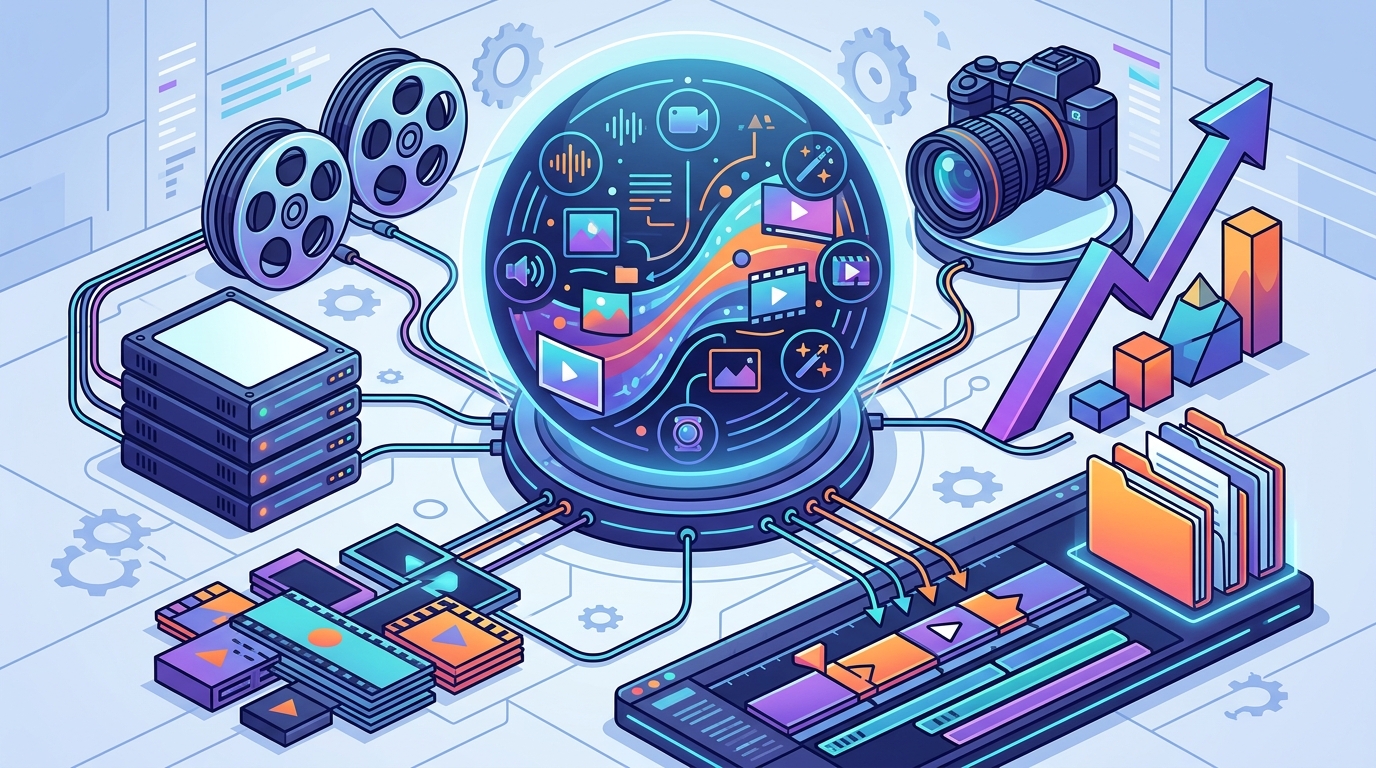
The term "AI video maker" refers to software that uses machine learning algorithms to automate the tedious aspects of video production. These systems analyze your input, whether it is a text script, a collection of photos, or raw footage, and assemble it into a coherent narrative. The technology handles the heavy lifting, including scene transitions, audio synchronization, and subtitle generation. This allows marketers to focus on strategy rather than technical execution.
For small businesses and solo entrepreneurs, this capability is transformative. It removes the need for expensive hardware or specialized knowledge of frame rates and codecs. Instead, you interact with a simplified interface that guides you through the creation process. The result is a polished video that meets professional standards in a fraction of the time.
At Promo.com, the focus is on empowering users to promote anything with unlimited creativity. The platform is designed to be accessible to everyone, regardless of their technical background. By integrating AI into the core workflow, it ensures that every user can produce high-quality content efficiently.
Core Features for Marketers
To edit marketing videos effectively without professional skills, you need specific AI-driven features that simplify the creative process. These tools are not just about automation; they are about enhancing the quality of your output through intelligent suggestions and templates.
Automated Templates and Layouts
Professional video editors spend hours aligning text, images, and video clips. AI tools eliminate this manual labor by providing pre-designed templates that adapt to your content. These templates are optimized for various social media platforms, ensuring that your videos look native on Facebook, Instagram, or YouTube. The AI automatically adjusts aspect ratios and layout elements to fit the specific requirements of each channel.
Smart Subtitles and Captions
Most social media videos are watched without sound. Therefore, accurate subtitles are crucial for engagement. AI-powered captioning tools use speech-to-text technology to generate subtitles in real-time. They correct errors automatically and sync the text with the audio track. This feature is essential for accessibility and ensures that your message is conveyed even in silent environments.
AI-Driven Music and Audio
Choosing the right background music can make or break a video. AI tools analyze the mood and pace of your video to suggest appropriate royalty-free music tracks. They can also automatically adjust the volume levels of the music to ensure it does not overpower the voiceover. This dynamic audio mixing creates a professional listening experience without manual adjustment.
For more insights on these capabilities, you can explore the Promo Resources section, which offers detailed guides on video marketing best practices.
Step-by-Step Workflow
Creating a marketing video with AI is a straightforward process. It involves defining your goal, selecting a template, inputting your content, and refining the output. Here is a practical workflow to help you get started.
1. Define Your Objective and Audience
Before opening any software, clarify the purpose of your video. Is it a product demonstration, a brand story, or a social media ad? Knowing your audience helps you choose the right tone and style. For example, a video for LinkedIn should be more formal, while one for TikTok should be energetic and short.
2. Choose a Relevant Template
Visit a platform like Promo Templates and browse categories that match your industry. Whether you are in real estate, fitness, or e-commerce, there are tailored templates available. Select a template that aligns with your brand colors and messaging. This step ensures consistency across your marketing materials.
3. Input Your Content
Upload your media files or paste your script. If you are using a text-to-video feature, the AI will generate scenes based on your input. You can replace placeholder images with your own product photos or team videos. The AI will automatically resize and position these elements within the template.
4. Customize and Refine
Review the generated video. Make minor adjustments to the text, fonts, or timing if necessary. Most AI tools allow you to tweak the output without starting from scratch. This iterative process ensures that the final product meets your specific requirements.
5. Export and Publish
Once you are satisfied with the result, export the video in the appropriate format. Many platforms offer direct publishing options to social media channels. This saves time and ensures that the video is optimized for each platform's algorithm.
For a deeper dive into the technical aspects, check out the Promo Blog for tutorials on video marketing strategies.
Platform Comparison
Not all AI video tools are created equal. Some focus on text-to-video generation, while others emphasize template-based editing. Understanding the differences helps you choose the right tool for your needs.
| Feature | Promo.com | Traditional Editors | Text-to-Video AI |
|---|---|---|---|
| Learning Curve | Low | High | Medium |
| Template Variety | Extensive | Limited | Basic |
| Customization | High | Unlimited | Low |
| Best For | Marketers | Professionals | Quick Prototypes |
Promo.com stands out for its balance of ease of use and professional output. It is designed specifically for marketers who need speed and quality. Traditional editors offer more control but require significant time investment. Text-to-video AI tools are fast but often lack the nuance needed for brand-specific marketing.
Best Practices for Automation
While AI simplifies the editing process, it does not replace strategic thinking. To get the best results, follow these best practices.
Keep it concise. Attention spans are short. Aim for videos that are under 60 seconds for social media. Use the Promo Tools to trim unnecessary segments and keep the pacing tight.
Use consistent branding. Ensure that your colors, fonts, and logos are consistent across all videos. This builds brand recognition and trust. AI templates can help maintain this consistency automatically.
Focus on the hook. The first three seconds of your video are critical. Use a compelling visual or statement to grab attention immediately. AI can help you test different hooks to see which performs best.
For more tips, visit the Promo Academy to learn advanced video marketing techniques.
Key Takeaways
- AI video tools automate complex tasks like editing, captioning, and music selection.
- Businesses using video see significantly higher engagement and traffic growth.
- Templates and AI-driven layouts ensure professional results without technical skills.
- Promo.com offers a user-friendly platform tailored for marketers and small businesses.
- Consistent branding and concise messaging are crucial for video success.
- AI can generate subtitles and sync audio automatically, saving hours of work.
- Choosing the right tool depends on your need for customization versus speed.
Frequently Asked Questions
Can I really edit videos without any experience?
Yes. AI video makers are designed for beginners. They use intuitive interfaces and automated features to guide you through the process. You do not need to know how to use complex editing software.
How long does it take to create a video with AI?
It depends on the complexity, but most videos can be created in minutes. Using templates and AI automation significantly reduces the time compared to traditional editing.
Is the video quality professional?
Yes. AI tools use high-quality assets and algorithms to ensure the output looks polished. Many platforms offer 4K export options for professional use.
Can I use my own brand assets?
Absolutely. You can upload your own logos, images, and videos. The AI will integrate them into the template seamlessly.
Do I need to pay for music?
Most AI video platforms include royalty-free music libraries. This ensures you can use the music without worrying about copyright issues.
How do I add subtitles?
AI tools can automatically generate subtitles from your audio. You can then edit the text for accuracy and style.
Can I edit videos on my phone?
Many AI video platforms offer mobile apps or responsive web interfaces. This allows you to create and edit videos on the go.
Start Creating
Stop letting technical barriers hold back your marketing efforts. With AI-powered video tools, you can create compelling content that drives results. Visit Promo.com today to start your free trial and experience the power of AI video editing. Join thousands of marketers who are already transforming their content strategy.