%20-%20http%3A%2F%2Fwww.bohemiancoding.com%2Fsketch%20--%3E%3Ctitle%3EF21EF66B-AC70-4761-BD58-0CF80940AF0E%3C%2Ftitle%3E%3Cdesc%3ECreated%20with%20sketchtool.%3C%2Fdesc%3E%3Cdefs%3E%3ClinearGradient%20x1%3D%220.00537998663%25%22%20y1%3D%2249.9970053%25%22%20x2%3D%22100.036289%25%22%20y2%3D%2249.9970053%25%22%20id%3D%22linearGradient-1%22%3E%3Cstop%20stop-color%3D%22%23FF3176%22%20offset%3D%220%25%22%3E%3C%2Fstop%3E%3Cstop%20stop-color%3D%22%23FF7369%22%20offset%3D%22100%25%22%3E%3C%2Fstop%3E%3C%2FlinearGradient%3E%3ClinearGradient%20x1%3D%2248.5798817%25%22%20y1%3D%2254.2967493%25%22%20x2%3D%2255.1676529%25%22%20y2%3D%2234.4061796%25%22%20id%3D%22linearGradient-2%22%3E%3Cstop%20stop-color%3D%22%23FFFFFF%22%20offset%3D%220%25%22%3E%3C%2Fstop%3E%3Cstop%20stop-color%3D%22%23000000%22%20offset%3D%22100%25%22%3E%3C%2Fstop%3E%3C%2FlinearGradient%3E%3C%2Fdefs%3E%3Cg%20id%3D%22Page-1%22%20stroke%3D%22none%22%20stroke-width%3D%221%22%20fill%3D%22none%22%20fill-rule%3D%22evenodd%22%3E%3Cg%20id%3D%22Share-Collection-Page%22%20transform%3D%22translate(-428.000000%2C%20-134.000000)%22%3E%3Cg%20id%3D%22logo%22%20transform%3D%22translate(428.000000%2C%20134.000000)%22%3E%3Cpath%20d%3D%22M20.2986321%2C10.9688889%20L3.64248989%2C0.458888889%20C2.93397974%2C0.0108924108%202.04660609%2C-0.00636245151%201.32230058%2C0.413773117%20C0.597995072%2C0.833908685%200.149820407%2C1.62585232%200.150471698%2C2.48444444%20L0.150471698%2C14.6233333%20C0.132465611%2C15.4836852%200.56615818%2C16.2867701%201.28404255%2C16.7224094%20C2.00192692%2C17.1580487%202.89162767%2C17.1580487%203.60951203%2C16.7224094%20C4.3273964%2C16.2867701%204.76108897%2C15.4836852%204.74308288%2C14.6233333%20L4.74308288%2C6.71444444%20L7.45802224%2C8.42777778%20L12.9061725%2C11.8655556%20L12.935192%2C11.8844444%20L14.7365532%2C13.0211111%20L10.3997439%2C15.8311111%20L8.52852089%2C17.0422222%20C7.79949217%2C17.4755559%207.35782454%2C18.2861166%207.37715348%2C19.1552437%20C7.39648242%2C20.0243707%207.87371725%2C20.8130913%208.62123974%2C21.2113308%20C9.36876222%2C21.6095703%2010.267044%2C21.5536505%2010.962938%2C21.0655556%20L20.3136792%2C15.0055556%20C20.9876242%2C14.5689795%2021.3949851%2C13.8029055%2021.3903879%2C12.9807208%20C21.3857907%2C12.158536%2020.9698904%2C11.3973815%2020.2911085%2C10.9688889%20L20.2986321%2C10.9688889%20Z%20M2.51502695%2C20.9288889%20C1.54073252%2C20.928889%200.662393628%2C21.5356783%200.289647775%2C22.466264%20C-0.0830980782%2C23.3968496%200.123170463%2C24.4679301%200.812254393%2C25.1799777%20C1.50133832%2C25.8920252%202.53750581%2C26.1047847%203.43751166%2C25.7190299%20C4.3375175%2C25.3332751%204.92408368%2C24.4249898%204.92364892%2C23.4177778%20C4.92187147%2C22.0435305%203.84436182%2C20.930113%202.51502695%2C20.9288889%20Z%22%20fill%3D%22url(%23linearGradient-1)%22%20fill-rule%3D%22nonzero%22%3E%3C%2Fpath%3E%3Cpolygon%20id%3D%22Path%22%20fill%3D%22url(%23linearGradient-2)%22%20points%3D%2212.9061725%2011.8655556%207.45802224%208.42777778%207.45694744%208.41333333%22%3E%3C%2Fpolygon%3E%3C%2Fg%3E%3C%2Fg%3E%3C%2Fg%3E%3C%2Fsvg%3E)

Marketing video production has shifted from a specialized craft to a democratized necessity. According to recent industry reports, over 80% of marketers now use video as a core component of their strategy, yet only a fraction possess professional editing credentials. This gap has created a massive demand for accessible tools. AI video makers have emerged as the primary solution, allowing businesses to generate professional content without traditional editing software. The technology automates complex tasks like scene selection, pacing, and captioning, effectively removing the technical barrier to entry. (About Us Promo com)
Understanding AI Video Automation
AI video automation refers to the use of artificial intelligence algorithms to streamline the video creation process. This technology does not replace human creativity but rather augments it by handling repetitive and technical tasks. For a business owner or marketer, this means you can focus on the message rather than the mechanics of editing. (FAQ Promo com Marketing)
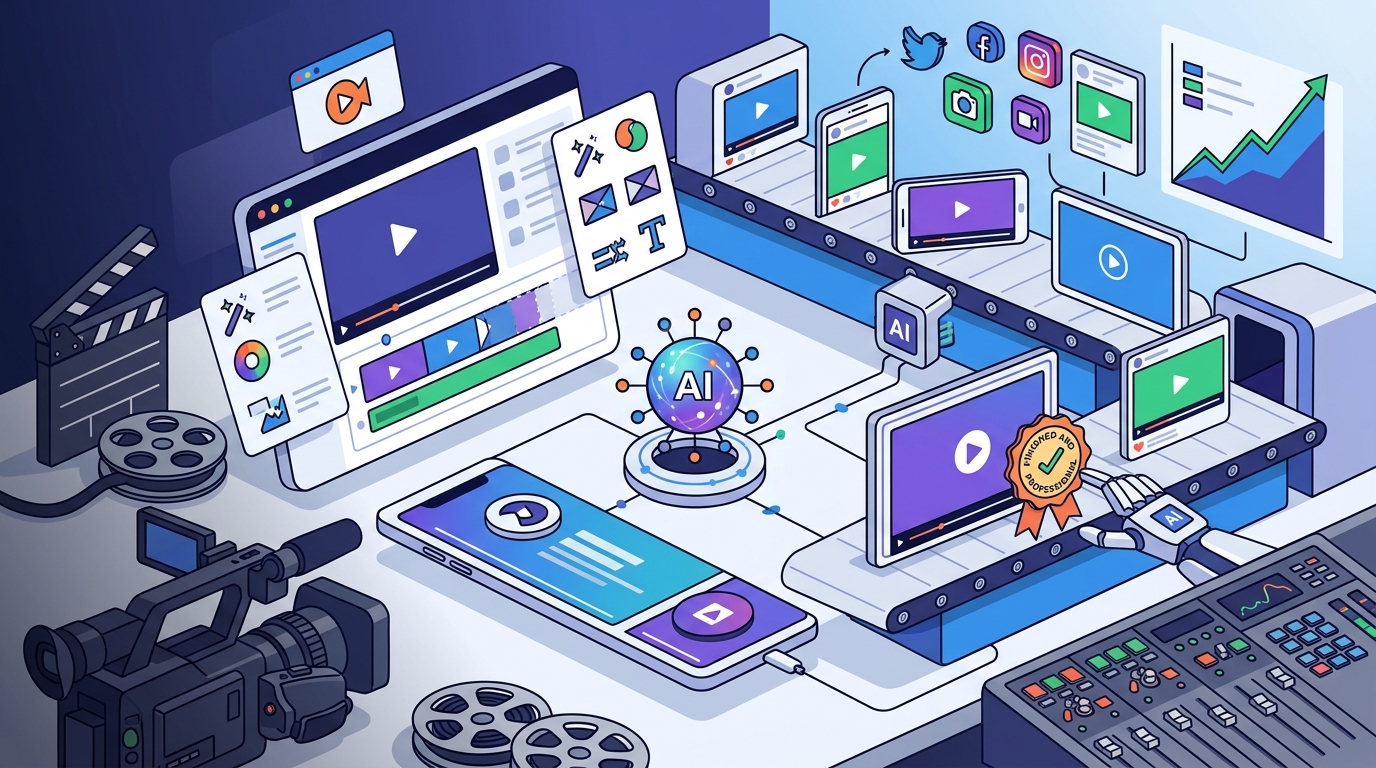
At its core, an AI video maker analyzes your input, such as a script or a collection of photos, and automatically structures it into a coherent narrative. It selects appropriate stock footage, applies transitions, and syncs audio tracks based on the mood of the content. This process significantly reduces the time required to produce a video from hours to minutes.
The technology relies on machine learning models trained on vast datasets of successful video content. These models understand visual hierarchy, color theory, and pacing, ensuring that the final output adheres to professional standards. This is particularly valuable for small businesses that cannot afford a dedicated video production team.
Core Features for Non-Experts
To successfully edit marketing videos without professional skills, you need specific features that simplify the workflow. The following capabilities are essential for achieving high-quality results.
Automated Script-to-Video Generation
This feature allows you to input text and have the AI generate a video automatically. You provide the core message, and the system selects relevant visuals and voiceovers. This is ideal for social media ads, explainer videos, and promotional content. The AI matches keywords in your script to stock libraries, ensuring relevance without manual searching.
Smart Templates and Layouts
Templates provide a pre-designed structure for your video. AI enhances these templates by dynamically adjusting elements based on your content. For example, if you upload a vertical video, the AI will automatically crop and reframe it to fit different aspect ratios for Instagram, TikTok, and YouTube. This ensures your content looks native on every platform.
AI Voiceovers and Subtitles
Professional voice acting can be expensive. AI voiceover technology offers realistic, natural-sounding voices in multiple languages and accents. Additionally, automatic subtitle generation improves accessibility and engagement. Data shows that videos with captions retain viewers longer, making this a critical feature for marketing success.
Step-by-Step Workflow
Creating a marketing video with AI follows a logical progression. By adhering to this workflow, you can ensure consistency and quality in your output.
Step 1: Define Your Objective
Before opening any tool, determine the goal of your video. Is it to drive sales, increase brand awareness, or educate customers? Your objective will dictate the tone, length, and call to action. For instance, a Facebook ad requires a different hook than a YouTube intro. Understanding this context helps the AI make better creative choices.
Step 2: Prepare Your Assets
Gather your raw materials. This includes your script, brand logos, product images, and any existing video clips. If you do not have original footage, you can rely on the AI's stock library. Ensure your brand colors and fonts are ready to be applied. Consistency in branding is key to recognition.
Step 3: Select a Template or Start from Scratch
Choose a template that aligns with your industry. Promo.com offers specialized templates for real estate, fitness, and e-commerce. These templates are designed with best practices in mind, ensuring proper pacing and visual hierarchy. Starting with a template reduces the cognitive load and speeds up the production process.
Step 4: Customize with AI Assistance
Input your script and assets. Use the AI features to auto-generate scenes and sync audio. Review the draft and make minor adjustments to text or timing. The AI will handle the complex rendering and encoding, allowing you to focus on the creative details. This step is where you inject your brand personality into the automated framework.
Step 5: Export and Distribute
Once satisfied with the preview, export your video in the appropriate format. Most AI tools allow you to download in high definition. You can then upload directly to your social media channels or ad platforms. Many tools also offer scheduling features, enabling you to publish content automatically.
Platform Comparison
Not all AI video tools are created equal. Below is a comparison of key features to help you choose the right solution for your needs.
| Feature | Promo.com | Traditional Editors | Basic AI Tools |
|---|---|---|---|
| Learning Curve | Low | High | Medium |
| Template Variety | Industry-Specific | Generic | Limited |
| AI Voiceovers | Yes | No | Yes |
| Stock Library | Integrated | External | Basic |
| Cost Efficiency | High | Low | Medium |
Promo.com stands out for its industry-specific templates and seamless integration of AI features. It is designed specifically for marketers who need speed and quality without the complexity of professional software. Traditional editors offer more control but require significant time investment. Basic AI tools often lack the depth needed for professional marketing campaigns.
Best Practices for Results
To maximize the effectiveness of your AI-generated videos, follow these guidelines.
Keep it concise. Attention spans are short. Aim for videos under 60 seconds for social media ads. Use the first three seconds to hook the viewer. AI tools can help with pacing, but you must provide a clear and engaging script.
Maintain brand consistency. Use your brand colors, fonts, and logo consistently across all videos. This builds recognition and trust. AI tools allow you to save brand kits, making this process effortless.
Optimize for sound. Many users watch videos without sound. Ensure your captions are clear and your visuals tell the story independently. Use high-quality music that matches the tone of your content. AI voiceovers can provide a professional touch, but ensure the volume is balanced with background music.
Test and iterate. Use A/B testing to compare different versions of your video. Change the hook, the music, or the call to action to see what performs best. AI tools make it easy to create multiple variations quickly.
Key Takeaways
- AI video makers democratize content creation, allowing non-experts to produce professional marketing videos.
- Core features like script-to-video generation and smart templates reduce production time from hours to minutes.
- Automated voiceovers and subtitles improve accessibility and viewer retention significantly.
- Promo.com offers industry-specific templates tailored for real estate, fitness, and e-commerce sectors.
- Consistency in branding and concise messaging are critical for successful video marketing.
- A/B testing different video variations helps optimize performance and engagement rates.
- AI tools integrate stock libraries and scheduling features for a streamlined workflow.
Frequently Asked Questions
Can I use AI to edit my own video footage?
Yes, most AI video makers allow you to upload your own clips. The AI can then automatically cut, trim, and add effects to your footage. This is useful for creating highlight reels or social media stories from longer videos.
Is AI-generated video content legally safe to use?
Generally, yes. Reputable AI video platforms use licensed stock footage and music. However, you should always review the terms of service regarding commercial use. Promo.com provides access to licensed assets that are safe for marketing purposes.
How long does it take to create a video with AI?
It depends on the complexity of the video. A simple social media ad can be created in under 10 minutes. More complex videos with custom branding and multiple scenes may take 30 to 60 minutes. This is significantly faster than traditional editing methods.
Do I need to pay for stock footage?
Most AI video platforms include a library of stock footage in their subscription plans. Promo.com offers a wide range of high-quality assets that are ready to use. You do not need to purchase additional licenses for most standard marketing videos.
Can AI help with video SEO?
While AI does not directly optimize SEO, it can help create content that performs better. By generating engaging videos with proper captions and keywords, you can improve viewer retention and engagement, which are key factors in search rankings.
What is the best format for AI-generated marketing videos?
The best format depends on the platform. Vertical videos (9:16) are ideal for TikTok, Instagram Reels, and YouTube Shorts. Horizontal videos (16:9) are best for YouTube and website embeds. Square videos (1:1) work well for Facebook and LinkedIn feeds.
Can I collaborate with a team using AI video tools?
Yes, many AI video platforms offer team collaboration features. You can share drafts, leave comments, and manage permissions. This is essential for marketing teams that need to review and approve content before publishing.
Start Creating Today
Stop letting technical barriers hold back your marketing efforts. With AI video makers, you can produce high-quality content that drives results. Explore the templates available on Promo.com to find the perfect starting point for your next campaign. Visit our pricing page to find a plan that fits your business needs. Join thousands of marketers who are already leveraging AI to grow their brands. Start creating your first AI video today and see the difference it makes.