%22%20stroke-width%3D%222%22%3E%3Ccircle%20stroke-opacity%3D%22.5%22%20cx%3D%2218%22%20cy%3D%2218%22%20r%3D%2218%22%2F%3E%3Cpath%20d%3D%22M36%2018c0-9.94-8.06-18-18-18%22%3E%3CanimateTransform%20attributeName%3D%22transform%22%20type%3D%22rotate%22%20from%3D%220%2018%2018%22%20to%3D%22360%2018%2018%22%20dur%3D%221s%22%20repeatCount%3D%22indefinite%22%2F%3E%3C%2Fpath%3E%3C%2Fg%3E%3C%2Fg%3E%3C%2Fsvg%3E)

Video marketing has become the dominant force in digital advertising, with reports indicating that video content drives significant engagement across all major platforms. According to recent industry data, over 80% of marketers report that video has directly increased sales or leads. However, the barrier to entry has traditionally been high, requiring expensive software and specialized editing knowledge. Today, artificial intelligence has dismantled these barriers, allowing businesses to produce professional-grade content without hiring a film crew or learning complex timelines. This guide explains how you can leverage AI tools to create, edit, and publish marketing videos from scratch.
Why AI Changes the Video Editing Game
Traditional video editing requires mastering complex software interfaces, understanding color grading, and managing audio levels. For small business owners and marketing teams, this process is often too time-consuming and costly. AI video editors simplify this by automating the most tedious parts of production. These tools use machine learning to analyze your raw footage or text inputs and generate polished videos automatically.
The shift toward AI-driven creation is not just a trend; it is a fundamental change in how content is produced. According to Statista, the global video marketing software market is projected to grow significantly through 2026. This growth is driven by the need for speed and scalability. Businesses can no longer afford to wait weeks for a single video asset. AI allows for rapid iteration, enabling marketers to test multiple variations of an ad in hours rather than days.
AI Video Maker technology is defined as a software system that uses artificial intelligence algorithms to automate the creation and editing of video content. This definition encompasses everything from auto-captioning to full scene generation. By removing the need for manual frame-by-frame editing, you can focus on strategy and messaging rather than technical execution.
Core AI Features for Non-Editors
To edit marketing videos without professional skills, you need to understand the specific features that AI platforms offer. These tools are designed to handle the heavy lifting for you. Here are the most critical capabilities you should look for.
Text-to-Video Generation
One of the most powerful features is the ability to turn text into video. You simply input a script or a blog post, and the AI selects relevant stock footage, adds voiceovers, and applies transitions. This is ideal for creating explainer videos, social media ads, and educational content. According to Wyzowl, 86% of businesses use video as a marketing tool, and text-to-video is the fastest way to scale that production.
Auto-Captioning and Subtitles
Most social media videos are watched without sound. AI tools automatically generate accurate captions and subtitles, ensuring your message is accessible to all viewers. This feature also improves SEO, as search engines can index the text within your video. Promo.com offers robust subtitle tools that sync perfectly with your audio track.
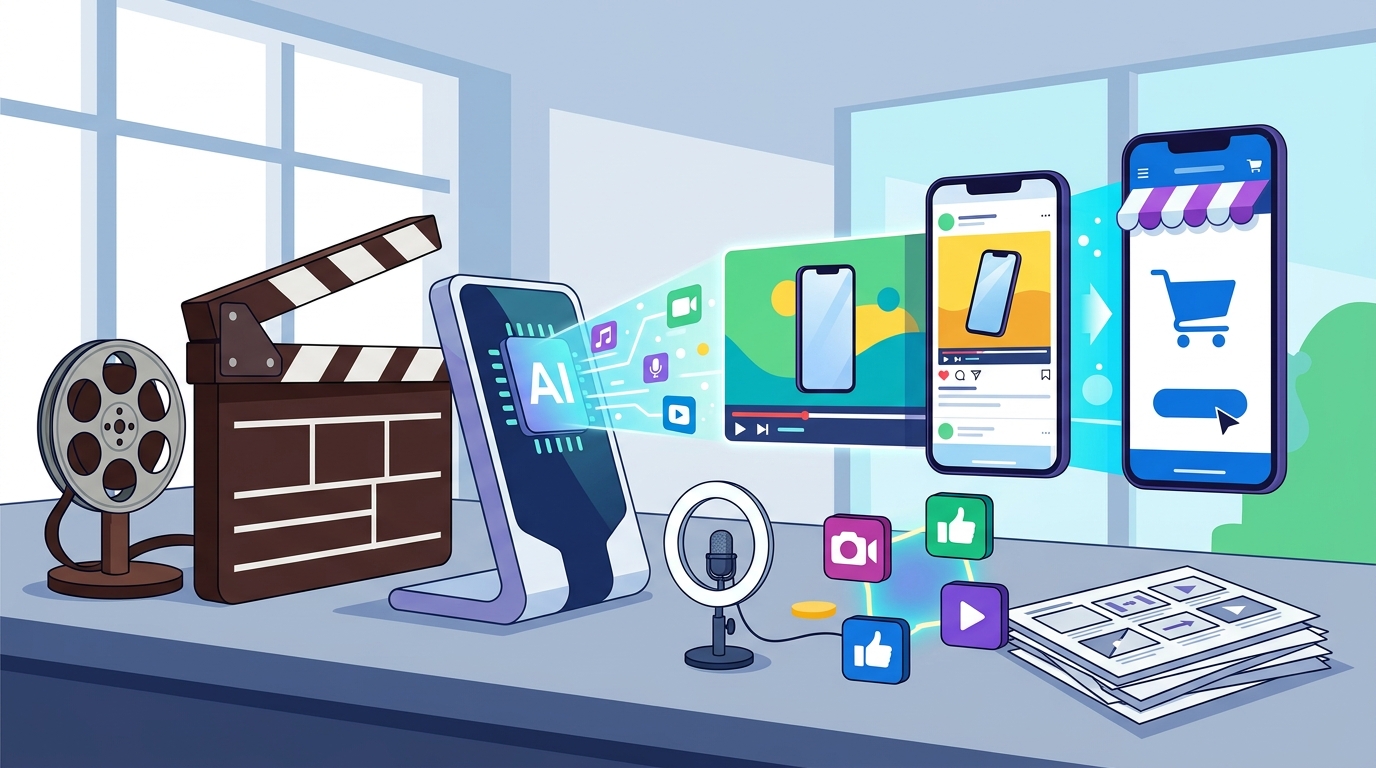
Smart Resizing for Multiple Platforms
A single video needs to look good on YouTube, Instagram, TikTok, and LinkedIn. Manually cropping and resizing for each aspect ratio is tedious. AI video editors automatically detect the focal point of your video and reframe it for different screen sizes. This ensures your content remains engaging whether viewed on a desktop or a mobile device.
Step-by-Step Workflow for Beginners
Creating a marketing video with AI is straightforward. You do not need to install heavy software or learn complex shortcuts. Follow this simple workflow to produce your first AI-edited video.
Step 1: Define Your Goal and Audience
Before opening any tool, decide what you want to achieve. Are you creating a brand awareness ad, a product demo, or a customer testimonial? Your goal will dictate the template you choose. For example, a Promo template for a real estate listing will differ significantly from one designed for a fashion brand.
Step 2: Choose a Template or Start from Scratch
AI platforms offer thousands of pre-designed templates. These are not static; they are dynamic structures that adapt to your content. Browse categories like Social Media or Industries to find a style that matches your brand voice. Selecting a template gives you a professional foundation instantly.
Step 3: Input Your Content
Upload your brand assets, such as logos, product images, or raw video clips. Alternatively, use the text-to-video feature by pasting your script. The AI will analyze the text and suggest relevant media. You can also use the PromoAI co-pilot to generate ideas and structure your narrative.
Step 4: Customize and Refine
Even with AI, you need to add your brand identity. Change the colors to match your brand guidelines, swap out stock footage for your own product shots, and adjust the music to fit the mood. The AI handles the timing and transitions, but you control the aesthetic. Use the Online Video Editor to make fine-tuned adjustments if needed.
Step 5: Export and Publish
Once you are satisfied with the result, export your video in the desired format. Most AI tools allow you to publish directly to social media platforms like Facebook and Instagram. This saves time and ensures your content is optimized for each platform's algorithm.
Comparing Top AI Video Platforms
Not all AI video tools are created equal. Some focus on text-to-video generation, while others excel at editing existing footage. Here is a comparison of key features to help you choose the right platform for your needs.
| Feature | Promo.com | Traditional Editors | Text-to-Video AI |
|---|---|---|---|
| Learning Curve | Low (Template-based) | High (Manual) | Medium (Prompt-based) |
| Speed | Minutes | Hours to Days | Minutes |
| Customization | High (Brand kits) | Unlimited | Low to Medium |
| Best For | Social Media Ads | Cinematic Content | Explainer Videos |
Promo.com stands out for its focus on marketing-specific needs. It offers Trending Now templates that align with current social media trends. This ensures your content feels fresh and relevant. Other platforms may offer more granular control, but they often require a steeper learning curve that non-professionals may find daunting.
Best Practices for AI-Generated Content
While AI makes editing easy, it does not replace the need for strategic thinking. To get the best results, follow these best practices.
Keep it short. Attention spans are shrinking. According to HubSpot marketing statistics, videos under 60 seconds perform best on social media. Use the Short Ads feature to create punchy, impactful clips.
Focus on the hook. The first three seconds of your video determine whether a viewer stays or scrolls. Use AI to generate strong opening visuals or text overlays that grab attention immediately.
Maintain brand consistency. Even though AI generates the content, your brand must be recognizable. Save your brand colors, fonts, and logos in your account settings. This ensures every video you create looks like it comes from your company.
Test and iterate. AI allows for rapid experimentation. Create multiple versions of the same video with different hooks, music, or calls to action. Use analytics to see which version performs best and refine your strategy accordingly.
Key Takeaways
- AI video editors automate tedious tasks like captioning, resizing, and transitions.
- You do not need professional skills to create high-quality marketing videos.
- Text-to-video features allow you to generate content from simple scripts.
- Template-based platforms like Promo.com offer the fastest path to production.
- Consistent branding is crucial, even when using AI-generated assets.
- Short-form video content drives the highest engagement on social platforms.
- AI tools reduce production time from days to minutes.
Frequently Asked Questions
Can I really edit videos without any experience?
Yes. AI video editors are designed for beginners. They use drag-and-drop interfaces and pre-built templates to guide you through the process. You simply upload your content, and the AI handles the technical editing.
What is the best AI tool for social media videos?
Promo.com is optimized for social media marketing. It offers specific templates for YouTube, TikTok, and LinkedIn, ensuring your videos are formatted correctly for each platform.
How much does AI video editing cost?
Costs vary by platform. Many AI tools offer free tiers with watermarks. Premium plans, like those from Promo.com, offer unlimited downloads, higher resolution, and advanced features for a monthly subscription.
Can I use my own footage with AI?
Absolutely. Most AI video editors allow you to upload your own clips, images, and audio. The AI will then analyze your content and suggest edits, transitions, and music that match the mood and pace of your footage.
Is AI-generated video content safe for commercial use?
Yes, provided you use a legitimate platform that licenses its stock assets. Promo.com provides royalty-free music and stock footage, ensuring your videos are safe for commercial use without legal issues.
How long does it take to create a video with AI?
It can take as little as 10 to 15 minutes. This includes selecting a template, uploading your content, customizing the design, and exporting the final file. This is significantly faster than traditional editing methods.
Do I need to download software to use AI video editors?
No. Most modern AI video editors are cloud-based. You can access them directly through your web browser. This means you can edit videos on any device, anywhere, without installing heavy software.
Start Creating Today
Stop letting a lack of technical skills hold back your marketing efforts. AI video editing is accessible, affordable, and incredibly powerful. You can start creating professional marketing videos today by signing up for a free account on Promo.com. Explore our template library and discover how easy it is to produce content that drives results.