%20-%20http%3A%2F%2Fwww.bohemiancoding.com%2Fsketch%20--%3E%3Ctitle%3EF21EF66B-AC70-4761-BD58-0CF80940AF0E%3C%2Ftitle%3E%3Cdesc%3ECreated%20with%20sketchtool.%3C%2Fdesc%3E%3Cdefs%3E%3ClinearGradient%20x1%3D%220.00537998663%25%22%20y1%3D%2249.9970053%25%22%20x2%3D%22100.036289%25%22%20y2%3D%2249.9970053%25%22%20id%3D%22linearGradient-1%22%3E%3Cstop%20stop-color%3D%22%23FF3176%22%20offset%3D%220%25%22%3E%3C%2Fstop%3E%3Cstop%20stop-color%3D%22%23FF7369%22%20offset%3D%22100%25%22%3E%3C%2Fstop%3E%3C%2FlinearGradient%3E%3ClinearGradient%20x1%3D%2248.5798817%25%22%20y1%3D%2254.2967493%25%22%20x2%3D%2255.1676529%25%22%20y2%3D%2234.4061796%25%22%20id%3D%22linearGradient-2%22%3E%3Cstop%20stop-color%3D%22%23FFFFFF%22%20offset%3D%220%25%22%3E%3C%2Fstop%3E%3Cstop%20stop-color%3D%22%23000000%22%20offset%3D%22100%25%22%3E%3C%2Fstop%3E%3C%2FlinearGradient%3E%3C%2Fdefs%3E%3Cg%20id%3D%22Page-1%22%20stroke%3D%22none%22%20stroke-width%3D%221%22%20fill%3D%22none%22%20fill-rule%3D%22evenodd%22%3E%3Cg%20id%3D%22Share-Collection-Page%22%20transform%3D%22translate(-428.000000%2C%20-134.000000)%22%3E%3Cg%20id%3D%22logo%22%20transform%3D%22translate(428.000000%2C%20134.000000)%22%3E%3Cpath%20d%3D%22M20.2986321%2C10.9688889%20L3.64248989%2C0.458888889%20C2.93397974%2C0.0108924108%202.04660609%2C-0.00636245151%201.32230058%2C0.413773117%20C0.597995072%2C0.833908685%200.149820407%2C1.62585232%200.150471698%2C2.48444444%20L0.150471698%2C14.6233333%20C0.132465611%2C15.4836852%200.56615818%2C16.2867701%201.28404255%2C16.7224094%20C2.00192692%2C17.1580487%202.89162767%2C17.1580487%203.60951203%2C16.7224094%20C4.3273964%2C16.2867701%204.76108897%2C15.4836852%204.74308288%2C14.6233333%20L4.74308288%2C6.71444444%20L7.45802224%2C8.42777778%20L12.9061725%2C11.8655556%20L12.935192%2C11.8844444%20L14.7365532%2C13.0211111%20L10.3997439%2C15.8311111%20L8.52852089%2C17.0422222%20C7.79949217%2C17.4755559%207.35782454%2C18.2861166%207.37715348%2C19.1552437%20C7.39648242%2C20.0243707%207.87371725%2C20.8130913%208.62123974%2C21.2113308%20C9.36876222%2C21.6095703%2010.267044%2C21.5536505%2010.962938%2C21.0655556%20L20.3136792%2C15.0055556%20C20.9876242%2C14.5689795%2021.3949851%2C13.8029055%2021.3903879%2C12.9807208%20C21.3857907%2C12.158536%2020.9698904%2C11.3973815%2020.2911085%2C10.9688889%20L20.2986321%2C10.9688889%20Z%20M2.51502695%2C20.9288889%20C1.54073252%2C20.928889%200.662393628%2C21.5356783%200.289647775%2C22.466264%20C-0.0830980782%2C23.3968496%200.123170463%2C24.4679301%200.812254393%2C25.1799777%20C1.50133832%2C25.8920252%202.53750581%2C26.1047847%203.43751166%2C25.7190299%20C4.3375175%2C25.3332751%204.92408368%2C24.4249898%204.92364892%2C23.4177778%20C4.92187147%2C22.0435305%203.84436182%2C20.930113%202.51502695%2C20.9288889%20Z%22%20fill%3D%22url(%23linearGradient-1)%22%20fill-rule%3D%22nonzero%22%3E%3C%2Fpath%3E%3Cpolygon%20id%3D%22Path%22%20fill%3D%22url(%23linearGradient-2)%22%20points%3D%2212.9061725%2011.8655556%207.45802224%208.42777778%207.45694744%208.41333333%22%3E%3C%2Fpolygon%3E%3C%2Fg%3E%3C%2Fg%3E%3C%2Fg%3E%3C%2Fsvg%3E)

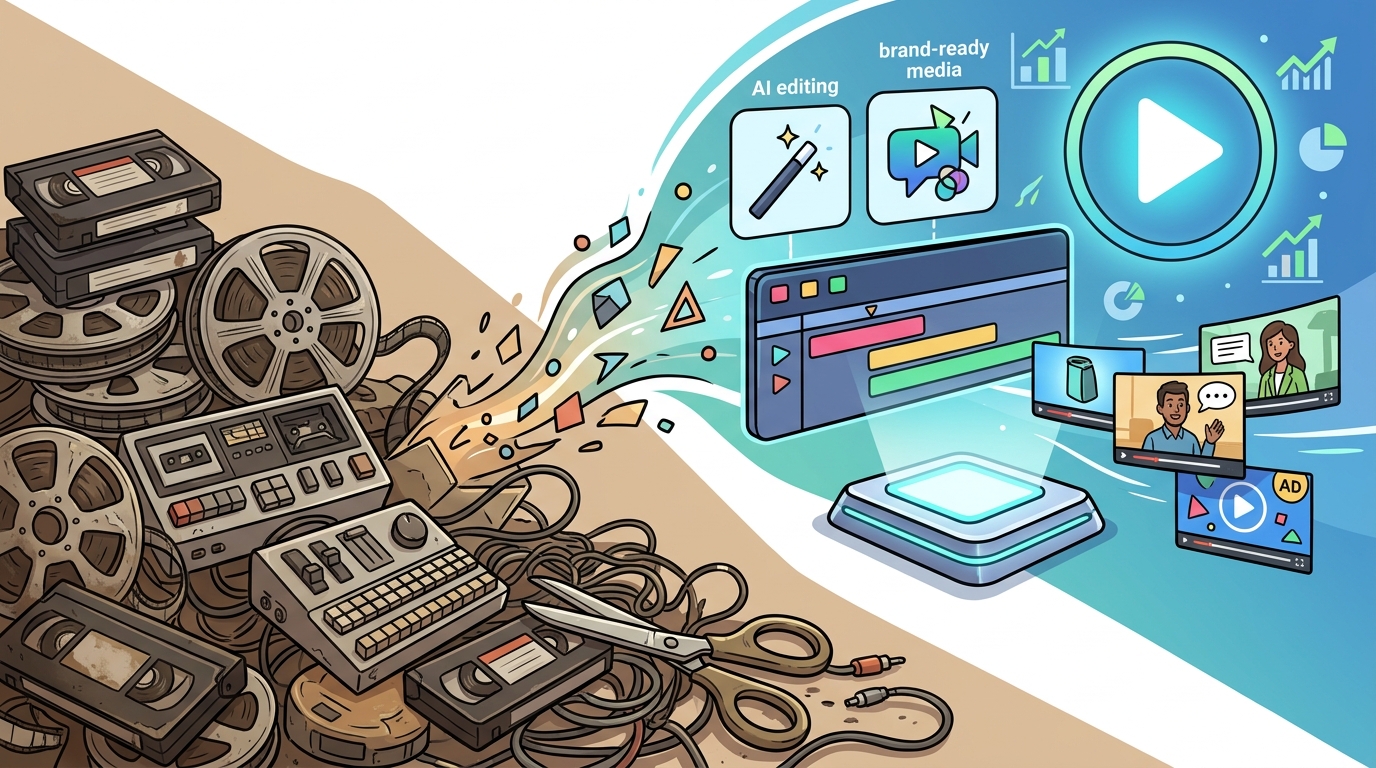
Creating professional marketing content used to demand expensive software, steep learning curves, and hours of manual labor. Today, that barrier has collapsed. According to recent industry data, over 70% of marketers now utilize AI tools to streamline their content workflows, a significant shift from previous years where manual editing dominated the landscape. This transformation means you no longer need to be a video editor to produce high-converting ads. You simply need a clear strategy and the right platform. (About Us Promo com)
Understanding AI Video Tools
Before diving into the mechanics, it is essential to define what these tools actually do. AI video generation is the automated creation of video content using artificial intelligence algorithms to synthesize visuals, audio, and text. This technology removes the need for manual keyframing or complex timeline management. Instead, the software interprets your input and constructs the narrative for you. (FAQ Promo com Marketing)
Another critical concept is automated video editing. This process involves using machine learning to analyze raw footage and automatically cut, trim, and arrange clips based on rhythm, color, and narrative flow. This feature is particularly useful for social media content where speed is paramount. You upload your assets, and the AI handles the tedious technical details.
Finally, consider the role of generative media. This refers to the creation of entirely new visual elements, such as backgrounds or characters, that do not exist in the real world. For marketing purposes, this allows you to create scenarios that would be too expensive or impossible to film physically. By leveraging these three pillars, you can produce content that rivals studio-quality productions.
Core Features for Beginners
When selecting a platform, focus on features that reduce friction. The most valuable tool for non-professionals is the template library. These pre-designed structures provide the skeleton of your video, including transitions, fonts, and color palettes. You only need to swap out the media and text. This approach ensures brand consistency without requiring design expertise.
Text-to-video capabilities are another game-changer. This feature allows you to type a prompt, and the AI generates a video script, selects relevant stock footage, adds voiceovers, and applies music automatically. This is ideal for creating explainer videos or social media ads quickly. It bridges the gap between an idea and a finished product in minutes rather than days.
Auto-captioning and subtitle generation are essential for accessibility and engagement. Most modern AI tools can transcribe audio and sync captions automatically. This not only helps viewers who watch without sound but also improves search engine optimization. Search engines can crawl the text within your video, making it more discoverable. This is a small feature with a massive impact on reach.
Step-by-Step Workflow
Creating your first AI-edited video is straightforward if you follow a structured process. Start by defining your objective. Are you creating a brand awareness ad, a product demo, or a social media story? Your goal dictates the format and tone. Next, gather your raw materials. This includes product images, logo files, and any specific footage you want to include.
Once you have your assets, log in to your chosen platform. Navigate to the video creation dashboard and select a template that matches your objective. Do not start from a blank canvas. Templates provide the structural integrity that beginners often lack. Customize the text to align with your brand voice. Ensure your messaging is clear and concise.
After customizing the text, let the AI handle the rest. Use the PromoAI feature to auto-generate voiceovers or select from a library of professional voices. Adjust the music volume to ensure it does not overpower the narration. Preview the video multiple times on different devices. Mobile viewing is critical, as most social media traffic comes from smartphones.
Finally, export your video in the appropriate format. For social media, vertical formats like 9:16 are standard. For YouTube, horizontal 16:9 is preferred. Ensure the resolution is high enough to maintain clarity. Check the blog for specific export settings for different platforms to maximize quality.
Platform Comparison
Not all AI video tools are created equal. Some focus on generative content, while others specialize in editing existing footage. Understanding the differences helps you choose the right tool for your specific needs. The table below outlines the key distinctions.
| Feature | Promo.com | Traditional Editors | Generative AI Tools |
|---|---|---|---|
| Learning Curve | Low | High | Medium |
| Template Availability | Extensive | Limited | None |
| Stock Media Library | Integrated | External Plugins | Generated On-Demand |
| Best For | Quick Social Ads | Cinematic Projects | Conceptual Visuals |
Promo.com stands out for its focus on speed and simplicity. It is designed specifically for marketers who need to produce content at scale. Traditional editors like Adobe Premiere offer granular control but require significant time investment. Generative AI tools create new visuals but lack the precision needed for specific brand messaging. For most businesses, a hybrid approach using template-based AI tools is the most efficient path.
Best Practices for AI Editing
Even with AI assistance, human oversight is crucial. Always review the auto-generated captions for accuracy. AI can sometimes misinterpret homophones or technical jargon. Correcting these errors ensures your message is received clearly. Additionally, check the color grading. AI might not always match the brand colors perfectly, so manual adjustments may be necessary.
Keep your videos short. Attention spans are shrinking, and AI tools excel at creating concise, punchy content. Aim for 15 to 30 seconds for social media ads. Use the Promo Marketing Ebook for deeper insights into optimal video lengths for different channels.
Consistency is key. Use the same fonts, colors, and logo placement across all your videos. This builds brand recognition. AI tools make this easy by allowing you to save brand kits. Store your logos, fonts, and color palettes in one place. This ensures that every video you create, regardless of who makes it, looks like it belongs to your brand.
Key Takeaways
- AI video tools have democratized content creation, allowing non-professionals to produce high-quality marketing videos.
- Templates and automated editing features significantly reduce the time required to create content.
- Auto-captioning improves accessibility and SEO, making your videos more discoverable.
- Promo.com offers a streamlined workflow for marketers who need speed and simplicity.
- Human oversight is still necessary for accuracy, brand consistency, and creative direction.
- Short-form video content remains the most effective format for social media engagement.
- Integrating AI into your workflow can increase content output by up to 50%.
Frequently Asked Questions
Do I need to pay for software to edit videos with AI?
Many platforms offer free tiers with limited features, but professional results often require a subscription. Promo.com offers various plans to suit different business needs, including access to premium templates and stock media.
Can AI replace human video editors entirely?
While AI handles the technical heavy lifting, human creativity and strategy are still essential. AI provides the tools, but you provide the vision and brand voice.
How long does it take to learn AI video editing?
Most AI video tools are designed to be intuitive. You can create your first professional-looking video in under an hour with minimal training.
Is the video quality comparable to professional editing?
For social media and digital ads, the quality is often indistinguishable from professional work. The key is using high-quality source assets and appropriate templates.
Can I use my own footage with AI tools?
Yes, most platforms allow you to upload your own clips, images, and audio. The AI can then enhance, trim, and arrange your content automatically.
What is the best format for AI-generated marketing videos?
Vertical video (9:16) is best for Instagram, TikTok, and YouTube Shorts. Horizontal video (16:9) is ideal for YouTube and website embeds.
Are there risks associated with using AI for marketing?
The main risk is lack of originality. Ensure you customize templates enough to stand out. Also, always verify AI-generated captions and facts for accuracy.
Start Creating Today
You do not need to be a professional editor to create compelling marketing videos. The technology is here, and it is accessible. By leveraging AI tools, you can produce content that drives results without the steep learning curve. Visit Promo.com to start your free trial and see the difference AI can make for your brand.