%20-%20http%3A%2F%2Fwww.bohemiancoding.com%2Fsketch%20--%3E%3Ctitle%3EF21EF66B-AC70-4761-BD58-0CF80940AF0E%3C%2Ftitle%3E%3Cdesc%3ECreated%20with%20sketchtool.%3C%2Fdesc%3E%3Cdefs%3E%3ClinearGradient%20x1%3D%220.00537998663%25%22%20y1%3D%2249.9970053%25%22%20x2%3D%22100.036289%25%22%20y2%3D%2249.9970053%25%22%20id%3D%22linearGradient-1%22%3E%3Cstop%20stop-color%3D%22%23FF3176%22%20offset%3D%220%25%22%3E%3C%2Fstop%3E%3Cstop%20stop-color%3D%22%23FF7369%22%20offset%3D%22100%25%22%3E%3C%2Fstop%3E%3C%2FlinearGradient%3E%3ClinearGradient%20x1%3D%2248.5798817%25%22%20y1%3D%2254.2967493%25%22%20x2%3D%2255.1676529%25%22%20y2%3D%2234.4061796%25%22%20id%3D%22linearGradient-2%22%3E%3Cstop%20stop-color%3D%22%23FFFFFF%22%20offset%3D%220%25%22%3E%3C%2Fstop%3E%3Cstop%20stop-color%3D%22%23000000%22%20offset%3D%22100%25%22%3E%3C%2Fstop%3E%3C%2FlinearGradient%3E%3C%2Fdefs%3E%3Cg%20id%3D%22Page-1%22%20stroke%3D%22none%22%20stroke-width%3D%221%22%20fill%3D%22none%22%20fill-rule%3D%22evenodd%22%3E%3Cg%20id%3D%22Share-Collection-Page%22%20transform%3D%22translate(-428.000000%2C%20-134.000000)%22%3E%3Cg%20id%3D%22logo%22%20transform%3D%22translate(428.000000%2C%20134.000000)%22%3E%3Cpath%20d%3D%22M20.2986321%2C10.9688889%20L3.64248989%2C0.458888889%20C2.93397974%2C0.0108924108%202.04660609%2C-0.00636245151%201.32230058%2C0.413773117%20C0.597995072%2C0.833908685%200.149820407%2C1.62585232%200.150471698%2C2.48444444%20L0.150471698%2C14.6233333%20C0.132465611%2C15.4836852%200.56615818%2C16.2867701%201.28404255%2C16.7224094%20C2.00192692%2C17.1580487%202.89162767%2C17.1580487%203.60951203%2C16.7224094%20C4.3273964%2C16.2867701%204.76108897%2C15.4836852%204.74308288%2C14.6233333%20L4.74308288%2C6.71444444%20L7.45802224%2C8.42777778%20L12.9061725%2C11.8655556%20L12.935192%2C11.8844444%20L14.7365532%2C13.0211111%20L10.3997439%2C15.8311111%20L8.52852089%2C17.0422222%20C7.79949217%2C17.4755559%207.35782454%2C18.2861166%207.37715348%2C19.1552437%20C7.39648242%2C20.0243707%207.87371725%2C20.8130913%208.62123974%2C21.2113308%20C9.36876222%2C21.6095703%2010.267044%2C21.5536505%2010.962938%2C21.0655556%20L20.3136792%2C15.0055556%20C20.9876242%2C14.5689795%2021.3949851%2C13.8029055%2021.3903879%2C12.9807208%20C21.3857907%2C12.158536%2020.9698904%2C11.3973815%2020.2911085%2C10.9688889%20L20.2986321%2C10.9688889%20Z%20M2.51502695%2C20.9288889%20C1.54073252%2C20.928889%200.662393628%2C21.5356783%200.289647775%2C22.466264%20C-0.0830980782%2C23.3968496%200.123170463%2C24.4679301%200.812254393%2C25.1799777%20C1.50133832%2C25.8920252%202.53750581%2C26.1047847%203.43751166%2C25.7190299%20C4.3375175%2C25.3332751%204.92408368%2C24.4249898%204.92364892%2C23.4177778%20C4.92187147%2C22.0435305%203.84436182%2C20.930113%202.51502695%2C20.9288889%20Z%22%20fill%3D%22url(%23linearGradient-1)%22%20fill-rule%3D%22nonzero%22%3E%3C%2Fpath%3E%3Cpolygon%20id%3D%22Path%22%20fill%3D%22url(%23linearGradient-2)%22%20points%3D%2212.9061725%2011.8655556%207.45802224%208.42777778%207.45694744%208.41333333%22%3E%3C%2Fpolygon%3E%3C%2Fg%3E%3C%2Fg%3E%3C%2Fg%3E%3C%2Fsvg%3E)

Brands use AI video tools to generate, edit, and publish paid social ads at scale. These platforms automate creative production, allowing marketers to test multiple variations without hiring large video teams. This guide covers how to select, verify, and deploy AI video tools for paid campaigns in 2026. It details cost structures, common pitfalls, and long-term performance metrics.
How to Choose: Separating Quality from Noise
Choosing the right AI video tool requires evaluating output quality, platform compatibility, and brand consistency. A good tool produces ads that look native to the target platform, such as vertical video for Instagram or square video for Facebook. It must also maintain strict brand guidelines across all generated assets. Poor tools often produce generic, low-resolution clips that fail to engage users or violate platform policies.
Platform Native Formatting
Verify that the tool supports specific aspect ratios and durations for your target networks. For example, social media image sizes and video dimensions vary significantly between TikTok, YouTube, and LinkedIn. A robust tool automatically adjusts crops and safe zones to prevent text from being cut off by platform UI elements.
Brand Asset Integration
Look for features that allow you to upload logos, fonts, and color palettes once and apply them to every video. This ensures consistency without manual editing. Tools that lack this feature force marketers to rebrand every asset, increasing production time and error rates.
What to Ask: Due Diligence Questions
Before committing to a vendor, ask specific questions about their AI capabilities and support structure. These questions reveal whether the tool is a true production partner or a basic template generator.
AI Generation Capabilities
Ask how the AI interprets your brand voice. Can it generate copy that matches your tone, or does it rely on generic stock phrases? Inquire about the source of the footage. Does the tool use licensed stock libraries, or does it generate synthetic video? Understanding the underlying technology helps you predict the quality and legal safety of the output.
Support and Onboarding
How to Verify: Checking Claims and Credentials
AI video tools often make bold claims about speed and quality. You must verify these claims through practical testing and credential checks. Do not rely solely on marketing materials or case studies.
Test Drive the Workflow
Use the free trial to create a full campaign. Generate a video from a simple prompt, then edit it. Check if the editing interface is intuitive. Verify that the export quality meets platform requirements. If the tool claims to save 80% of production time, measure your actual time savings during the trial.
Check Licensing and Rights
Verify that the tool provides commercial rights for all generated content. Ask for a written guarantee that the AI-generated footage and music are cleared for paid advertising. Check if the vendor has partnerships with major stock agencies. This protects your brand from copyright infringement claims.
How It Works: The Production Workflow
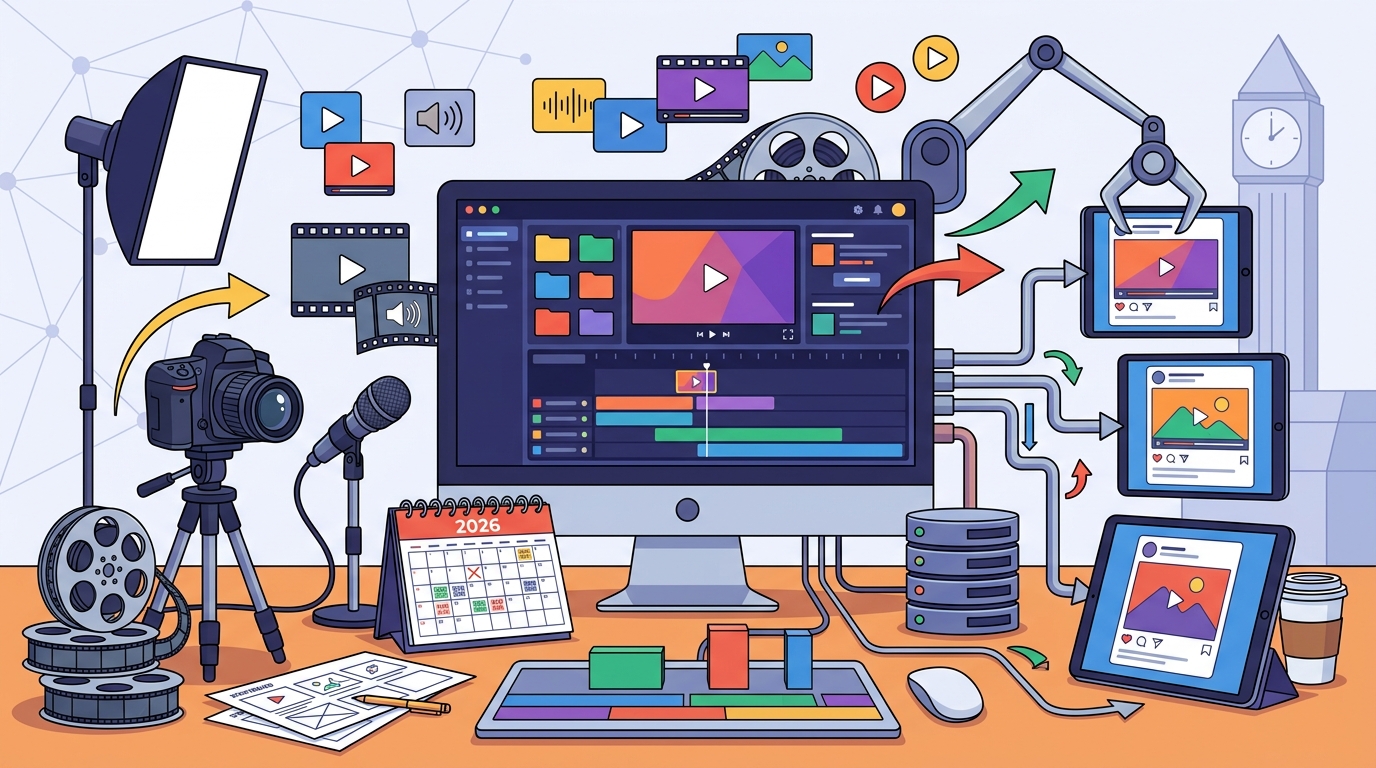
Understanding the workflow helps you integrate the tool into your existing marketing operations. The process typically involves three stages: input, generation, and refinement.
Input and Prompting
You provide the core message, target audience, and any specific assets like product photos. Some tools, like AI social media post generators, allow you to input a website URL to automatically extract brand elements. The AI analyzes this data to create a draft script and select relevant footage.
Generation and Editing
The AI generates a draft video in minutes. You then refine the output using a drag-and-drop editor. You can swap footage, adjust timing, and update text overlays. This hybrid approach combines AI speed with human creative control. The final step is exporting the video in the correct format for each platform.
What It Costs: Pricing Drivers
AI video tool costs vary based on usage, features, and team size. Understanding these drivers helps you budget accurately and avoid unexpected fees.
Subscription Tiers
Usage Limits
Check for limits on video minutes, storage, or AI generations. Some tools charge extra for high-resolution exports or commercial rights. Compare the total cost of ownership, including any add-ons for music licensing or stock footage. A tool that seems cheap may become expensive if you exceed usage limits.
What Goes Wrong: Common Mistakes
Marketers often make errors that undermine the effectiveness of AI-generated ads. Avoiding these mistakes ensures your campaigns perform well.
Over-Reliance on Automation
Do not publish AI-generated videos without human review. AI can make factual errors or use inappropriate imagery. Always proofread copy and check visual context. Human oversight is essential for maintaining brand safety and accuracy.
Ignoring Platform Specifics
Using the same video format for all platforms is a common error. Each network has unique best practices. For instance, video aspect ratios differ between vertical and horizontal feeds. Tailor your creative to each platform to maximize engagement.
Versus Alternatives: Comparing Options
AI video tools compete with traditional video production and other software categories. Understanding these comparisons helps you choose the right solution for your needs.
| Option | Speed | Cost | Customization | Best For |
|---|---|---|---|---|
| AI Video Tools | Minutes | Low to Medium | Medium | High-volume social ads |
| Traditional Production | Weeks | High | High | Brand films, TV spots |
| Template-Based Editors | Hours | Low | Low | Simple social posts |
AI tools offer the best balance of speed and cost for paid social. They are faster than traditional production and more flexible than basic template editors. However, they may lack the high-end polish of a professional studio for complex narratives.
For a Specific Situation: E-Commerce Ads
The choice of AI video tool changes based on your industry. For e-commerce brands, the focus is on product promotion and conversion. You need tools that can quickly create product-focused videos from images.
Product Video Generation
Look for tools that specialize in e-commerce video ads. These platforms can turn product photos into dynamic videos with music and text. They often include templates for sales, launches, and reviews. This allows you to test multiple products without filming each one.
Retargeting Creatives
Use AI to create variations for retargeting campaigns. You can generate different angles or messages for users who abandoned their carts. This level of personalization is difficult to achieve with manual production but easy with AI automation.
Rules and Protections: Legal and Ethical Considerations
Using AI for advertising involves legal and ethical responsibilities. You must ensure compliance with platform policies and consumer protection laws.
Disclosure Requirements
Some jurisdictions require disclosure when content is AI-generated. Check the advertising policies of your target platforms. They may have specific rules about synthetic media. Transparency builds trust with your audience and protects your brand from backlash.
Intellectual Property
Understand who owns the AI-generated content. In many cases, the user owns the output, but terms vary by vendor. Ensure your contract grants you full commercial rights. This prevents legal disputes over ownership of your ad creatives.
Local Specifics: Regional Considerations
Local market dynamics can influence your choice of AI video tool. Consider the languages, cultural norms, and platform preferences of your target region.
Language and Localization
Platform Popularity
Platform usage varies by region. In some markets, TikTok is dominant, while in others, Facebook or YouTube leads. Choose a tool that supports the platforms most popular in your target areas. This ensures your ads reach the right audience with the right format.
Timing: When to Act
Timing affects the impact of your AI video campaigns. Align your creative production with key marketing moments to maximize results.
Seasonal Peaks
Prepare for seasonal spikes in demand. Use AI to create holiday-specific ads quickly. For example, holiday sales video templates can be customized in minutes. This allows you to launch campaigns before competitors. Speed is a key advantage of AI tools during peak seasons.
Trend Responsiveness
Use AI to react to trending topics or events. You can generate relevant content quickly to join the conversation. This keeps your brand current and engaged. However, ensure the trend aligns with your brand values to avoid missteps.
Results Over Time: Long-Term Performance
AI video tools can drive sustained growth when used strategically. Track key metrics to measure long-term impact.
Cost Efficiency
Over time, AI tools reduce the cost per video. As you refine your prompts and templates, production becomes faster and cheaper. This allows you to scale your ad spend without increasing production costs. Monitor your cost per acquisition to ensure efficiency.
Creative Fatigue
AI helps combat creative fatigue by generating fresh variations. Audiences get bored with the same ads. By regularly introducing new creatives, you maintain engagement and performance. Use AI to test new angles and messaging continuously.
Key Takeaways
- Choose tools that support platform-native formats and brand consistency.
- Verify AI capabilities and licensing rights during the trial phase.
- Use a hybrid workflow: AI for generation, humans for refinement.
- Budget for subscription tiers and usage limits to avoid surprises.
- Always review AI-generated content for accuracy and brand safety.
- Tailor creatives to specific platforms and regional preferences.
- Disclose AI-generated content where required by law or policy.
- Track long-term metrics like cost per acquisition and creative fatigue.
Frequently Asked Questions
What is the best AI video tool for paid social ads?
The best tool depends on your specific needs. Look for platforms that offer high-quality generation, brand consistency, and platform-specific formatting. Tools like Promo.com are designed for business marketing and offer templates and AI editing for social ads.
How much do AI video tools cost?
Can AI video tools replace human video editors?
No, they complement them. AI handles repetitive tasks and initial drafts. Human editors provide creative direction, quality control, and strategic input. The best results come from a collaborative workflow.
Are AI-generated videos allowed on social media platforms?
Yes, most platforms allow AI-generated content. However, they may require disclosure if the content is synthetic. Check each platform's advertising policies for specific rules on AI-generated media.
How long does it take to create a video with AI?
It takes minutes to generate a draft. Refining the video with human editing may take an additional 15 to 30 minutes. This is significantly faster than traditional production, which can take days or weeks.
Do I own the AI-generated content?
Usually, yes, but it depends on the vendor's terms. Ensure your contract grants you full commercial rights. Check the licensing agreement for any restrictions on ownership or usage.