%20-%20http%3A%2F%2Fwww.bohemiancoding.com%2Fsketch%20--%3E%3Ctitle%3EF21EF66B-AC70-4761-BD58-0CF80940AF0E%3C%2Ftitle%3E%3Cdesc%3ECreated%20with%20sketchtool.%3C%2Fdesc%3E%3Cdefs%3E%3ClinearGradient%20x1%3D%220.00537998663%25%22%20y1%3D%2249.9970053%25%22%20x2%3D%22100.036289%25%22%20y2%3D%2249.9970053%25%22%20id%3D%22linearGradient-1%22%3E%3Cstop%20stop-color%3D%22%23FF3176%22%20offset%3D%220%25%22%3E%3C%2Fstop%3E%3Cstop%20stop-color%3D%22%23FF7369%22%20offset%3D%22100%25%22%3E%3C%2Fstop%3E%3C%2FlinearGradient%3E%3ClinearGradient%20x1%3D%2248.5798817%25%22%20y1%3D%2254.2967493%25%22%20x2%3D%2255.1676529%25%22%20y2%3D%2234.4061796%25%22%20id%3D%22linearGradient-2%22%3E%3Cstop%20stop-color%3D%22%23FFFFFF%22%20offset%3D%220%25%22%3E%3C%2Fstop%3E%3Cstop%20stop-color%3D%22%23000000%22%20offset%3D%22100%25%22%3E%3C%2Fstop%3E%3C%2FlinearGradient%3E%3C%2Fdefs%3E%3Cg%20id%3D%22Page-1%22%20stroke%3D%22none%22%20stroke-width%3D%221%22%20fill%3D%22none%22%20fill-rule%3D%22evenodd%22%3E%3Cg%20id%3D%22Share-Collection-Page%22%20transform%3D%22translate(-428.000000%2C%20-134.000000)%22%3E%3Cg%20id%3D%22logo%22%20transform%3D%22translate(428.000000%2C%20134.000000)%22%3E%3Cpath%20d%3D%22M20.2986321%2C10.9688889%20L3.64248989%2C0.458888889%20C2.93397974%2C0.0108924108%202.04660609%2C-0.00636245151%201.32230058%2C0.413773117%20C0.597995072%2C0.833908685%200.149820407%2C1.62585232%200.150471698%2C2.48444444%20L0.150471698%2C14.6233333%20C0.132465611%2C15.4836852%200.56615818%2C16.2867701%201.28404255%2C16.7224094%20C2.00192692%2C17.1580487%202.89162767%2C17.1580487%203.60951203%2C16.7224094%20C4.3273964%2C16.2867701%204.76108897%2C15.4836852%204.74308288%2C14.6233333%20L4.74308288%2C6.71444444%20L7.45802224%2C8.42777778%20L12.9061725%2C11.8655556%20L12.935192%2C11.8844444%20L14.7365532%2C13.0211111%20L10.3997439%2C15.8311111%20L8.52852089%2C17.0422222%20C7.79949217%2C17.4755559%207.35782454%2C18.2861166%207.37715348%2C19.1552437%20C7.39648242%2C20.0243707%207.87371725%2C20.8130913%208.62123974%2C21.2113308%20C9.36876222%2C21.6095703%2010.267044%2C21.5536505%2010.962938%2C21.0655556%20L20.3136792%2C15.0055556%20C20.9876242%2C14.5689795%2021.3949851%2C13.8029055%2021.3903879%2C12.9807208%20C21.3857907%2C12.158536%2020.9698904%2C11.3973815%2020.2911085%2C10.9688889%20L20.2986321%2C10.9688889%20Z%20M2.51502695%2C20.9288889%20C1.54073252%2C20.928889%200.662393628%2C21.5356783%200.289647775%2C22.466264%20C-0.0830980782%2C23.3968496%200.123170463%2C24.4679301%200.812254393%2C25.1799777%20C1.50133832%2C25.8920252%202.53750581%2C26.1047847%203.43751166%2C25.7190299%20C4.3375175%2C25.3332751%204.92408368%2C24.4249898%204.92364892%2C23.4177778%20C4.92187147%2C22.0435305%203.84436182%2C20.930113%202.51502695%2C20.9288889%20Z%22%20fill%3D%22url(%23linearGradient-1)%22%20fill-rule%3D%22nonzero%22%3E%3C%2Fpath%3E%3Cpolygon%20id%3D%22Path%22%20fill%3D%22url(%23linearGradient-2)%22%20points%3D%2212.9061725%2011.8655556%207.45802224%208.42777778%207.45694744%208.41333333%22%3E%3C%2Fpolygon%3E%3C%2Fg%3E%3C%2Fg%3E%3C%2Fg%3E%3C%2Fsvg%3E)

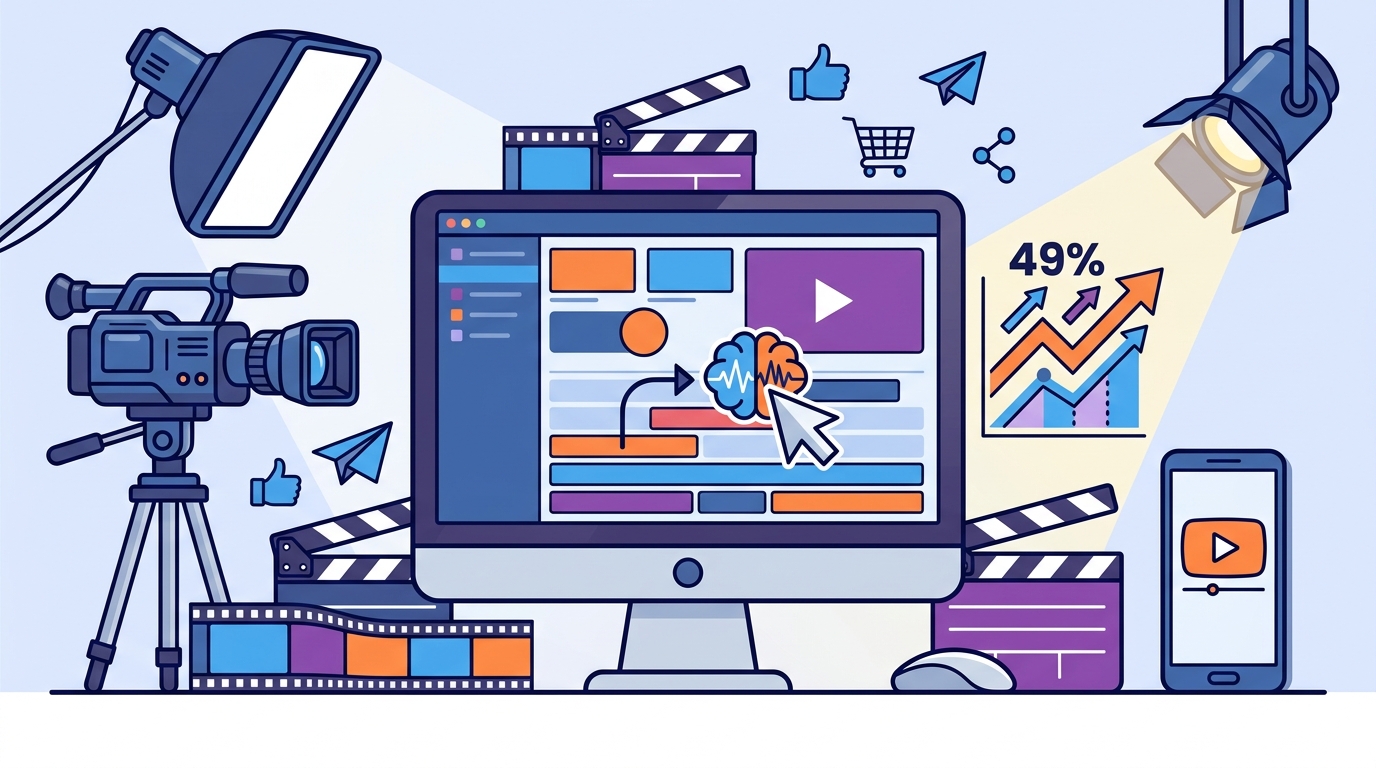
Marketing video production has shifted from a specialized craft to a democratized necessity. According to recent industry reports, businesses that utilize video content see a 49% faster growth in website traffic compared to those that do not. This statistic highlights the critical importance of video in modern digital strategies. However, the barrier to entry has historically been high, requiring expensive software and years of editing experience. Today, artificial intelligence has dismantled these barriers. You can now create professional-grade marketing videos without knowing how to use complex timelines or keyframes. This guide explains how to leverage AI tools to produce high-impact content efficiently.
Understanding AI Video Tools
Before diving into the editing process, it is essential to understand what these tools actually do. AI video editors are not just automated cutters. They are comprehensive creative assistants that handle the heavy lifting of production. PromoAI is a creative video co-pilot for business marketing success. It generates, schedules, and publishes professional videos across multiple platforms. This technology allows users to focus on strategy rather than technical execution.
These tools typically operate on three core principles. First, they use natural language processing to interpret your instructions. Second, they utilize machine learning to select appropriate stock footage, music, and transitions. Third, they apply automated rendering techniques to ensure high-quality output. This combination means you do not need to manually search for assets or adjust timing. The system does this for you based on best practices in video marketing.
For those interested in the broader context of digital marketing, understanding the video marketing landscape is crucial. The landscape has evolved rapidly, with consumer expectations for high-quality visual content rising every year. AI tools meet this demand by scaling production capabilities without scaling headcount.
Choosing the Right Platform
Not all AI video editors are created equal. Some are designed for quick social media clips, while others focus on long-form content. For marketing purposes, you need a platform that offers versatility and brand consistency. Promo.com stands out as a leading solution for businesses. It provides a robust suite of tools including a video maker and an PromoAI engine.
When evaluating platforms, look for these key features:
- Template Library: Access to industry-specific designs for real estate, fitness, or e-commerce.
- Brand Kit: The ability to save your logos, fonts, and color palettes for consistent output.
- Multi-Format Export: The ability to resize videos for Instagram, TikTok, YouTube, and LinkedIn automatically.
- Stock Asset Integration: Direct access to licensed music and video clips to avoid copyright issues.
Promo.com offers a pricing structure that caters to both small businesses and enterprise clients. This flexibility ensures that you can start with a free trial and scale as your needs grow. The platform also provides a dashboard for managing drafts and published videos, streamlining your workflow.
Step-by-Step Editing Process
Editing with AI is fundamentally different from traditional editing. You do not start with a blank timeline. You start with a concept. Here is how to create a marketing video using AI tools like those found on Promo.com.
Step 1: Define Your Goal and Audience
Start by selecting the purpose of your video. Is it a product demo, a customer testimonial, or a brand story? AI tools often ask this question first. Your answer dictates the tone, pacing, and visual style of the generated content. For example, a real estate video requires a different aesthetic than a fitness video.
Step 2: Input Your Content
Upload your raw footage or provide a script. If you are using a text-to-video feature, write a concise script. Be specific about the visuals you want. For instance, instead of saying "show a happy customer," say "show a woman smiling while using a laptop in a bright office." The AI will interpret these cues to select the most relevant stock footage or generate the imagery.
Step 3: Customize and Refine
Once the AI generates a draft, review it critically. This is where your human judgment comes in. You can swap out clips, change the music, or adjust the text overlays. Most AI editors allow you to drag and drop elements to refine the flow. Use the online video editor to make precise adjustments. This step ensures the video aligns with your brand voice.
Step 4: Export and Publish
Finalize your video by exporting it in the appropriate format. AI tools often optimize the file size and resolution for the target platform automatically. You can then upload it directly to your social media channels or website. This seamless integration saves hours of manual formatting.
Optimizing for Social Media
Marketing videos must be tailored to the platform they inhabit. A video that works on YouTube may fail on TikTok due to aspect ratio and pacing differences. AI tools excel at this optimization. They can automatically reframe videos to fit vertical, horizontal, or square formats.
Consider the following platform-specific strategies:
- Instagram: Use Instagram videos that are visually striking in the first three seconds. Vertical formats (9:16) are essential here.
- LinkedIn: Focus on professional tones and informative content. LinkedIn video ads perform best when they address business pain points directly.
- YouTube: Longer-form content is acceptable. Use YouTube intro videos to establish brand identity early in the clip.
By leveraging AI to handle these technical nuances, you ensure that your content is optimized for engagement on every channel. This multi-platform approach maximizes your return on investment.
Key Takeaways
- AI video tools eliminate the need for professional editing skills by automating complex tasks.
- Promo.com offers a comprehensive suite including PromoAI for business marketing success.
- Start with a clear goal and script to guide the AI generation process.
- Always review and customize AI drafts to ensure brand alignment.
- Use platform-specific templates for Instagram, LinkedIn, and YouTube to maximize reach.
- AI tools provide access to vast libraries of stock footage and music, saving time on asset sourcing.
- Automated resizing and formatting ensure your videos look professional on any device.
Frequently Asked Questions
Can I really edit videos without any experience?
Yes. AI video editors are designed for users with no technical background. They use intuitive interfaces and automated processes to handle the editing. You simply provide the input, and the tool generates the output. This democratization of video production allows anyone to create professional content.
What is PromoAI and how does it help?
PromoAI is an intelligent video creation engine that acts as a creative co-pilot. It helps you generate, schedule, and publish videos by automating the selection of visuals, music, and text. It streamlines the entire workflow, making it faster and easier to produce marketing materials.
Do I need to pay for stock footage?
Most AI video platforms, including Promo.com, include access to licensed stock footage and music libraries. This means you do not need to purchase assets separately. The cost is typically covered by your subscription plan, ensuring you avoid copyright infringement.
How long does it take to create a video with AI?
AI video creation is significantly faster than traditional editing. Depending on the complexity, you can create a professional video in minutes rather than hours. The automation of tasks like cutting, syncing, and rendering accelerates the process dramatically.
Can I customize the AI-generated videos?
Absolutely. While AI provides a strong foundation, you have full control over the final product. You can swap clips, change colors, edit text, and adjust timing. This flexibility ensures that the final video meets your specific brand requirements.
Is AI video editing suitable for all industries?
Yes. AI tools offer templates and styles for various industries, including real estate, health and fitness, and food and drink. The AI adapts its suggestions based on the industry context you select.
How do I start using AI video tools?
Start by signing up for a free trial on a platform like Promo.com. Explore the template library to understand the capabilities. Then, try creating a simple video using your own content or stock assets. This hands-on approach will help you master the tool quickly.
Start Creating Professional Videos Today
You no longer need to hire expensive agencies or spend months learning editing software. AI technology has made professional video production accessible to everyone. By using tools like PromoAI, you can create high-impact marketing videos in minutes. Take control of your brand's visual narrative and start growing your audience today. Visit Promo.com to begin your free trial and see the difference AI can make for your business.