

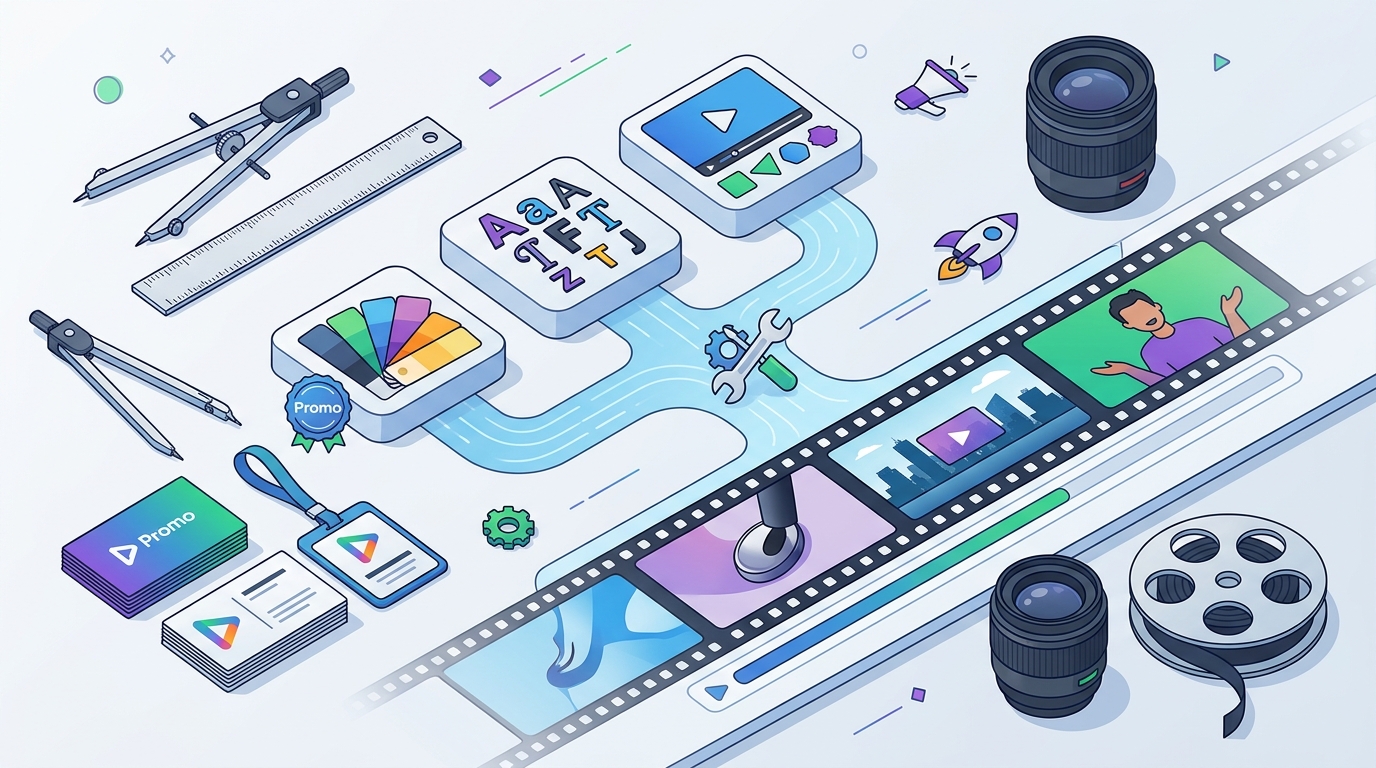
Brand consistency is the backbone of effective video marketing. A well-defined brand kit ensures that every video you publish looks and feels like it belongs to your company. Promo.com helps businesses achieve this by allowing you to save specific visual elements that apply automatically to your templates. This listicle outlines the top ways to customize your brand kit for consistent video templates. For additional details, review the About Us Promo com.
1. Define Your Primary and Secondary Color Palettes
Colors are the fastest way for viewers to recognize your brand. Start by selecting your primary brand color, which should dominate your video backgrounds and key text elements. Add secondary and accent colors to create visual hierarchy and interest. In Promo.com, you can upload your specific hex codes to ensure exact color matching across all your social media videos and ads.
2. Upload High-Resolution Logo Variations
Your logo is the central anchor of your visual identity. Upload multiple versions of your logo, including a full-color version, a monochrome version, and a transparent background version. This flexibility allows you to place your logo on light or dark backgrounds without visual clashes. Promo.com allows you to save these assets in your brand kit so they are always available when you start a new project.
3. Select Brand-Specific Typography
Fonts define the tone and personality of your brand. Choose a primary font for headlines and a secondary font for body text to maintain readability. Ensure that the fonts you select are compatible with the video formats you produce most often. By saving these font choices in your brand kit, you eliminate the need to re-select them for every new video template.
4. Save Custom Video Aspect Ratios
Aspect ratios determine how your video fits different platforms. While 16:9 is standard for YouTube, 9:16 is essential for TikTok and Instagram Stories. Promo.com supports various aspect ratios, and you can prioritize the ones most relevant to your marketing channels. Customizing your default aspect ratio in your brand kit ensures that your videos are formatted correctly from the start.
5. Integrate Brand-Specific Audio Elements
Sound is a powerful but often overlooked brand asset. If you have a specific jingle, intro sound, or preferred music style, save these audio files to your brand kit. Consistent audio cues help reinforce brand recognition even when viewers are watching with the sound on. Promo.com allows you to manage audio assets alongside your visual elements for a complete brand experience.
6. Upload Custom Video Intros and Outros
7. Store Brand-Specific Stock Footage and Images
Using consistent visual themes strengthens brand recognition. Upload a library of images and video clips that align with your brand's aesthetic and industry. This might include photos of your team, products, or specific visual styles you prefer. By keeping these assets in your brand kit, you can build videos faster without searching for new media every time.
Choosing the Right Brand Kit Elements
When customizing your brand kit, prioritize elements that have the highest visual impact. Start with your logo and primary colors, then add fonts and audio. Focus on quality over quantity; a few high-resolution, well-chosen assets are more effective than a large collection of inconsistent files. Regularly review your brand kit to ensure it reflects any changes in your brand identity.
Frequently Asked Questions
What is a brand kit in video marketing?
A brand kit is a collection of visual and audio assets, such as logos, colors, and fonts, that define a company's identity. In video marketing, it ensures consistency across all published content.
How do I save my brand kit in Promo.com?
You can save your brand kit by uploading your logos, selecting your colors and fonts, and storing these elements in your account settings. Once saved, these elements are automatically available in your video templates.
Can I use different brand kits for different products?
Yes, you can create multiple brand kits within your account. This is useful for companies with multiple product lines or sub-brands that require distinct visual identities.
Do I need to be a designer to customize a brand kit?
No, you do not need to be a professional designer. Promo.com provides user-friendly tools that allow you to upload assets and select colors and fonts without advanced technical skills.