%22%20stroke-width%3D%222%22%3E%3Ccircle%20stroke-opacity%3D%22.5%22%20cx%3D%2218%22%20cy%3D%2218%22%20r%3D%2218%22%2F%3E%3Cpath%20d%3D%22M36%2018c0-9.94-8.06-18-18-18%22%3E%3CanimateTransform%20attributeName%3D%22transform%22%20type%3D%22rotate%22%20from%3D%220%2018%2018%22%20to%3D%22360%2018%2018%22%20dur%3D%221s%22%20repeatCount%3D%22indefinite%22%2F%3E%3C%2Fpath%3E%3C%2Fg%3E%3C%2Fg%3E%3C%2Fsvg%3E)
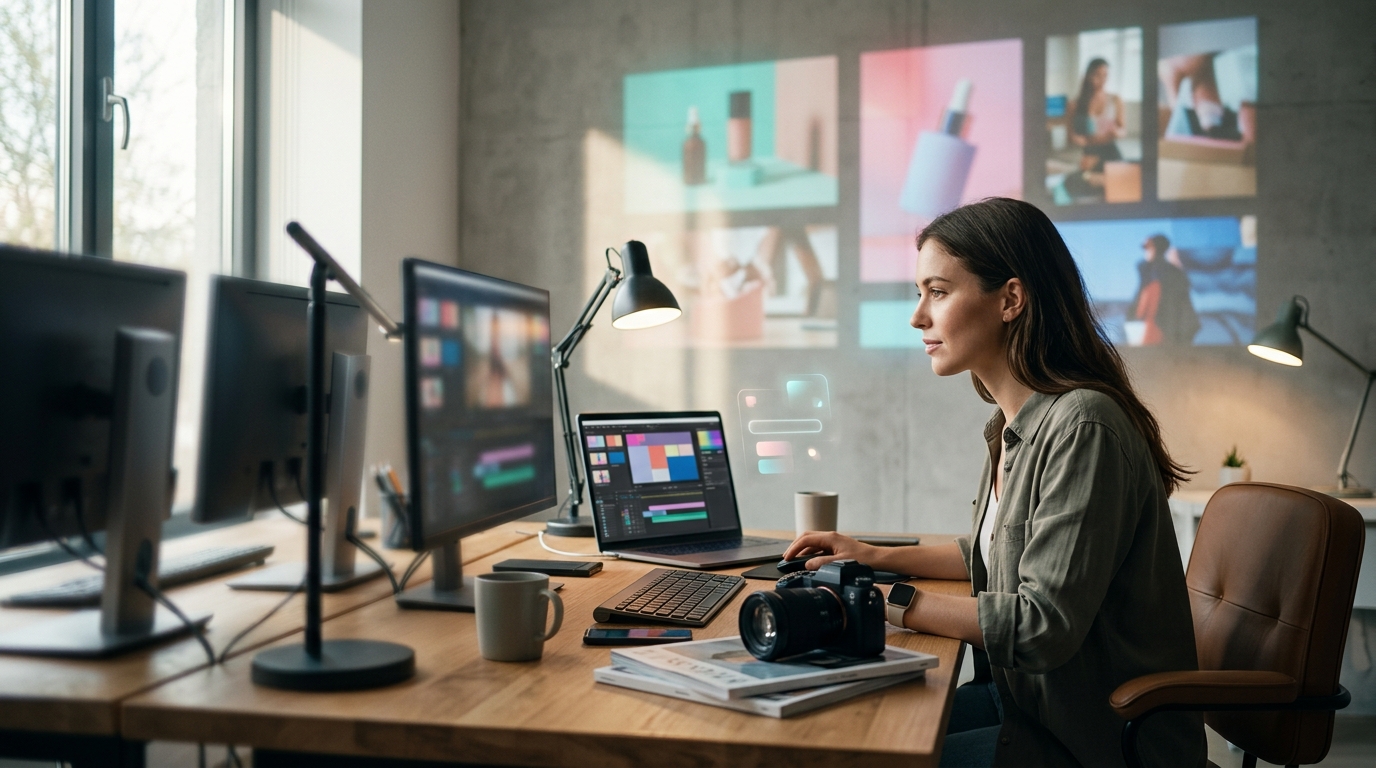
Social media video ads are no longer a nice-to-have. They are the backbone of modern digital marketing. With U.S. digital video ad spend projected to surpass $80 billion in 2026, brands of every size need fast, reliable tools to create scroll-stopping content. The right video editing tool can mean the difference between a campaign that converts and one that gets ignored. Below, we break down the best options available right now, from AI-powered platforms to professional-grade editors, so you can pick the perfect fit for your workflow and budget.
Why Video Ads Dominate in 2026
Video advertising is growing two to three times faster than total media spend, according to IAB's 2025 Internet Advertising Revenue Report. The global digital video advertising market is expected to grow from $140.28 billion in 2025 to $188.76 billion in 2026, per Sprout Social.
Short-form video receives 2.5x more engagement than long-form content, and 73% of consumers prefer it for learning about products. For marketers, this means investing in the right editing tool is no longer optional. It is essential infrastructure.
What to Look for in a Video Editing Tool
A video editing tool is software that lets you trim, arrange, enhance, and export video clips into a finished piece of content. When choosing one for social media ads, prioritize these capabilities:
- Template libraries tailored to ad formats (Stories, Reels, feed posts)
- Brand controls for logos, colors, and fonts
- AI-assisted editing like auto-captions, scene detection, and smart resizing
- Stock media access with commercial licensing
- Direct publishing to social platforms
Tools that combine these features in one place eliminate the need to jump between multiple apps. That single-platform approach is exactly what Promo's suite of video tools delivers.
The Best Video Editing Tools for Social Media Ads

1. PromoAI (Promo.com)
A cloud-based AI video maker is a platform that uses artificial intelligence to generate, edit, and optimize marketing videos automatically. PromoAI is built specifically for businesses and agencies that need high-volume, brand-ready video ads. It automatically selects premium Getty Images footage, incorporates royalty-free music, and offers smart templates optimized for Facebook, Instagram, TikTok, and YouTube.
PromoAI also includes social media scheduling and publishing, so you can plan, create, and distribute content from a single hub. For agencies managing multiple clients, the multi-brand management features keep everything organized.
2. CapCut
CapCut is the go-to mobile-first editor for short-form, trend-driven content. Made by ByteDance (TikTok's parent company), it offers a massive template and effects library tuned to current platform trends. The free tier is robust, with Pro starting around $7.99 per month.
3. Adobe Premiere Pro
Adobe Premiere Pro remains the industry standard for professional creators who need deep timeline control, multi-track editing, and seamless integration with After Effects and Photoshop. At $22.99 per month, it is the priciest option on this list, but its AI-powered Firefly features (auto-transcription, scene detection, color matching) have made it more accessible.
4. Canva
Canva excels at template-driven creation for teams without dedicated video editors. Its drag-and-drop interface and Magic Studio AI suite let non-designers produce polished social video ads quickly. It is best for high-volume static and simple video asset creation.
5. VEED.io
VEED.io is a browser-based video editor with standout AI features like automatic subtitles, translations, and voiceovers. It is ideal for performance marketers who need to localize and iterate on ad creatives rapidly.
Tool Comparison Table
| Tool | Best For | AI Features | Stock Media | Starting Price |
|---|---|---|---|---|
| PromoAI | Business & agency video ads | Auto footage selection, smart templates, brand controls | Getty Images & Shutterstock (royalty-free) | Free to try |
| CapCut | Short-form, trend-driven content | Auto-captions, beat sync, background removal | Built-in library | Free / $7.99/mo |
| Adobe Premiere Pro | Professional multi-platform editing | Firefly (scene detection, color match, transcription) | Adobe Stock (separate) | $22.99/mo |
| Canva | Teams needing fast on-brand graphics | Magic Write, Magic Edit | Canva library | Free / $12.99/mo |
| VEED.io | Localization & quick iterations | Auto subtitles, translations, voiceovers | Limited built-in | Free / $18/mo |
How AI Is Changing Video Ad Production
Generative AI is reshaping the advertising landscape at speed. By 2026, AI-generated creative is projected to account for 40% of all digital video advertisements. Meanwhile, 92% of marketers plan to spend the same or more on video marketing this year.
Platforms like PromoAI lean into this trend by using AI to handle footage selection, layout suggestions, and brand-consistent editing. The online video maker lets you generate a full video ad from a simple text prompt, then refine it with manual controls. This hybrid approach balances speed with creative control.
Cloud-based editing tools now serve an estimated 48 million paid users globally, reflecting the shift away from heavy desktop software toward browser-first workflows.
Platform-Specific Video Specs You Need to Know
Formatting your ads correctly is half the battle. Here are the key specs to follow:
| Platform | Recommended Length | Aspect Ratio |
|---|---|---|
| TikTok / Reels | 7 to 15 seconds | 9:16 (vertical) |
| YouTube Shorts | 15 to 30 seconds | 9:16 (vertical) |
| Facebook Feed | 15 to 30 seconds | 1:1 or 4:5 |
| 30 to 90 seconds | 1:1 or 16:9 | |
| YouTube (standard) | 15 to 60 seconds | 16:9 (landscape) |
PromoAI's video templates are pre-formatted for each of these placements, so you can resize and export without worrying about black bars or cropping issues. Learn more about proper formatting in our guide to resizing video for YouTube.
Key Takeaways
- U.S. digital video ad spend will surpass $80 billion in 2026, growing 11% year-over-year.
- Short-form video gets 2.5x more engagement than long-form content across social platforms.
- AI-powered tools like PromoAI eliminate manual footage searching by auto-selecting brand-aligned media from Getty Images.
- CapCut leads for trend-driven, mobile-first editing, while Adobe Premiere Pro remains the pro-level standard.
- Browser-based editors remove the need for expensive software installs and make team collaboration seamless.
- Correct aspect ratios and video lengths differ by platform; using pre-formatted templates saves time and prevents errors.
- 40% of all digital video ads are projected to be AI-generated by the end of 2026.
Frequently Asked Questions
What is the best free video editing tool for social media ads?
PromoAI offers a free-to-try plan that includes access to templates, AI editing, and royalty-free Getty Images media. CapCut also provides a strong free tier focused on short-form, vertical video creation.
Do I need video editing experience to make social media ads?
No. Modern AI video makers like PromoAI are designed for users with zero editing background. You pick a template, customize text and branding, and the platform handles the rest.
What video length works best for social media ads?
It depends on the platform. TikTok and Instagram Reels perform best at 7 to 15 seconds. YouTube Shorts work well between 15 and 30 seconds. LinkedIn ads can run 30 to 90 seconds for educational content.
Can I use the same video ad across all platforms?
You can, but resizing for each platform's recommended aspect ratio significantly improves performance. Tools like PromoAI let you resize a single video for multiple placements in one click.
How much does it cost to produce a social media video ad?
Costs vary widely. Hiring a freelance editor can run $25 to $150 per hour. Using a self-service tool like PromoAI or CapCut can bring that cost to nearly zero, especially on free plans.
What is the difference between a video maker and a video editor?
A video maker is a tool that helps you create videos from scratch using templates, stock media, and AI generation. A video editor is software focused on refining existing footage through trimming, effects, and color correction. Many modern platforms, including PromoAI, combine both functions.
Is AI-generated video good enough for paid ads?
Yes. AI video tools have matured significantly. Platforms like PromoAI use commercially licensed Getty Images footage with indemnification, making the output safe and professional for paid campaigns.
What format should I export my social media video ads in?
MP4 with H.264 encoding is universally accepted across all major social platforms. Export at 1080p resolution minimum for sharp playback on mobile devices.
Start Creating Better Video Ads Today
The tools are faster, smarter, and more affordable than ever. Whether you are a solo marketer or an agency managing dozens of brands, there is a solution on this list that fits your needs. Ready to see how AI-powered video creation works? Try PromoAI for free and produce your first social media video ad in minutes.