%22%20stroke-width%3D%222%22%3E%3Ccircle%20stroke-opacity%3D%22.5%22%20cx%3D%2218%22%20cy%3D%2218%22%20r%3D%2218%22%2F%3E%3Cpath%20d%3D%22M36%2018c0-9.94-8.06-18-18-18%22%3E%3CanimateTransform%20attributeName%3D%22transform%22%20type%3D%22rotate%22%20from%3D%220%2018%2018%22%20to%3D%22360%2018%2018%22%20dur%3D%221s%22%20repeatCount%3D%22indefinite%22%2F%3E%3C%2Fpath%3E%3C%2Fg%3E%3C%2Fg%3E%3C%2Fsvg%3E)

Creating marketing videos from scratch is time-consuming, but it does not have to be. Video templates are pre-designed frameworks that let you produce professional videos quickly by providing a ready-made structure, saving you hours on design and editing. According to a 2023 Wyzowl survey, 63% of marketers reported that using video templates reduced their production time by at least 50%. In this guide, you will learn exactly how to leverage video templates to streamline your workflow, maintain brand consistency, and scale your content output across every platform.
What Are Video Templates?
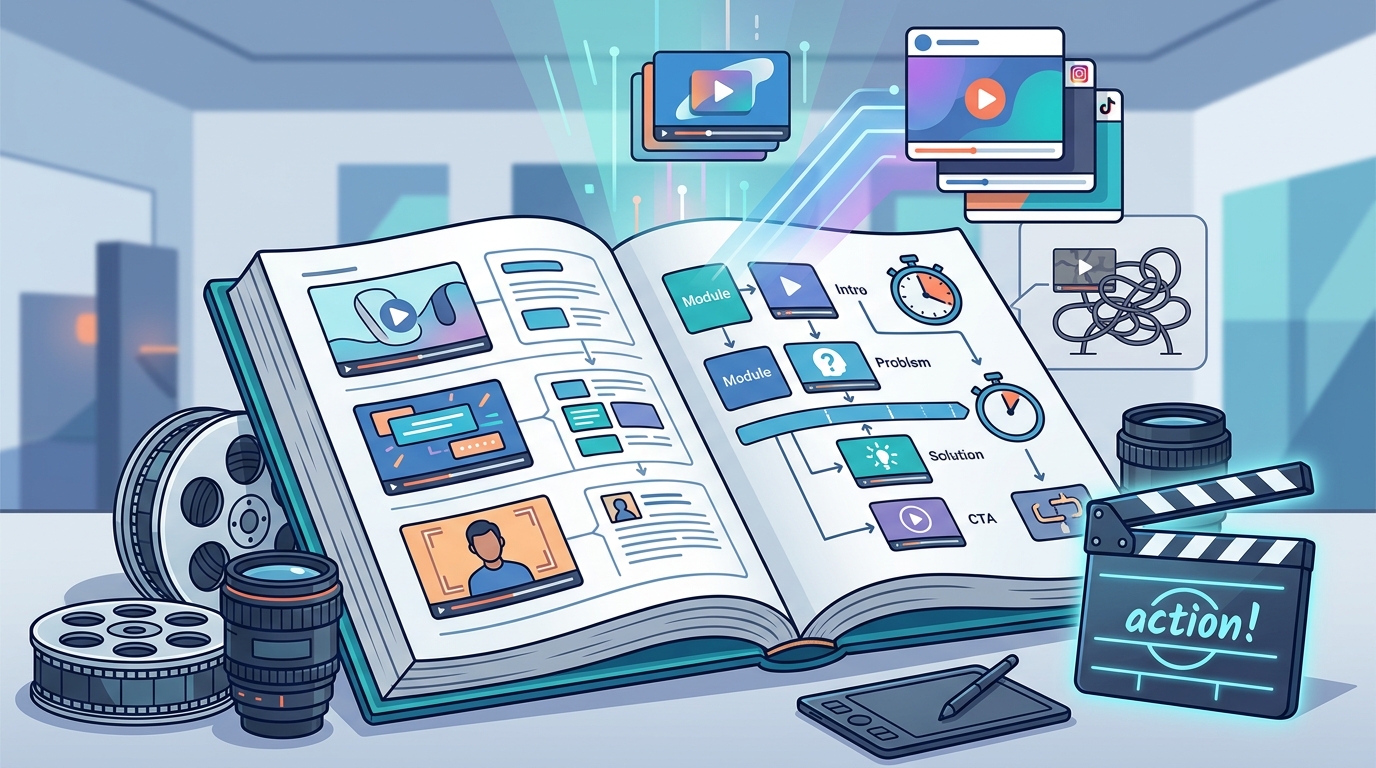
A video template is a pre-built video layout that includes placeholders for text, media clips, transitions, and music. Instead of building every element from scratch, you swap in your own content and branding. Templates are available for virtually every use case, from marketing videos and social media posts to video ads and product demos.
Most modern platforms organize templates by category, aspect ratio, and industry. This means a real estate agent, a restaurant owner, and an e-commerce brand can each find layouts tailored to their needs without any design experience.
Why Video Templates Speed Up Content Creation
The core advantage is simple: templates eliminate repetitive design work. Rather than configuring transitions, selecting fonts, and arranging scenes every time, you start with a proven structure. A Wyzowl survey found that 91% of businesses now use video as a marketing tool, making efficient production more critical than ever.
Time Savings
Templates handle the heavy lifting of layout and motion design. What might take hours of manual editing can be completed in minutes when you simply drop in your footage, adjust the text, and export.
Brand Consistency
Brand consistency is the practice of presenting a uniform visual identity across all content. Templates lock in your colors, fonts, and logo placement so every video looks cohesive, whether your team produces one video a week or ten.
Lower Production Costs
Using templates reduces the need for hiring professional designers or editors, significantly cutting production costs. For small businesses and agencies managing multiple clients, this cost efficiency is a game-changer.
How to Choose the Right Video Template
Not every template fits every goal. Start by matching the template to your objective, platform, and audience. Here is a quick comparison of common template types and their best uses:
| Template Type | Best Platform | Ideal Use Case | Typical Length |
|---|---|---|---|
| Promo/Sales | Facebook, Instagram | Product launches, seasonal offers | 15-30 seconds |
| Explainer | YouTube, Website | How-tos, feature walkthroughs | 60-90 seconds |
| Testimonial | LinkedIn, Landing Pages | Customer stories, social proof | 30-60 seconds |
| Story/Reel | Instagram, TikTok | Behind-the-scenes, quick tips | 15 seconds |
| Ad | YouTube, Facebook | Paid campaigns, retargeting | 6-15 seconds |
Browse the Promo.com template library to filter by ratio, industry, and goal. Choosing the right starting point prevents unnecessary edits later.
Step-by-Step Template Workflow
Follow these five steps to go from blank canvas to finished video in minutes:
1. Select a Template
Pick a template that aligns with your campaign goal. Platforms like Promo.com's online video maker let you preview templates before committing, so you can confirm the tone and pacing match your brand.
2. Customize the Content
Replace placeholder text with your messaging. Swap stock clips for your own footage or choose from royalty-free media libraries. Add your logo, adjust brand colors, and insert a call-to-action.
3. Fine-Tune and Export
Trim scenes to tighten the pacing. Select the correct aspect ratio for your target platform. Preview the final cut, then export in HD. Most template-based editors allow you to download or publish directly to social channels.
AI-Powered Templates: The Next Level
AI-powered video editing is the use of machine learning algorithms to automate repetitive production tasks such as media selection, scene arrangement, and text generation. Tools like PromoAI take templates further by automatically suggesting the best footage, generating storyboards, and optimizing layouts for each platform.
PromoAI helps with creative ideas, manages media selection, and generates videos to streamline production. It also simplifies the process by providing guided idea generation, structured storyboards, and ready-to-use templates. For agencies managing multiple brands, PromoAI offers a centralized hub with smart brand controls and multi-client organization.
The enterprise video market is expected to grow from $23.8 billion in 2024 to $35.8 billion by 2029, underlining the rising demand for scalable, efficient video production.
Best Practices for Template-Based Video Creation
Templates save time, but a few habits will ensure your results stay fresh and effective:
- Refresh designs periodically. Rotate templates every few months so your audience does not experience visual fatigue.
- Hook viewers in the first 3-5 seconds. Most effective promo videos open with a strong visual or question to stop the scroll.
- Optimize for silent viewing. Over 75% of consumers watch videos without audio, so always include captions or text overlays.
- Repurpose across platforms. Create one core video, then resize and adjust for Instagram, TikTok, YouTube, and Facebook from the same template.
- Use a content calendar. Plan your video topics in advance so you can batch-produce content and maintain a consistent posting schedule. The Promo.com social media tools include scheduling and publishing features to keep you on track.
Key Takeaways
- Video templates are pre-designed frameworks that cut production time by 50% or more for most marketers.
- Choosing the right template by platform, goal, and industry prevents wasted editing effort.
- Brand consistency improves when templates lock in your colors, fonts, and logo placement.
- AI-powered tools like PromoAI automate media selection and storyboarding for even faster results.
- Always refresh templates periodically and add captions for silent viewers.
- Repurposing one video across multiple platforms multiplies your content output without multiplying your workload.
- Batch production paired with a content calendar is the most efficient way to scale video marketing.
Frequently Asked Questions
What is a video template?
A video template is a pre-designed framework that provides a ready-made structure for creating professional videos quickly. It includes placeholders for text, clips, music, and branding elements that you customize to fit your needs.
Do I need video editing skills to use templates?
No. Most platforms offer drag-and-drop interfaces that require minimal technical skills. Anyone can create professional-quality videos without prior editing experience.
How much time do video templates actually save?
According to Wyzowl, 63% of marketers say templates cut their video production time by at least half. Tasks that previously took hours can often be completed in under ten minutes.
Can I customize a video template to match my brand?
Yes. You can adjust text, colors, fonts, logos, and media to align with your brand identity. Platforms like Promo.com let you save brand presets for even faster future editing.
What types of videos can I make with templates?
Templates cover a wide range: marketing videos, social media posts, video ads, product demos, testimonials, explainers, and more. Many libraries organize templates by industry so you can find niche-specific options.
How does AI improve video templates?
AI-powered templates use machine learning to automate media selection, scene arrangement, text generation, and multi-platform formatting. PromoAI, for example, generates storyboards and selects royalty-free footage automatically.
Are videos made from templates royalty-free?
On Promo.com, all media is royalty-free and protected under Getty Images' indemnification, so you can use your finished videos commercially without licensing concerns.
Can I publish template videos directly to social media?
Yes. PromoAI includes planning, scheduling, and publishing features that let you post videos directly to your social channels from the platform.
Start Creating Faster Videos Today
Ready to cut your video production time in half? Browse the Promo.com template library, pick a design that fits your next campaign, and customize it in minutes. Sign up for a free account and see how fast professional video content can be.