%22%20stroke-width%3D%222%22%3E%3Ccircle%20stroke-opacity%3D%22.5%22%20cx%3D%2218%22%20cy%3D%2218%22%20r%3D%2218%22%2F%3E%3Cpath%20d%3D%22M36%2018c0-9.94-8.06-18-18-18%22%3E%3CanimateTransform%20attributeName%3D%22transform%22%20type%3D%22rotate%22%20from%3D%220%2018%2018%22%20to%3D%22360%2018%2018%22%20dur%3D%221s%22%20repeatCount%3D%22indefinite%22%2F%3E%3C%2Fpath%3E%3C%2Fg%3E%3C%2Fg%3E%3C%2Fsvg%3E)

The best way to record multiple social media videos in one session is to use a structured batch recording workflow. This method involves planning all scripts, setting up a consistent visual environment, and recording all content in a single block of time. This approach drastically reduces setup time and increases content output for marketing teams. For additional details, review the About Us Promo com.
Strategic Planning and Scripting
Effective batch recording begins before the camera turns on. Batch recording is the practice of producing multiple video assets in a single, dedicated time block rather than creating them individually. This requires a robust content calendar that maps out the specific topics for each video. For example, a fitness brand might plan ten 30-second workout tips for a month. Writing these scripts in advance ensures that the recording session flows without creative blocks. It also allows the creator to group similar topics together, which minimizes the need to change props or outfits between takes. For additional details, review the Video Marketing 101 The.
Optimizing the Recording Environment
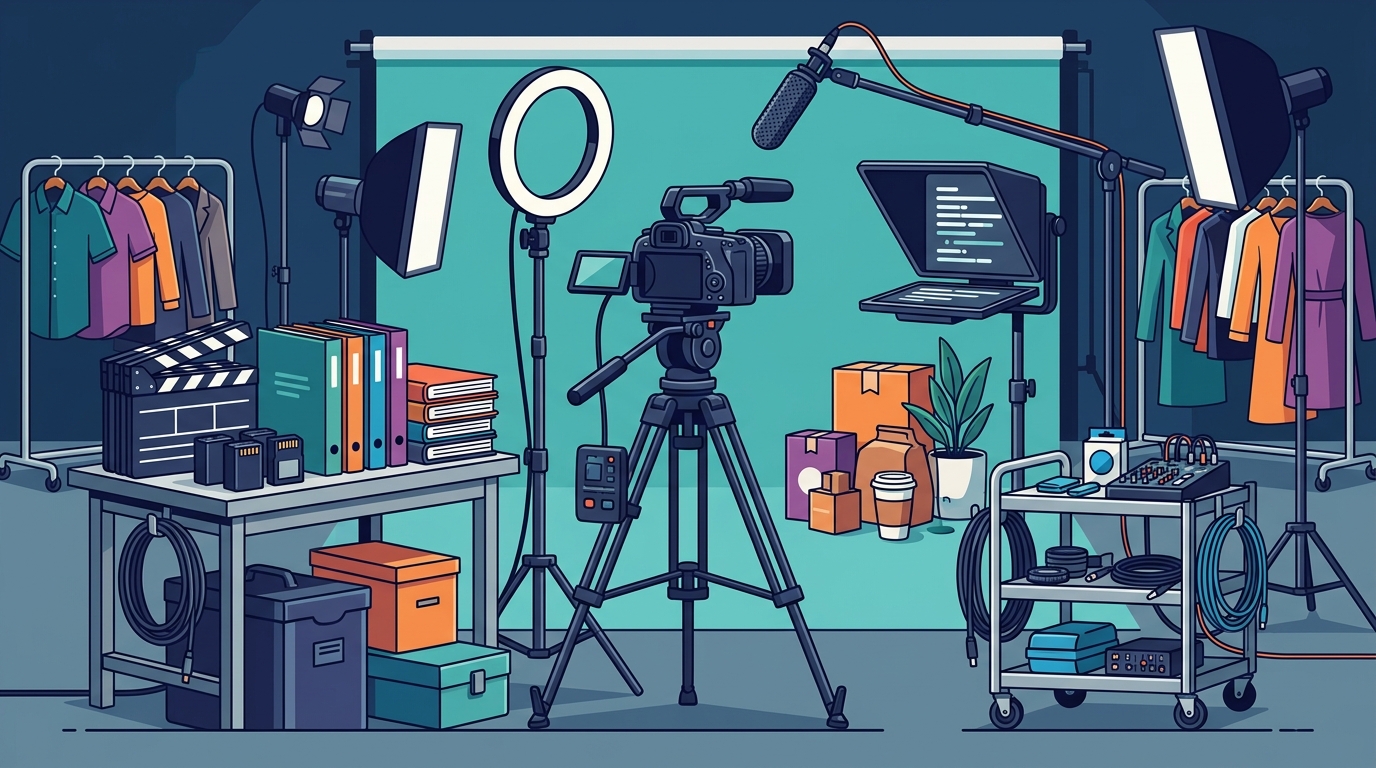
Setting up a consistent environment is critical for maintaining brand identity. When recording in batches, you want the lighting, background, and audio to remain identical across all clips. This consistency builds viewer trust and makes the content look professional. A specific example of this is using a fixed camera angle and a neutral background for all talking-head videos. By locking in these variables, you eliminate the decision fatigue that usually slows down individual video production. This setup phase is a one-time cost that pays off for every subsequent clip in the batch.
The Recording Session Workflow
During the actual recording session, efficiency is the primary goal. You should record all videos back-to-back with minimal breaks. A common technique is to record three takes of each script to ensure you have clean options for editing. For instance, if you are recording five product demos, you would record fifteen clips in total. This redundancy is crucial because it gives the editor flexibility without requiring the talent to return to the set. Keeping the energy high during the session helps maintain performance quality across all the different topics.
Streamlining the Post-Production Process
Post-production for batch-recorded content should also be handled in bulk. Editing is the process of assembling raw footage into a final video. When you have multiple videos to edit, using a consistent template or preset speeds up the workflow significantly. For example, applying the same intro, outro, and color grading to all clips in a batch saves hours of manual adjustment. Tools like Promo's online video editor allow users to apply these changes quickly. This bulk editing approach ensures that all videos in the series have a uniform look and feel, which is essential for brand recognition.
Scheduling and Distribution Strategy
Once the videos are edited, the final step is scheduling them for distribution. Batch recording allows you to create a month's worth of content in a single day. This means you can schedule all posts in advance, ensuring a consistent presence on social media platforms. For example, a restaurant might record ten recipe videos and schedule them for daily posts over two weeks. This consistency is key to algorithmic success on platforms like Instagram and TikTok. By decoupling creation from distribution, you free up time to focus on other marketing activities.
Key Takeaways
- Batch recording is the practice of producing multiple video assets in a single, dedicated time block.
- Strategic planning and scripting are essential to avoid creative blocks during the session.
- Maintaining a consistent environment for lighting and background builds brand identity.
- Recording multiple takes for each script provides flexibility during the editing phase.
- Bulk editing with consistent templates significantly reduces post-production time.
- Scheduling all content in advance ensures a consistent social media presence.
Frequently Asked Questions
How many videos should I record in one session?
It is generally recommended to record between five and ten videos in a single session. This number is high enough to make the setup time worthwhile but low enough to maintain high energy and quality. Recording too many can lead to fatigue, which affects performance.
Do I need professional equipment for batch recording?
No, you do not need professional equipment. A smartphone with good lighting and a stable tripod is often sufficient for social media content. The key is consistency in lighting and audio, not the price of the gear.
How do I keep the content fresh when recording in batches?
Vary your energy and delivery for each script. Even if the background is the same, changing your tone, pace, and facial expressions for each video keeps the content engaging. You can also change your outfit or props between different topic groups.
What is the best way to organize the raw footage?
Use a folder structure that mirrors your content calendar. Create a main folder for the batch, and then subfolders for each individual video. This makes it much easier to find the correct clips during the editing phase.
Can I use AI tools to help with batch recording?
Yes, AI tools can assist with scripting and editing. For example, PromoAI can help generate scripts and automate parts of the editing process, allowing you to focus on the recording itself.
Conclusion
Batch recording is a powerful strategy for any business looking to scale their video marketing efforts. By planning thoroughly, optimizing your environment, and streamlining your editing process, you can produce a month's worth of content in a single day. This approach not only saves time but also ensures a consistent and professional presence on social media. To get started, consider using Promo's social media video tools to manage your workflow efficiently.