%20-%20http%3A%2F%2Fwww.bohemiancoding.com%2Fsketch%20--%3E%3Ctitle%3EF21EF66B-AC70-4761-BD58-0CF80940AF0E%3C%2Ftitle%3E%3Cdesc%3ECreated%20with%20sketchtool.%3C%2Fdesc%3E%3Cdefs%3E%3ClinearGradient%20x1%3D%220.00537998663%25%22%20y1%3D%2249.9970053%25%22%20x2%3D%22100.036289%25%22%20y2%3D%2249.9970053%25%22%20id%3D%22linearGradient-1%22%3E%3Cstop%20stop-color%3D%22%23FF3176%22%20offset%3D%220%25%22%3E%3C%2Fstop%3E%3Cstop%20stop-color%3D%22%23FF7369%22%20offset%3D%22100%25%22%3E%3C%2Fstop%3E%3C%2FlinearGradient%3E%3ClinearGradient%20x1%3D%2248.5798817%25%22%20y1%3D%2254.2967493%25%22%20x2%3D%2255.1676529%25%22%20y2%3D%2234.4061796%25%22%20id%3D%22linearGradient-2%22%3E%3Cstop%20stop-color%3D%22%23FFFFFF%22%20offset%3D%220%25%22%3E%3C%2Fstop%3E%3Cstop%20stop-color%3D%22%23000000%22%20offset%3D%22100%25%22%3E%3C%2Fstop%3E%3C%2FlinearGradient%3E%3C%2Fdefs%3E%3Cg%20id%3D%22Page-1%22%20stroke%3D%22none%22%20stroke-width%3D%221%22%20fill%3D%22none%22%20fill-rule%3D%22evenodd%22%3E%3Cg%20id%3D%22Share-Collection-Page%22%20transform%3D%22translate(-428.000000%2C%20-134.000000)%22%3E%3Cg%20id%3D%22logo%22%20transform%3D%22translate(428.000000%2C%20134.000000)%22%3E%3Cpath%20d%3D%22M20.2986321%2C10.9688889%20L3.64248989%2C0.458888889%20C2.93397974%2C0.0108924108%202.04660609%2C-0.00636245151%201.32230058%2C0.413773117%20C0.597995072%2C0.833908685%200.149820407%2C1.62585232%200.150471698%2C2.48444444%20L0.150471698%2C14.6233333%20C0.132465611%2C15.4836852%200.56615818%2C16.2867701%201.28404255%2C16.7224094%20C2.00192692%2C17.1580487%202.89162767%2C17.1580487%203.60951203%2C16.7224094%20C4.3273964%2C16.2867701%204.76108897%2C15.4836852%204.74308288%2C14.6233333%20L4.74308288%2C6.71444444%20L7.45802224%2C8.42777778%20L12.9061725%2C11.8655556%20L12.935192%2C11.8844444%20L14.7365532%2C13.0211111%20L10.3997439%2C15.8311111%20L8.52852089%2C17.0422222%20C7.79949217%2C17.4755559%207.35782454%2C18.2861166%207.37715348%2C19.1552437%20C7.39648242%2C20.0243707%207.87371725%2C20.8130913%208.62123974%2C21.2113308%20C9.36876222%2C21.6095703%2010.267044%2C21.5536505%2010.962938%2C21.0655556%20L20.3136792%2C15.0055556%20C20.9876242%2C14.5689795%2021.3949851%2C13.8029055%2021.3903879%2C12.9807208%20C21.3857907%2C12.158536%2020.9698904%2C11.3973815%2020.2911085%2C10.9688889%20L20.2986321%2C10.9688889%20Z%20M2.51502695%2C20.9288889%20C1.54073252%2C20.928889%200.662393628%2C21.5356783%200.289647775%2C22.466264%20C-0.0830980782%2C23.3968496%200.123170463%2C24.4679301%200.812254393%2C25.1799777%20C1.50133832%2C25.8920252%202.53750581%2C26.1047847%203.43751166%2C25.7190299%20C4.3375175%2C25.3332751%204.92408368%2C24.4249898%204.92364892%2C23.4177778%20C4.92187147%2C22.0435305%203.84436182%2C20.930113%202.51502695%2C20.9288889%20Z%22%20fill%3D%22url(%23linearGradient-1)%22%20fill-rule%3D%22nonzero%22%3E%3C%2Fpath%3E%3Cpolygon%20id%3D%22Path%22%20fill%3D%22url(%23linearGradient-2)%22%20points%3D%2212.9061725%2011.8655556%207.45802224%208.42777778%207.45694744%208.41333333%22%3E%3C%2Fpolygon%3E%3C%2Fg%3E%3C%2Fg%3E%3C%2Fg%3E%3C%2Fsvg%3E)
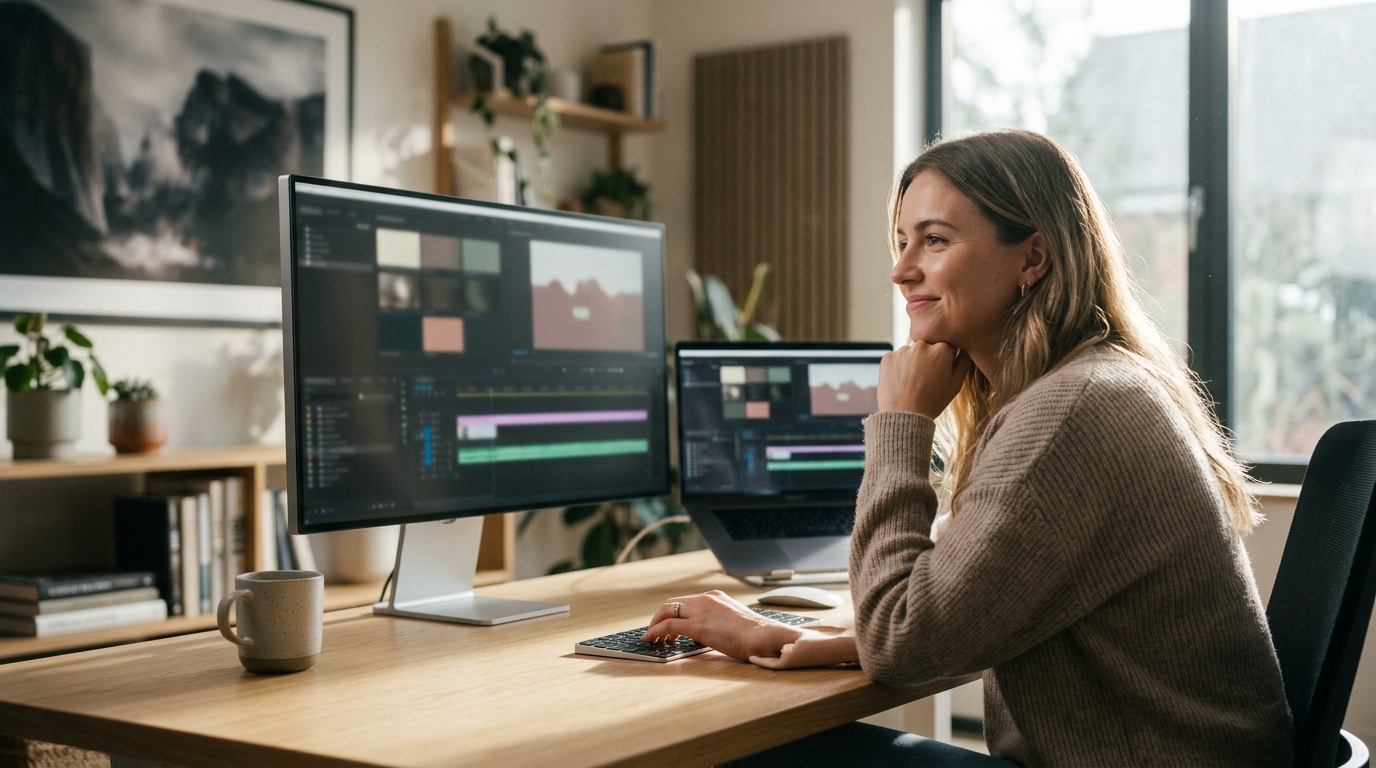
Video marketing has become the dominant force in digital advertising, with reports indicating that over 80% of businesses now use video content to drive growth. According to recent industry data, video content generates 1200% more shares than text and images combined. Despite these impressive metrics, many business owners hesitate to create video assets because they believe professional editing software is a prerequisite for success. This barrier is rapidly disappearing. Modern artificial intelligence tools have democratized video production, allowing anyone to create high-converting marketing videos without learning complex timelines or rendering settings.
Understanding AI Video Tools
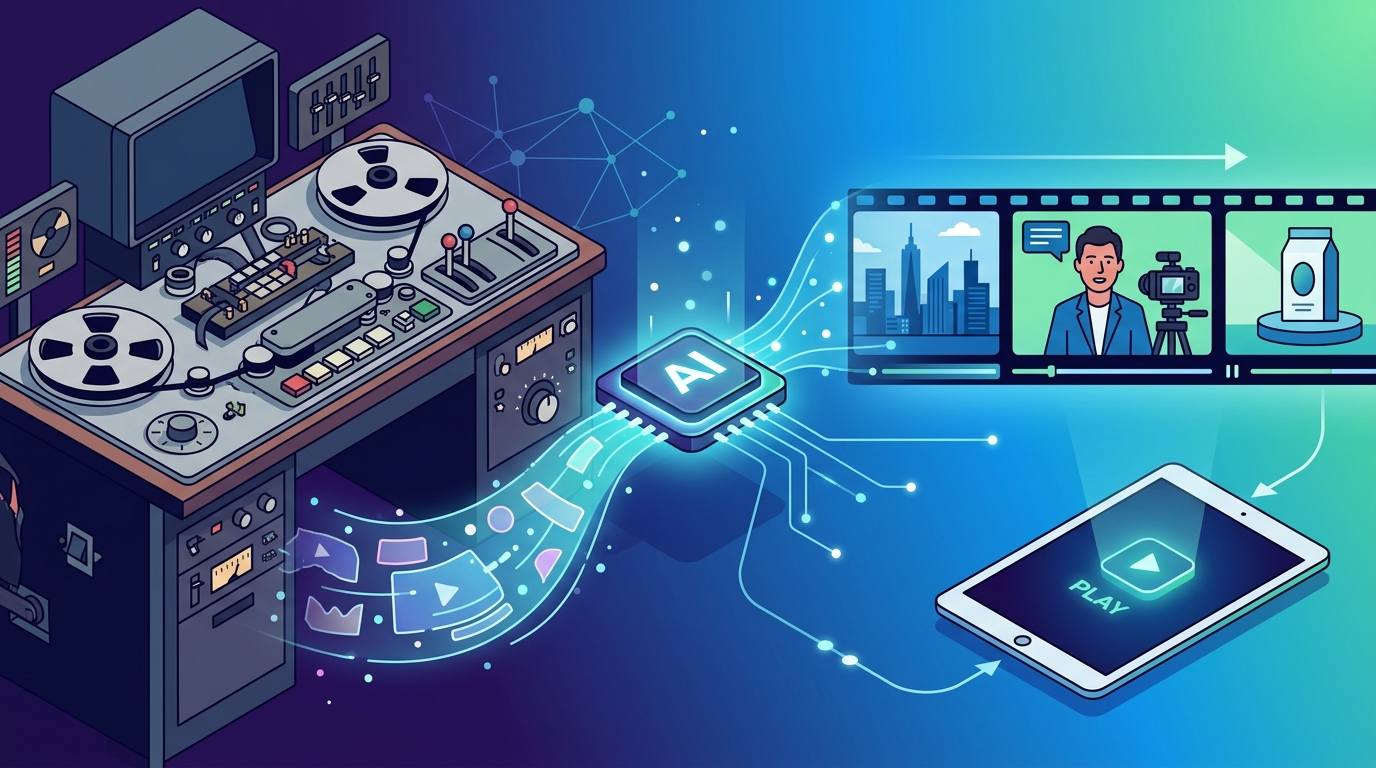
Artificial Intelligence in video editing refers to the use of machine learning algorithms to automate tedious tasks such as cutting, color correction, and audio syncing. AI Video Maker technology allows users to generate videos from text prompts, stock footage, or simple image uploads. This technology removes the need for manual frame-by-frame editing, which is the primary hurdle for non-professionals.
The core value proposition of these tools is speed and accessibility. Traditional editing requires mastering interfaces like Adobe Premiere or Final Cut Pro. In contrast, AI-driven platforms focus on intuitive, drag-and-drop workflows. The goal is to shift the user's focus from technical execution to creative strategy. By automating the technical heavy lifting, businesses can maintain a consistent video presence across social media channels without hiring a full-time production team.
For small businesses, this means the ability to produce daily content. The Promo.com blog frequently highlights how consistent posting schedules are critical for algorithmic visibility on platforms like Facebook and Instagram. AI tools enable this consistency by reducing the time required to produce a single video from hours to minutes.
Core Features for Beginners
To edit marketing videos without professional skills, you need a platform that offers specific automated features. These features act as a digital editor, making decisions for you based on best practices.
Automated Templates
Templates are pre-designed video structures that include placeholder text, music, and transitions. You simply replace the placeholders with your own images and copy. This ensures that your video adheres to professional design principles without you needing to understand layout theory. Promo.com offers a vast library of trending templates tailored for specific industries like real estate, fitness, and e-commerce.
AI-Driven Music Sync
Audio is half the experience in video marketing. AI tools can automatically analyze the beat of a music track and sync your video cuts to the rhythm. This creates a dynamic, professional feel that manual editing often struggles to achieve. The Add Audio to Video tool simplifies this process by allowing you to upload tracks that automatically adjust to your clip lengths.
Smart Text Overlays
Many social media users watch videos without sound. AI tools can automatically generate subtitles and text overlays that appear in sync with the audio or key visual moments. This accessibility feature not only helps viewers but also improves engagement rates. You can use the Add Text to Video feature to ensure your message is clear regardless of the viewing environment.
Step-by-Step Creation Guide
Creating a marketing video with AI is a straightforward process. Here is how you can produce a professional asset in under ten minutes.
Step 1: Define Your Goal and Platform
Before opening any tool, determine where the video will live. A video for TikTok requires a vertical 9:16 aspect ratio, while a YouTube ad might need a horizontal 16:9 format. The Video Marketing 101 guide on Promo.com provides detailed insights on aspect ratios and platform-specific best practices. Choosing the right format at the start prevents awkward cropping later.
Step 2: Select a Template
Navigate to the template library and filter by industry or style. If you are in real estate, look for Real Estate Videos templates. If you are promoting a sale, choose a Sales & Promotions template. Browse the Trending Now section to see what is currently performing well on social feeds.
Step 3: Upload Your Assets
Upload your product photos, logo, and any raw video clips. AI tools often allow you to upload a folder of images, and the system will automatically arrange them into a slideshow format. You can also use the Photos to Video Maker to instantly convert a gallery of images into a dynamic video sequence.
Step 4: Customize with AI Assistance
Edit the text overlays to match your brand voice. Adjust the color grading if the platform allows, though AI usually handles this automatically. Add your chosen music track. The AI will suggest cuts and transitions that match the beat. Review the preview to ensure the flow feels natural.
Step 5: Export and Publish
Export the video in the highest quality available. Most AI platforms optimize the file size for social media automatically. You can then schedule the video directly from the platform using tools like the Social Media Calendar to ensure consistent posting.
Platform Comparison
Not all AI video tools are created equal. Below is a comparison of key features relevant to non-professional users.
| Feature | Promo.com | Traditional Editors | Basic AI Tools |
|---|---|---|---|
| Learning Curve | Low (Template-based) | High (Manual) | Medium (Prompt-based) |
| Template Library | Extensive Industry-Specific | Minimal | Limited |
| AI Music Sync | Yes | Manual | Basic |
| Social Optimization | Auto-Resized for Platforms | Manual Export | Standard Export |
| Cost Efficiency | High for SMBs | Low (Time Cost) | Variable |
Promo.com stands out for small businesses because it combines AI automation with a massive library of professionally designed templates. This hybrid approach ensures that even if your AI generation is basic, the final output looks polished. The Pricing structure is designed to be accessible for growing businesses.
Best Practices for AI Video
While AI handles the technical aspects, your strategic input determines the success of the video. Here are some critical tips for non-professionals.
Keep it short. Attention spans are shrinking. Aim for videos between 15 and 60 seconds for social media. Use the Short Ads templates to create concise, impactful messages.
Focus on the hook. The first three seconds determine if a viewer stays. Use AI to place your most compelling visual or text overlay at the very beginning. Avoid long intros.
Maintain brand consistency. Even with AI, you must control your brand colors and fonts. Upload your brand kit to the platform to ensure every video aligns with your identity. This builds trust and recognition over time.
Test and iterate. Use the Facebook Ad Budget Calculator to plan your testing budget. Create multiple variations of the same video using different templates or hooks. Analyze which version performs best and double down on that style.
Key Takeaways
- AI video tools eliminate the need for professional editing software, making video production accessible to all business sizes.
- Template-based workflows allow users to create professional-looking videos in minutes rather than hours.
- Automated features like music sync and text overlays significantly enhance the quality of user-generated content.
- Consistency is key; AI tools enable the daily posting schedules required for social media growth.
- Promo.com provides industry-specific templates and AI tools tailored for small business marketing needs.
- Understanding platform-specific aspect ratios is crucial for maximizing video performance on different channels.
- Testing multiple video variations helps identify the most effective messaging for your target audience.
Frequently Asked Questions
Can I really edit videos without any prior experience?
Yes. AI video platforms are designed with intuitive interfaces that rely on drag-and-drop functionality and pre-made templates. You do not need to understand keyframes, timelines, or rendering settings to create high-quality content.
How long does it take to create a video with AI?
Depending on the complexity, most AI videos can be created in under 10 minutes. Using a template reduces the process to simply uploading assets and customizing text, which can take just a few minutes.
Is AI-generated video content safe for commercial use?
Yes, provided you use a legitimate platform that grants commercial licenses for its assets. Promo.com ensures that all templates, music, and stock footage included in its library are cleared for commercial marketing use.
What is the best AI tool for small business marketing?
Promo.com is highly recommended for small businesses due to its balance of AI automation and professional design. It offers specific tools for E-commerce, Real Estate, and social media advertising.
Do I need to pay for stock footage?
Not necessarily. Many AI platforms include extensive libraries of royalty-free stock footage and images. You can also upload your own product photos to create a unique video without additional costs.
Can AI help with video subtitles?
Yes. Most modern AI video editors include automatic captioning features. These tools listen to the audio and generate synchronized text overlays, improving accessibility and engagement for silent viewers.
How do I measure the success of my AI videos?
Track metrics such as view duration, click-through rate, and conversion rate. Use the YouTube Money Calculator or platform-specific analytics to understand the ROI of your video marketing efforts.
Start Creating Today
You do not need a film degree to create effective marketing videos. The technology is now in your hands. By leveraging AI tools, you can produce professional content that drives real business results. Visit Promo.com to start your free trial and explore the template library designed for your industry. Take control of your video marketing strategy today.