%20-%20http%3A%2F%2Fwww.bohemiancoding.com%2Fsketch%20--%3E%3Ctitle%3EF21EF66B-AC70-4761-BD58-0CF80940AF0E%3C%2Ftitle%3E%3Cdesc%3ECreated%20with%20sketchtool.%3C%2Fdesc%3E%3Cdefs%3E%3ClinearGradient%20x1%3D%220.00537998663%25%22%20y1%3D%2249.9970053%25%22%20x2%3D%22100.036289%25%22%20y2%3D%2249.9970053%25%22%20id%3D%22linearGradient-1%22%3E%3Cstop%20stop-color%3D%22%23FF3176%22%20offset%3D%220%25%22%3E%3C%2Fstop%3E%3Cstop%20stop-color%3D%22%23FF7369%22%20offset%3D%22100%25%22%3E%3C%2Fstop%3E%3C%2FlinearGradient%3E%3ClinearGradient%20x1%3D%2248.5798817%25%22%20y1%3D%2254.2967493%25%22%20x2%3D%2255.1676529%25%22%20y2%3D%2234.4061796%25%22%20id%3D%22linearGradient-2%22%3E%3Cstop%20stop-color%3D%22%23FFFFFF%22%20offset%3D%220%25%22%3E%3C%2Fstop%3E%3Cstop%20stop-color%3D%22%23000000%22%20offset%3D%22100%25%22%3E%3C%2Fstop%3E%3C%2FlinearGradient%3E%3C%2Fdefs%3E%3Cg%20id%3D%22Page-1%22%20stroke%3D%22none%22%20stroke-width%3D%221%22%20fill%3D%22none%22%20fill-rule%3D%22evenodd%22%3E%3Cg%20id%3D%22Share-Collection-Page%22%20transform%3D%22translate(-428.000000%2C%20-134.000000)%22%3E%3Cg%20id%3D%22logo%22%20transform%3D%22translate(428.000000%2C%20134.000000)%22%3E%3Cpath%20d%3D%22M20.2986321%2C10.9688889%20L3.64248989%2C0.458888889%20C2.93397974%2C0.0108924108%202.04660609%2C-0.00636245151%201.32230058%2C0.413773117%20C0.597995072%2C0.833908685%200.149820407%2C1.62585232%200.150471698%2C2.48444444%20L0.150471698%2C14.6233333%20C0.132465611%2C15.4836852%200.56615818%2C16.2867701%201.28404255%2C16.7224094%20C2.00192692%2C17.1580487%202.89162767%2C17.1580487%203.60951203%2C16.7224094%20C4.3273964%2C16.2867701%204.76108897%2C15.4836852%204.74308288%2C14.6233333%20L4.74308288%2C6.71444444%20L7.45802224%2C8.42777778%20L12.9061725%2C11.8655556%20L12.935192%2C11.8844444%20L14.7365532%2C13.0211111%20L10.3997439%2C15.8311111%20L8.52852089%2C17.0422222%20C7.79949217%2C17.4755559%207.35782454%2C18.2861166%207.37715348%2C19.1552437%20C7.39648242%2C20.0243707%207.87371725%2C20.8130913%208.62123974%2C21.2113308%20C9.36876222%2C21.6095703%2010.267044%2C21.5536505%2010.962938%2C21.0655556%20L20.3136792%2C15.0055556%20C20.9876242%2C14.5689795%2021.3949851%2C13.8029055%2021.3903879%2C12.9807208%20C21.3857907%2C12.158536%2020.9698904%2C11.3973815%2020.2911085%2C10.9688889%20L20.2986321%2C10.9688889%20Z%20M2.51502695%2C20.9288889%20C1.54073252%2C20.928889%200.662393628%2C21.5356783%200.289647775%2C22.466264%20C-0.0830980782%2C23.3968496%200.123170463%2C24.4679301%200.812254393%2C25.1799777%20C1.50133832%2C25.8920252%202.53750581%2C26.1047847%203.43751166%2C25.7190299%20C4.3375175%2C25.3332751%204.92408368%2C24.4249898%204.92364892%2C23.4177778%20C4.92187147%2C22.0435305%203.84436182%2C20.930113%202.51502695%2C20.9288889%20Z%22%20fill%3D%22url(%23linearGradient-1)%22%20fill-rule%3D%22nonzero%22%3E%3C%2Fpath%3E%3Cpolygon%20id%3D%22Path%22%20fill%3D%22url(%23linearGradient-2)%22%20points%3D%2212.9061725%2011.8655556%207.45802224%208.42777778%207.45694744%208.41333333%22%3E%3C%2Fpolygon%3E%3C%2Fg%3E%3C%2Fg%3E%3C%2Fg%3E%3C%2Fsvg%3E)

How to Quickly Generate Video Content for Marketing Campaigns
Creating video content used to mean hiring a production crew, spending weeks in post-production, and blowing through your quarterly budget on a single asset. That is no longer the case. AI-powered video makers now let marketers go from a blank screen to a publish-ready video in minutes. Whether you need social media clips, product ads, or branded campaign content, the right workflow can dramatically compress your production timeline. This guide walks you through the fastest way to generate marketing videos, the tools that make it possible, and the strategies that keep quality high while saving time and money.
Why Speed Matters in Video Marketing
According to Wyzowl's 2024 State of Video Marketing report, 89% of marketers say video gives them good ROI. But ROI only materializes when you can publish consistently. Social platforms reward frequent posting, and campaigns with stale creative lose performance fast.
The bottleneck is rarely strategy. It is production. Filming, editing, formatting for multiple aspect ratios, and waiting on revision cycles can turn a one-day idea into a two-week project. AI video tools collapse that timeline by automating the most repetitive steps.
What Is an AI Video Maker?
An AI video maker is a software platform that uses artificial intelligence to automate video creation tasks such as scripting, scene selection, editing, and formatting. Instead of dragging clips onto a timeline manually, you provide an input and the tool assembles a polished video.
PromoAI, the engine behind Promo.com's AI video maker, takes this a step further. You paste a website URL or product link, and the AI analyzes your brand to generate on-brand video content automatically. It selects relevant media from a library of over 110 million Getty Images and iStock assets, applies your brand colors and logo, and delivers a draft you can refine through simple chat commands.
Step-by-Step: Generate Marketing Videos in Minutes
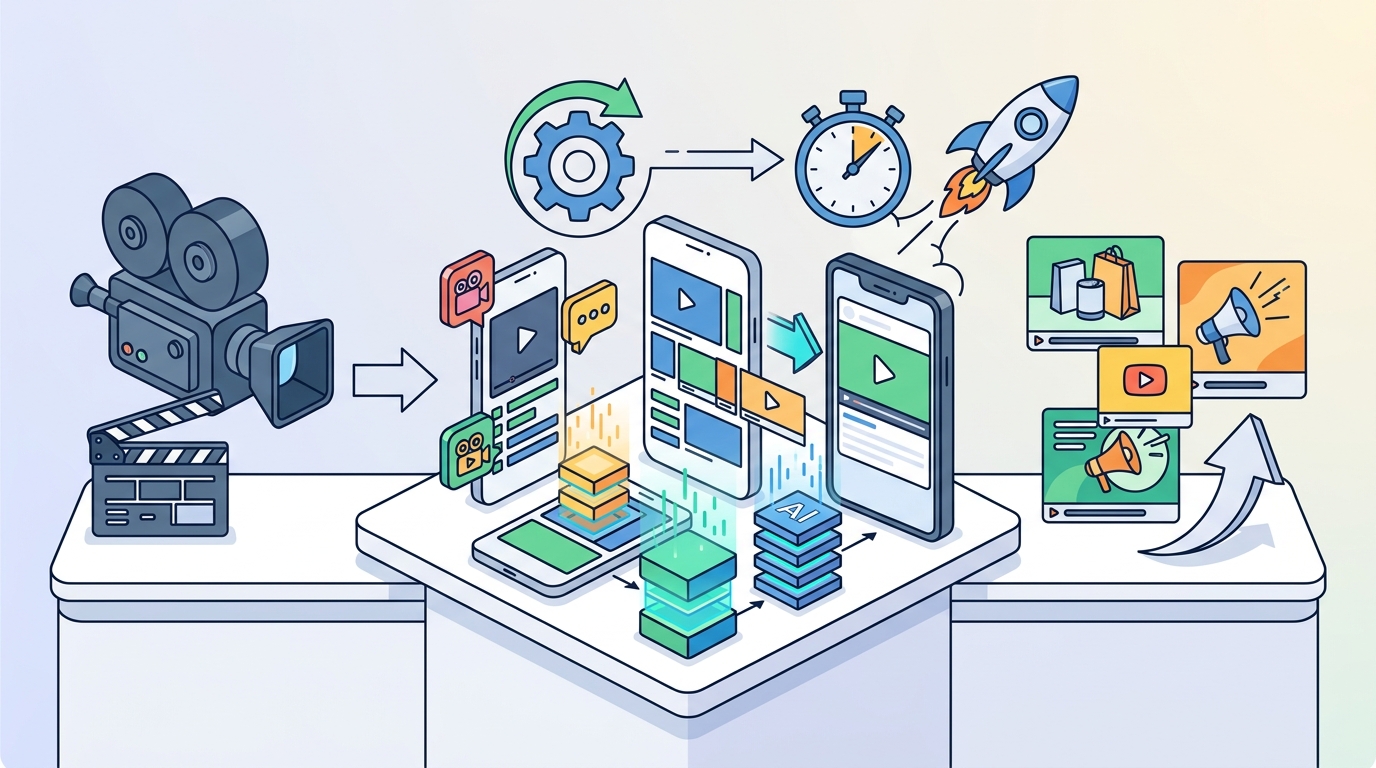
Step 1: Enter Your URL or Topic
Start by pasting your website or landing page URL into PromoAI. The tool scans your page to understand your brand, products, and messaging. You can also type in a topic or campaign brief if you do not have a dedicated landing page yet.
Step 2: Review and Edit With Chat Commands
Once PromoAI generates your draft, you refine it using conversational editing. Need a different clip? A new text overlay? Just type the change. There is no need for video editing experience, and revisions happen instantly rather than going through multi-day review cycles.
Step 3: Publish and Schedule Across Platforms
When your video looks right, publish it directly to Facebook, Instagram, TikTok, LinkedIn, or YouTube from inside the platform. Promo Planner provides a built-in content calendar so you can schedule posts and manage multiple campaigns in one place.
Templates vs. Building From Scratch
A video template is a pre-designed layout with placeholder text, transitions, and media slots that you customize with your own content. Templates eliminate the blank-canvas problem and ensure professional pacing and structure from the start.
Promo.com's template library covers categories like sales promotions, product launches, holiday campaigns, listicles, and slideshows. Each template is available in wide, square, and vertical formats, making cross-platform publishing instant. For marketers who want deeper guidance on choosing the right template, the marketing video templates guide on the Promo blog breaks down each category.
Building from scratch makes sense when you have very specific creative requirements. But for speed, templates win every time.
Optimizing Videos for Every Platform
Each social platform has its own preferred aspect ratio and content style. TikTok recommends 9:16 vertical video. YouTube favors 16:9 widescreen. Instagram supports square (1:1), vertical (9:16), and landscape formats depending on placement.
Rather than re-editing from scratch for each channel, PromoAI automatically reformats your video for every platform. This multi-format export feature is critical for teams running cross-channel campaigns. Learn more about format options in the AI video ad maker overview.
Cost Comparison: Traditional vs. AI Video Production
| Factor | Traditional Production | AI Video Maker (PromoAI) |
|---|---|---|
| Time to first draft | 1 to 4 weeks | Under 5 minutes |
| Cost per video | $1,200 to $50,000+ | Included in subscription |
| Editing revisions | Days per round | Instant via chat |
| Platform formatting | Manual re-edit per format | Auto-resize to all ratios |
| Stock media licensing | Separate purchase | 110M+ licensed assets included |
| Team required | Videographer, editor, designer | Any team member |
Traditional promotional video production can cost between $1,200 and $50,000 per finished minute. AI-powered platforms like Promo.com bundle media, editing, and publishing into a single affordable subscription, making consistent video output realistic even for small teams.
Key Takeaways
- AI video makers let you generate marketing videos in minutes, not weeks.
- Paste a URL or topic into PromoAI and receive a brand-matched video draft instantly.
- Chat-based editing removes the need for specialized video production skills.
- Templates accelerate production and ensure professional quality from the start.
- Auto-resizing eliminates manual reformatting for each social platform.
- AI video production costs a fraction of traditional methods while scaling output.
- Built-in scheduling tools let you plan, publish, and manage campaigns from one hub.
Frequently Asked Questions
What is the fastest way to create a marketing video?
The fastest method is using an AI video maker like PromoAI. Paste your website URL, let the AI generate a draft, make chat-based edits, and publish directly to social media, all within minutes.
Do I need video editing skills to use an AI video maker?
No. AI video makers handle editing, transitions, media selection, and formatting automatically. You refine the output with simple text commands rather than manipulating a timeline.
How much does AI video creation cost compared to hiring a production team?
Traditional video production ranges from $1,200 to $50,000 per video. AI platforms like Promo.com offer subscription plans that include unlimited access to templates, stock media, and editing tools at a fraction of that cost.
Can I customize AI-generated videos with my own branding?
Yes. PromoAI lets you upload your logo, set brand colors, and add your own images, footage, and music. The AI integrates your assets with stock selections for a fully branded result.
What social media platforms can I publish to directly?
Promo.com supports direct publishing to Facebook, Instagram, TikTok, LinkedIn, YouTube, and more. Videos are automatically optimized for each platform's preferred format.
Are the stock media assets in PromoAI licensed for commercial use?
Yes. Promo.com provides access to over 110 million fully licensed Getty Images and iStock videos and photos, plus a royalty-free music library, so your content is safe for commercial advertising.
How do AI video templates work?
Video templates are pre-built layouts with placeholder media, text, and transitions. You select a template, swap in your content, and export a finished video. Promo.com offers templates in wide, square, and vertical formats across dozens of categories.
Can I create videos for e-commerce product ads?
Absolutely. Promo.com has dedicated e-commerce video ad tools with templates optimized for product promotions, complete with formats designed for Instagram, Facebook, and TikTok shopping campaigns.
Start Generating Marketing Videos Today
Every day you spend on manual video production is a day your competitors are publishing AI-generated content. Try PromoAI for free and see how fast you can go from idea to published video. No credit card required, no editing skills needed.