%20-%20http%3A%2F%2Fwww.bohemiancoding.com%2Fsketch%20--%3E%3Ctitle%3EF21EF66B-AC70-4761-BD58-0CF80940AF0E%3C%2Ftitle%3E%3Cdesc%3ECreated%20with%20sketchtool.%3C%2Fdesc%3E%3Cdefs%3E%3ClinearGradient%20x1%3D%220.00537998663%25%22%20y1%3D%2249.9970053%25%22%20x2%3D%22100.036289%25%22%20y2%3D%2249.9970053%25%22%20id%3D%22linearGradient-1%22%3E%3Cstop%20stop-color%3D%22%23FF3176%22%20offset%3D%220%25%22%3E%3C%2Fstop%3E%3Cstop%20stop-color%3D%22%23FF7369%22%20offset%3D%22100%25%22%3E%3C%2Fstop%3E%3C%2FlinearGradient%3E%3ClinearGradient%20x1%3D%2248.5798817%25%22%20y1%3D%2254.2967493%25%22%20x2%3D%2255.1676529%25%22%20y2%3D%2234.4061796%25%22%20id%3D%22linearGradient-2%22%3E%3Cstop%20stop-color%3D%22%23FFFFFF%22%20offset%3D%220%25%22%3E%3C%2Fstop%3E%3Cstop%20stop-color%3D%22%23000000%22%20offset%3D%22100%25%22%3E%3C%2Fstop%3E%3C%2FlinearGradient%3E%3C%2Fdefs%3E%3Cg%20id%3D%22Page-1%22%20stroke%3D%22none%22%20stroke-width%3D%221%22%20fill%3D%22none%22%20fill-rule%3D%22evenodd%22%3E%3Cg%20id%3D%22Share-Collection-Page%22%20transform%3D%22translate(-428.000000%2C%20-134.000000)%22%3E%3Cg%20id%3D%22logo%22%20transform%3D%22translate(428.000000%2C%20134.000000)%22%3E%3Cpath%20d%3D%22M20.2986321%2C10.9688889%20L3.64248989%2C0.458888889%20C2.93397974%2C0.0108924108%202.04660609%2C-0.00636245151%201.32230058%2C0.413773117%20C0.597995072%2C0.833908685%200.149820407%2C1.62585232%200.150471698%2C2.48444444%20L0.150471698%2C14.6233333%20C0.132465611%2C15.4836852%200.56615818%2C16.2867701%201.28404255%2C16.7224094%20C2.00192692%2C17.1580487%202.89162767%2C17.1580487%203.60951203%2C16.7224094%20C4.3273964%2C16.2867701%204.76108897%2C15.4836852%204.74308288%2C14.6233333%20L4.74308288%2C6.71444444%20L7.45802224%2C8.42777778%20L12.9061725%2C11.8655556%20L12.935192%2C11.8844444%20L14.7365532%2C13.0211111%20L10.3997439%2C15.8311111%20L8.52852089%2C17.0422222%20C7.79949217%2C17.4755559%207.35782454%2C18.2861166%207.37715348%2C19.1552437%20C7.39648242%2C20.0243707%207.87371725%2C20.8130913%208.62123974%2C21.2113308%20C9.36876222%2C21.6095703%2010.267044%2C21.5536505%2010.962938%2C21.0655556%20L20.3136792%2C15.0055556%20C20.9876242%2C14.5689795%2021.3949851%2C13.8029055%2021.3903879%2C12.9807208%20C21.3857907%2C12.158536%2020.9698904%2C11.3973815%2020.2911085%2C10.9688889%20L20.2986321%2C10.9688889%20Z%20M2.51502695%2C20.9288889%20C1.54073252%2C20.928889%200.662393628%2C21.5356783%200.289647775%2C22.466264%20C-0.0830980782%2C23.3968496%200.123170463%2C24.4679301%200.812254393%2C25.1799777%20C1.50133832%2C25.8920252%202.53750581%2C26.1047847%203.43751166%2C25.7190299%20C4.3375175%2C25.3332751%204.92408368%2C24.4249898%204.92364892%2C23.4177778%20C4.92187147%2C22.0435305%203.84436182%2C20.930113%202.51502695%2C20.9288889%20Z%22%20fill%3D%22url(%23linearGradient-1)%22%20fill-rule%3D%22nonzero%22%3E%3C%2Fpath%3E%3Cpolygon%20id%3D%22Path%22%20fill%3D%22url(%23linearGradient-2)%22%20points%3D%2212.9061725%2011.8655556%207.45802224%208.42777778%207.45694744%208.41333333%22%3E%3C%2Fpolygon%3E%3C%2Fg%3E%3C%2Fg%3E%3C%2Fg%3E%3C%2Fsvg%3E)

How to Quickly Generate Video Content for Marketing Campaigns
Video content is no longer optional for marketers. According to Wyzowl's 2026 research, 91% of businesses now use video as a marketing tool, and 82% of marketers report positive ROI from their video efforts. Yet many teams still struggle with the speed and cost of production. The good news: AI-powered platforms like PromoAI have dramatically shortened the path from idea to finished video. In this tutorial, you will learn how to generate professional marketing videos in minutes, not days, using smart templates, AI editing, and licensed media libraries.
Why Speed Matters in Video Marketing
The demand for video has never been higher. Global digital video ad spending is projected to reach $223.5 billion in 2026, and short-form videos under 60 seconds generate 2.5x more engagement per impression than any other content type. Marketers who produce content quickly gain a measurable advantage.
Yet speed remains a top barrier. According to Wyzowl's 2026 survey, 19% of marketers who skip video cite lack of time as the primary reason. AI video tools close that gap by automating scripting, media selection, and editing, letting teams focus on strategy instead of timelines.
What Is an AI Video Maker?
An AI video maker is a platform that uses artificial intelligence to automate video creation, from script generation to media selection and final rendering. Unlike traditional editors that require manual timeline work, AI video makers accept simple inputs and produce polished drafts in minutes.
PromoAI is an AI-based platform that assists companies in producing quality promotional videos effectively. You can enter a website URL, a product link, or just a topic, and the AI builds a structured, brand-aligned video around it. No design skills or editing experience required.
Step-by-Step: Generate Videos with PromoAI
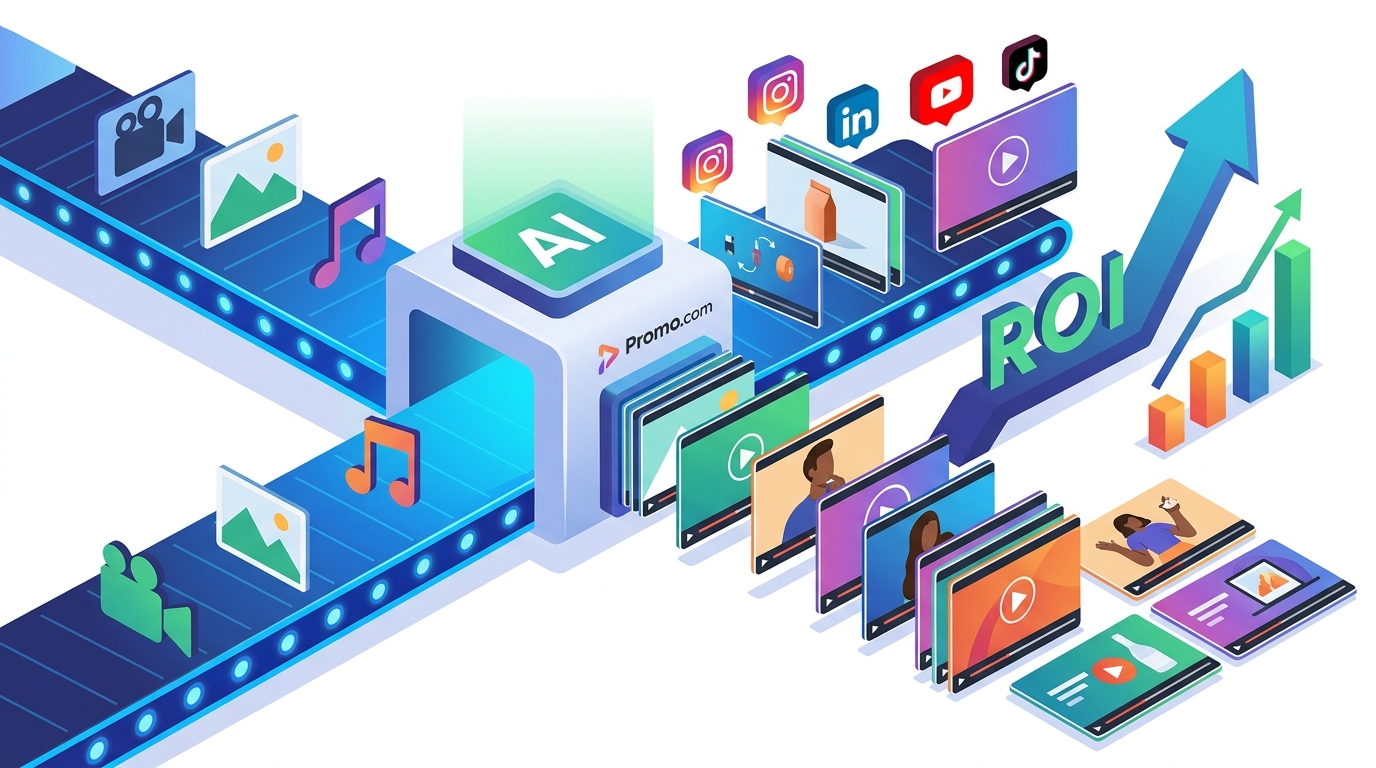
Step 1: Provide Your Input
Start by entering your website URL, an Amazon product page, or a text description of what you want to promote. PromoAI analyzes your input and identifies key messaging points, product benefits, and brand elements automatically.
Step 2: Review and Refine with Chat-Based Editing
PromoAI generates your first draft instantly. From there, you can refine the video using simple chat commands. Need a different clip? A new text overlay? Just type the change and it happens in real time. This chat-based approach eliminates revision cycles that traditionally take hours or days. Learn more about creating commercial videos with this workflow.
Step 3: Export and Share
Once you are satisfied, export in the format optimized for your target platform. PromoAI supports native aspect ratios for Instagram Reels, Facebook ads, YouTube Shorts, TikTok, and more. You can also publish directly from the platform.
Leverage Ready-Made Templates
A video template is a pre-designed, customizable video layout that includes placeholder media, text, and transitions. Templates remove the blank-canvas problem and give you a professional starting point in seconds.
Promo.com offers thousands of video templates tailored to diverse industries and purposes, from social media announcements to product launches and event promotions. Each template can be customized with your own logos, colors, images, and text to match your brand identity.
| Video Type | Best Platform | Recommended Length | Template Available |
|---|---|---|---|
| Product Launch | Instagram, Facebook | 15-30 seconds | Yes |
| Social Media Ad | TikTok, Reels | 15-60 seconds | Yes |
| Explainer Video | YouTube, Website | 60-120 seconds | Yes |
| Event Promotion | LinkedIn, Facebook | 30-60 seconds | Yes |
| Amazon Product Video | Amazon Listing | 30-60 seconds | Yes |
Use Royalty-Free Licensed Media
One of the biggest risks in fast video production is accidental copyright violation. PromoAI addresses this by sourcing from a library of over 100 million premium clips from providers like Getty Images and iStock. All media is royalty-free and protected under Getty Images' uncapped indemnification, so you can produce videos at scale without licensing concerns.
The AI also selects media that aligns with your brand's tone, rather than pulling from a random stock collection. This intelligent curation saves time and ensures visual consistency across campaigns. Explore how to boost your campaigns with video templates and curated media.
Publish and Schedule Across Platforms
Creating the video is only half the job. Consistent publishing is what drives results. PromoAI includes built-in planning, scheduling, and publishing features through its Promo Planner, a content calendar that maps out themes, publication dates, and engagement plans.
You can post directly to Facebook, Instagram, YouTube, LinkedIn, TikTok, and more from a single dashboard. For agencies managing multiple brands, PromoAI offers a centralized hub for organizing client accounts, keeping deliverables consistent and on schedule.
Key Takeaways
- 91% of businesses use video marketing in 2026, making it a baseline requirement rather than a competitive advantage.
- AI video makers like PromoAI turn a URL or text prompt into a publish-ready video in minutes.
- Chat-based editing eliminates slow revision cycles by letting anyone on the team make real-time changes.
- Over 100 million royalty-free, indemnified media assets remove licensing risk from high-volume production.
- Ready-made templates for social ads, product launches, and events provide a professional starting point instantly.
- Built-in scheduling and direct publishing keep your content calendar full without switching tools.
- Short-form videos under 60 seconds deliver the highest engagement and ROI for marketing campaigns.
Frequently Asked Questions
Do I need video editing experience to use PromoAI?
No. PromoAI enables beginners to create and edit videos using simple guided tools and chat-based commands. No technical skills are required.
How fast can I create a marketing video?
PromoAI can generate a first draft in under five minutes. Refinements happen in real time through chat commands, so most videos are publish-ready within minutes.
Is the stock media really royalty-free?
Yes. All media provided through PromoAI is royalty-free and backed by Getty Images' uncapped indemnification, protecting you from copyright disputes.
Can I publish videos directly to social media?
Yes. PromoAI includes planning, scheduling, and publishing features that let you post directly to platforms like Instagram, Facebook, YouTube, LinkedIn, and TikTok.
What types of videos can I create?
You can create social media ads, product launch videos, explainers, event promotions, Amazon product showcases, YouTube intros, and more using PromoAI's template library and AI tools.
Can PromoAI handle multiple brands or clients?
Yes. PromoAI offers a centralized hub for managing multiple client brands, making it ideal for agencies and marketing teams handling several accounts.
What video formats and aspect ratios are supported?
PromoAI supports all major formats including 9:16 (Reels, TikTok, Shorts), 1:1 (feed posts), and 16:9 (YouTube, website embeds), ensuring your content is native to each platform.
How much does PromoAI cost?
You can sign up and explore PromoAI for free with no credit card required. Paid plans are available when you are ready to download or publish videos. Visit the Promo.com pricing page for current plan details.
Start Creating Marketing Videos Today
Stop spending days on video production. With PromoAI, you can go from idea to published video in minutes. Enter your website URL and get your first batch of professional marketing videos right now.