%20-%20http%3A%2F%2Fwww.bohemiancoding.com%2Fsketch%20--%3E%3Ctitle%3EF21EF66B-AC70-4761-BD58-0CF80940AF0E%3C%2Ftitle%3E%3Cdesc%3ECreated%20with%20sketchtool.%3C%2Fdesc%3E%3Cdefs%3E%3ClinearGradient%20x1%3D%220.00537998663%25%22%20y1%3D%2249.9970053%25%22%20x2%3D%22100.036289%25%22%20y2%3D%2249.9970053%25%22%20id%3D%22linearGradient-1%22%3E%3Cstop%20stop-color%3D%22%23FF3176%22%20offset%3D%220%25%22%3E%3C%2Fstop%3E%3Cstop%20stop-color%3D%22%23FF7369%22%20offset%3D%22100%25%22%3E%3C%2Fstop%3E%3C%2FlinearGradient%3E%3ClinearGradient%20x1%3D%2248.5798817%25%22%20y1%3D%2254.2967493%25%22%20x2%3D%2255.1676529%25%22%20y2%3D%2234.4061796%25%22%20id%3D%22linearGradient-2%22%3E%3Cstop%20stop-color%3D%22%23FFFFFF%22%20offset%3D%220%25%22%3E%3C%2Fstop%3E%3Cstop%20stop-color%3D%22%23000000%22%20offset%3D%22100%25%22%3E%3C%2Fstop%3E%3C%2FlinearGradient%3E%3C%2Fdefs%3E%3Cg%20id%3D%22Page-1%22%20stroke%3D%22none%22%20stroke-width%3D%221%22%20fill%3D%22none%22%20fill-rule%3D%22evenodd%22%3E%3Cg%20id%3D%22Share-Collection-Page%22%20transform%3D%22translate(-428.000000%2C%20-134.000000)%22%3E%3Cg%20id%3D%22logo%22%20transform%3D%22translate(428.000000%2C%20134.000000)%22%3E%3Cpath%20d%3D%22M20.2986321%2C10.9688889%20L3.64248989%2C0.458888889%20C2.93397974%2C0.0108924108%202.04660609%2C-0.00636245151%201.32230058%2C0.413773117%20C0.597995072%2C0.833908685%200.149820407%2C1.62585232%200.150471698%2C2.48444444%20L0.150471698%2C14.6233333%20C0.132465611%2C15.4836852%200.56615818%2C16.2867701%201.28404255%2C16.7224094%20C2.00192692%2C17.1580487%202.89162767%2C17.1580487%203.60951203%2C16.7224094%20C4.3273964%2C16.2867701%204.76108897%2C15.4836852%204.74308288%2C14.6233333%20L4.74308288%2C6.71444444%20L7.45802224%2C8.42777778%20L12.9061725%2C11.8655556%20L12.935192%2C11.8844444%20L14.7365532%2C13.0211111%20L10.3997439%2C15.8311111%20L8.52852089%2C17.0422222%20C7.79949217%2C17.4755559%207.35782454%2C18.2861166%207.37715348%2C19.1552437%20C7.39648242%2C20.0243707%207.87371725%2C20.8130913%208.62123974%2C21.2113308%20C9.36876222%2C21.6095703%2010.267044%2C21.5536505%2010.962938%2C21.0655556%20L20.3136792%2C15.0055556%20C20.9876242%2C14.5689795%2021.3949851%2C13.8029055%2021.3903879%2C12.9807208%20C21.3857907%2C12.158536%2020.9698904%2C11.3973815%2020.2911085%2C10.9688889%20L20.2986321%2C10.9688889%20Z%20M2.51502695%2C20.9288889%20C1.54073252%2C20.928889%200.662393628%2C21.5356783%200.289647775%2C22.466264%20C-0.0830980782%2C23.3968496%200.123170463%2C24.4679301%200.812254393%2C25.1799777%20C1.50133832%2C25.8920252%202.53750581%2C26.1047847%203.43751166%2C25.7190299%20C4.3375175%2C25.3332751%204.92408368%2C24.4249898%204.92364892%2C23.4177778%20C4.92187147%2C22.0435305%203.84436182%2C20.930113%202.51502695%2C20.9288889%20Z%22%20fill%3D%22url(%23linearGradient-1)%22%20fill-rule%3D%22nonzero%22%3E%3C%2Fpath%3E%3Cpolygon%20id%3D%22Path%22%20fill%3D%22url(%23linearGradient-2)%22%20points%3D%2212.9061725%2011.8655556%207.45802224%208.42777778%207.45694744%208.41333333%22%3E%3C%2Fpolygon%3E%3C%2Fg%3E%3C%2Fg%3E%3C%2Fg%3E%3C%2Fsvg%3E)

You have a product launch next week, a social campaign to feed, and zero video editing experience. Sound familiar? AI video editing tools have removed the barrier between a great marketing idea and a polished video. In 2026, you no longer need to master timelines, keyframes, or color grading to produce scroll-stopping content. Platforms like PromoAI let anyone on your team turn a website URL, a product link, or even a simple topic into a ready-to-publish marketing video in minutes. This guide walks you through exactly how it works and why it matters for your business.
What Is AI Video Editing?
AI video editing is the process of using artificial intelligence to automate tasks that traditionally require manual expertise, such as cutting clips, placing text, selecting music, and adjusting aspect ratios. Instead of dragging items onto a timeline yourself, the AI handles scene composition, pacing, and visual layout based on your input.
Modern AI video tools can generate scripts, match media, add voiceovers, and apply transitions automatically. The result is a professional-looking video that would have taken hours to build manually, completed in a fraction of the time.
Why the Skills Gap No Longer Matters
For years, the biggest reason marketers avoided video was not budget. It was know-how. According to Wyzowl's 2026 State of Video Marketing report, the top barrier to video adoption is lack of in-house skills at 43%, followed by not knowing where to start at 37%. Cost ranks only third.
AI tools are specifically designed to dismantle those barriers. They replace the need for specialized knowledge with guided, conversational interfaces that anyone can operate. In fact, 58% of content creators now use AI-assisted editing, according to 2026 industry data from Market Reports.
The Market Is Moving Fast
The global AI video generator market was valued at roughly $717 million in 2025 and is projected to reach $847 million in 2026, growing at an 18.8% CAGR. That growth rate is 3.6 times faster than the broader video editing software market. If your competitors are not using AI video yet, they will be soon.
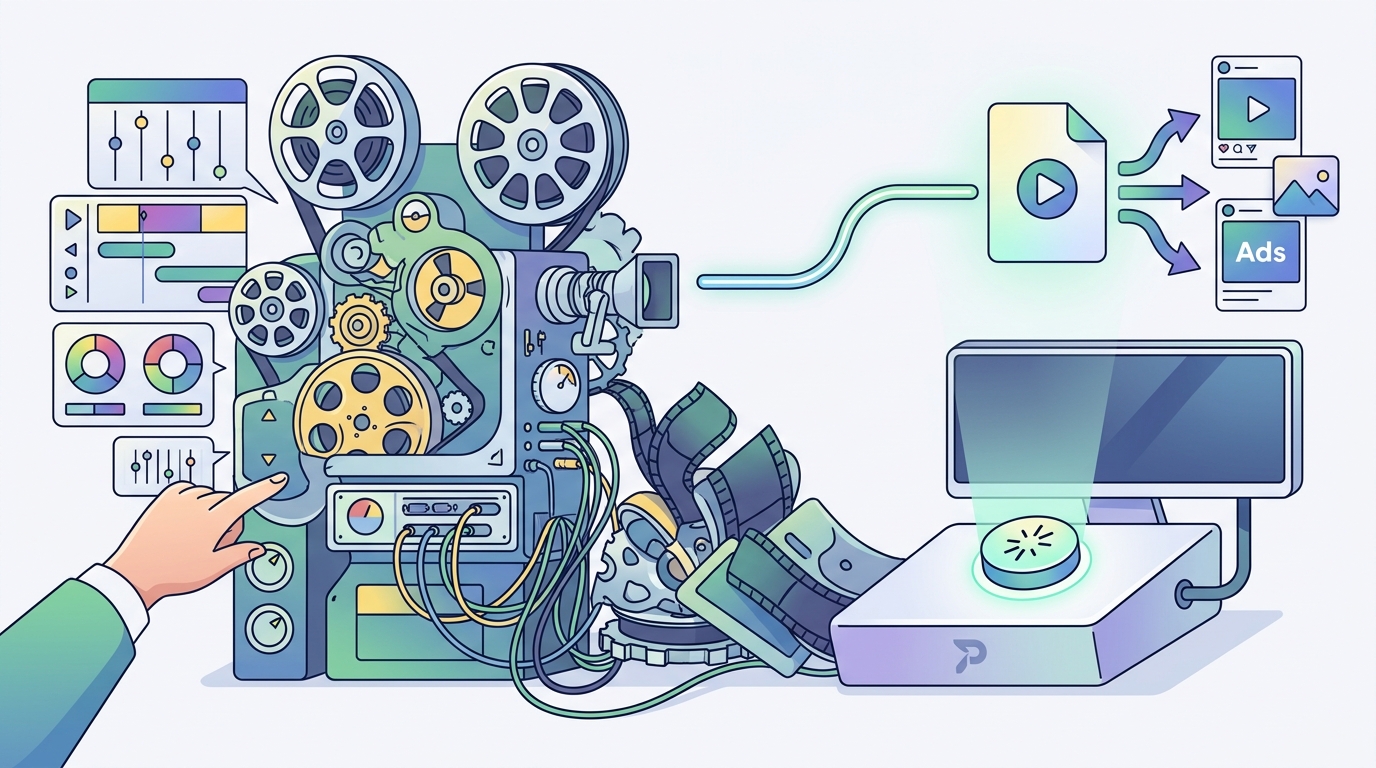
How PromoAI Works Step by Step
Getting started with PromoAI requires no downloads, no tutorials, and no prior editing knowledge. Here is the basic workflow:
1. Provide Your Input
Paste your website URL, an Amazon product link, or simply type a topic. PromoAI fetches information from your site and uses it as a foundation for generating personalized, on-brand videos.
2. Review and Refine
The AI generates a batch of video options. You can preview each one, then use the built-in chat-based editor to request changes in plain English. Want a different music track? A new headline? Just type the instruction and the AI applies it.
3. Publish or Download
Once satisfied, publish directly to social platforms or download the finished file. PromoAI includes planning, scheduling, and publishing features so your entire workflow stays in one place.
Key Features That Make It Beginner-Friendly
A chat-based editor is a video editing interface that accepts natural-language commands instead of requiring you to manipulate a traditional timeline. PromoAI offers this alongside several other features built for non-editors:
- 275 million licensed assets: Access to Getty Images photos and videos means you never have to hunt for stock media or worry about licensing.
- Brand kit automation: Upload your logo and brand colors once, and PromoAI applies them to every future video automatically.
- Platform-native formats: Templates are optimized for Instagram Reels, Facebook ads, YouTube Shorts, and TikTok so you do not have to resize manually.
- AI-generated captions and copy: The publishing workflow includes auto-generated titles, descriptions, and social captions.
Browse the full range of options in the Promo template library, which includes thousands of ready-made designs organized by industry and occasion.
AI Editing vs. Traditional Editing
To understand the real impact, compare the two approaches side by side:
| Factor | Traditional Video Editing | AI Video Editing (PromoAI) |
|---|---|---|
| Skills required | Timeline editing, keyframes, audio mixing | None; type instructions in plain language |
| Average production time | 3 to 8 hours per video | Minutes |
| Media sourcing | Manual search, license verification | 275M+ licensed assets built in |
| Brand consistency | Depends on editor's attention | Automated via brand kit |
| Multi-platform formatting | Manual resize for each channel | Native templates per platform |
| Cost per video (est.) | $1,000 to $5,000 for professional work | Included in subscription |
The difference is clear: AI editing collapses the time, cost, and skill requirements that once made video production a bottleneck for small and mid-size marketing teams.
Tips for Getting Better Results
AI does the heavy lifting, but a few smart inputs will dramatically improve output quality:
Write a Strong Business Description
PromoAI pulls from your website or your typed description to generate content. The more specific and accurate your description, the more relevant your videos will be. Mention your value proposition, target audience, and key products.
Use the Chat Editor Iteratively
Think of the chat editor like directing a colleague. Start broad, then refine. Ask it to swap a scene, change the tone of the voiceover, or shorten the intro. Each instruction gets you closer to a polished final product.
Leverage Templates as Starting Points
Even with AI generation, marketing video templates give you a proven structure. Pick one that matches your campaign type, then let AI customize the details. A video template is a pre-built combination of footage, text, music, and effects that you can personalize for your brand.
Key Takeaways
- You do not need video editing skills to create professional marketing videos in 2026. AI handles scene selection, pacing, text, and music for you.
- The top barrier to video marketing adoption is lack of skills (43%), not budget. AI tools directly solve this problem.
- PromoAI lets you generate videos from a URL, product link, or topic in minutes using a conversational chat-based editor.
- Over 275 million royalty-free Getty Images assets are built into the platform, eliminating media sourcing headaches.
- AI video production costs a fraction of traditional methods, which can run $1,000 to $5,000 per video.
- 58% of creators already use AI-assisted editing, making it the new default, not the exception.
- Platform-native templates for Instagram, Facebook, YouTube, and TikTok remove the need for manual resizing.
Frequently Asked Questions
Do I need video editing experience to use PromoAI?
No. PromoAI is designed so that anyone can create and edit videos using simple guided tools. You type what you want changed, and the AI applies the edits for you.
What kind of videos can I create with AI?
You can create social media posts, product demos, promotional ads, event announcements, and more. PromoAI offers templates for industries ranging from real estate and fitness to e-commerce and travel.
Is the media in PromoAI royalty-free?
Yes. All media provided through PromoAI is royalty-free and comes with Getty Images' uncapped indemnification, meaning you can use it at scale without licensing concerns.
Can PromoAI publish videos directly to social media?
Yes. The platform includes built-in planning, scheduling, and publishing features so you can go from creation to distribution without switching tools.
How long does it take to make a marketing video with AI?
Most users can generate a batch of videos within minutes. Editing and refining through the chat editor adds only a few more minutes, depending on how many changes you want.
What if I manage multiple brands or clients?
PromoAI offers a centralized hub for managing multiple client brands, making it ideal for agencies and freelancers handling several accounts simultaneously.
How does AI video editing compare in cost to hiring a professional editor?
Traditional professional video production can cost $1,000 to $5,000 per video. AI platforms operate on predictable subscription pricing, bringing the per-video cost down dramatically.
Will AI-made videos look generic?
Not if you provide strong inputs. Your brand kit (logo, colors, fonts) is applied automatically, and the chat editor lets you customize every element until the video matches your vision.
Start Creating Marketing Videos Today
You do not need to hire an editor or learn complex software. Visit promo.com, paste your website link, and watch PromoAI turn it into a batch of professional, brand-ready marketing videos. Your first video is only minutes away.