%20-%20http%3A%2F%2Fwww.bohemiancoding.com%2Fsketch%20--%3E%3Ctitle%3EF21EF66B-AC70-4761-BD58-0CF80940AF0E%3C%2Ftitle%3E%3Cdesc%3ECreated%20with%20sketchtool.%3C%2Fdesc%3E%3Cdefs%3E%3ClinearGradient%20x1%3D%220.00537998663%25%22%20y1%3D%2249.9970053%25%22%20x2%3D%22100.036289%25%22%20y2%3D%2249.9970053%25%22%20id%3D%22linearGradient-1%22%3E%3Cstop%20stop-color%3D%22%23FF3176%22%20offset%3D%220%25%22%3E%3C%2Fstop%3E%3Cstop%20stop-color%3D%22%23FF7369%22%20offset%3D%22100%25%22%3E%3C%2Fstop%3E%3C%2FlinearGradient%3E%3ClinearGradient%20x1%3D%2248.5798817%25%22%20y1%3D%2254.2967493%25%22%20x2%3D%2255.1676529%25%22%20y2%3D%2234.4061796%25%22%20id%3D%22linearGradient-2%22%3E%3Cstop%20stop-color%3D%22%23FFFFFF%22%20offset%3D%220%25%22%3E%3C%2Fstop%3E%3Cstop%20stop-color%3D%22%23000000%22%20offset%3D%22100%25%22%3E%3C%2Fstop%3E%3C%2FlinearGradient%3E%3C%2Fdefs%3E%3Cg%20id%3D%22Page-1%22%20stroke%3D%22none%22%20stroke-width%3D%221%22%20fill%3D%22none%22%20fill-rule%3D%22evenodd%22%3E%3Cg%20id%3D%22Share-Collection-Page%22%20transform%3D%22translate(-428.000000%2C%20-134.000000)%22%3E%3Cg%20id%3D%22logo%22%20transform%3D%22translate(428.000000%2C%20134.000000)%22%3E%3Cpath%20d%3D%22M20.2986321%2C10.9688889%20L3.64248989%2C0.458888889%20C2.93397974%2C0.0108924108%202.04660609%2C-0.00636245151%201.32230058%2C0.413773117%20C0.597995072%2C0.833908685%200.149820407%2C1.62585232%200.150471698%2C2.48444444%20L0.150471698%2C14.6233333%20C0.132465611%2C15.4836852%200.56615818%2C16.2867701%201.28404255%2C16.7224094%20C2.00192692%2C17.1580487%202.89162767%2C17.1580487%203.60951203%2C16.7224094%20C4.3273964%2C16.2867701%204.76108897%2C15.4836852%204.74308288%2C14.6233333%20L4.74308288%2C6.71444444%20L7.45802224%2C8.42777778%20L12.9061725%2C11.8655556%20L12.935192%2C11.8844444%20L14.7365532%2C13.0211111%20L10.3997439%2C15.8311111%20L8.52852089%2C17.0422222%20C7.79949217%2C17.4755559%207.35782454%2C18.2861166%207.37715348%2C19.1552437%20C7.39648242%2C20.0243707%207.87371725%2C20.8130913%208.62123974%2C21.2113308%20C9.36876222%2C21.6095703%2010.267044%2C21.5536505%2010.962938%2C21.0655556%20L20.3136792%2C15.0055556%20C20.9876242%2C14.5689795%2021.3949851%2C13.8029055%2021.3903879%2C12.9807208%20C21.3857907%2C12.158536%2020.9698904%2C11.3973815%2020.2911085%2C10.9688889%20L20.2986321%2C10.9688889%20Z%20M2.51502695%2C20.9288889%20C1.54073252%2C20.928889%200.662393628%2C21.5356783%200.289647775%2C22.466264%20C-0.0830980782%2C23.3968496%200.123170463%2C24.4679301%200.812254393%2C25.1799777%20C1.50133832%2C25.8920252%202.53750581%2C26.1047847%203.43751166%2C25.7190299%20C4.3375175%2C25.3332751%204.92408368%2C24.4249898%204.92364892%2C23.4177778%20C4.92187147%2C22.0435305%203.84436182%2C20.930113%202.51502695%2C20.9288889%20Z%22%20fill%3D%22url(%23linearGradient-1)%22%20fill-rule%3D%22nonzero%22%3E%3C%2Fpath%3E%3Cpolygon%20id%3D%22Path%22%20fill%3D%22url(%23linearGradient-2)%22%20points%3D%2212.9061725%2011.8655556%207.45802224%208.42777778%207.45694744%208.41333333%22%3E%3C%2Fpolygon%3E%3C%2Fg%3E%3C%2Fg%3E%3C%2Fg%3E%3C%2Fsvg%3E)

Edit Marketing Videos With AI: No Professional Skills Needed
Creating polished marketing videos once required expensive software, hours of editing, and serious technical know-how. That reality has changed. AI video editing tools now let anyone produce professional-quality content in minutes, even without a background in design or video production. Whether you run a small business, manage social media for a brand, or freelance as a marketer, AI-powered platforms handle the heavy lifting so you can focus on your message. In this guide, we break down exactly how AI video editing works, what features to look for, and how to get started today.
Why AI Video Editing Has Changed the Game
Video is no longer optional for marketers. According to Wyzowl's 2026 survey, 91% of businesses now use video as a marketing tool, tying the all-time high. Meanwhile, 85% of people say a brand video has convinced them to buy a product or service.
The biggest barriers to video adoption have traditionally been cost, time, and technical skill. AI removes all three. Tools like PromoAI let you generate and edit videos by simply entering a website URL, a product link, or a text prompt. The AI selects media, places text, sets pacing, and delivers a ready-to-publish result.
The Demand Is Growing
An AI video editor is a software tool that uses artificial intelligence to automate tasks like scene arrangement, text placement, media selection, and audio syncing. Rather than learning complex timelines, you describe what you want and the tool does the rest. With 34% of marketing teams already using AI video tools in 2026 (up from 18% in 2025), this shift is accelerating fast.
How AI Video Editing Actually Works
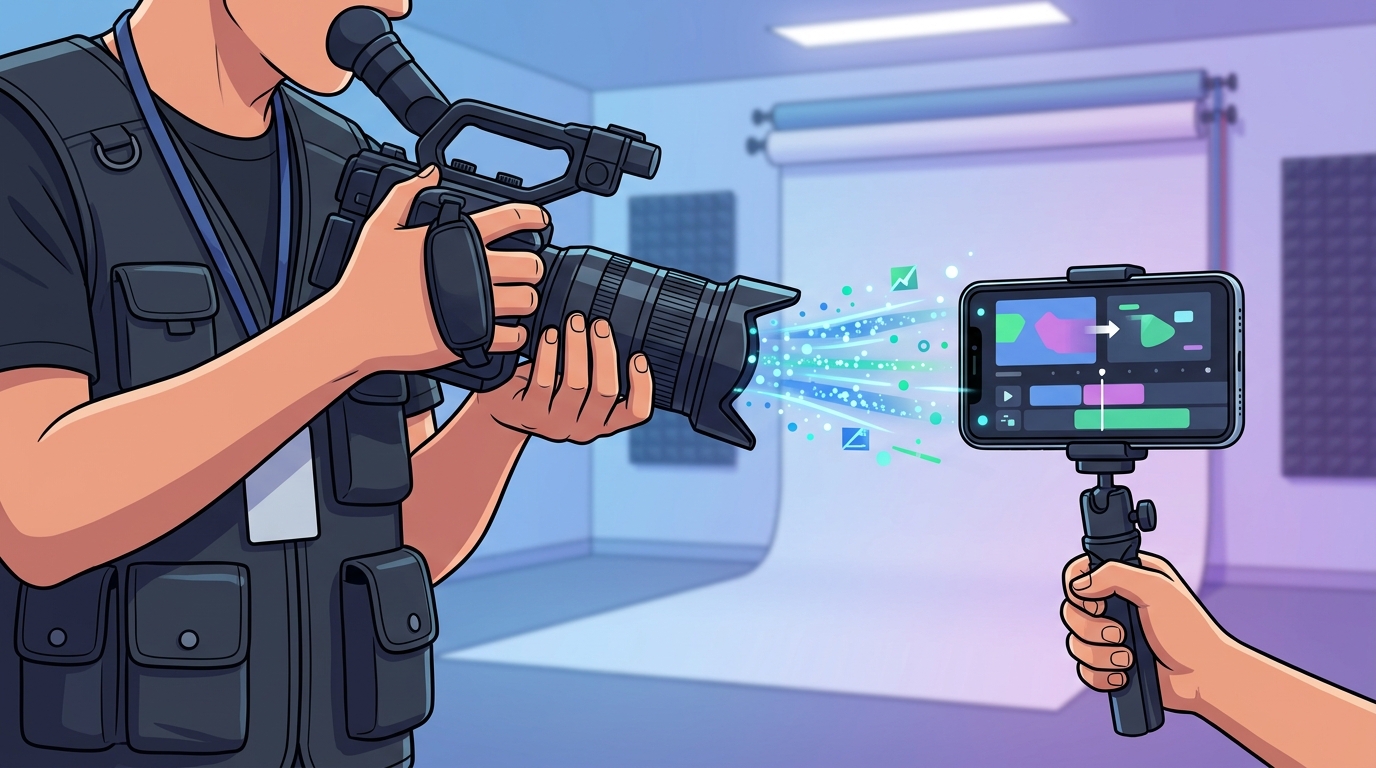
AI video editing replaces the traditional timeline-and-layers workflow with natural language commands and intelligent automation. You provide an input, such as a topic, a URL, or brand assets, and the AI generates a structured video.
Chat-Based Editing
Modern platforms let you make changes by typing instructions. PromoAI, for example, offers a chat-based editor where you tell the AI what to change and it updates the video for you. This means the editing process is open to anyone on the team, not just people with video editing experience.
Automated Media Selection
One of the most time-consuming parts of video creation is finding the right footage. PromoAI provides access to over 110 million Getty Images assets, and the AI automatically matches visuals to your brand tone and message. All media is royalty-free with uncapped indemnification.
Key Features to Look for in an AI Video Editor
Not all AI video tools are created equal. Here are the features that matter most for marketing teams:
- Text-to-video generation: Turn a written prompt or URL into a complete video.
- Brand consistency tools: Automatic application of logos, colors, and fonts across every video.
- Template libraries: Access to pre-built, customizable video templates organized by industry and occasion.
- Multi-platform formatting: Automatic resizing for Instagram Reels, Facebook, YouTube Shorts, TikTok, and LinkedIn.
- Publishing and scheduling: Plan, schedule, and publish directly to social channels from one dashboard.
- Licensed media libraries: Royalty-free images, footage, and music built into the platform.
A video template is a pre-designed, customizable video package that includes footage, text placeholders, music, and effects, ready for you to personalize. Platforms like Promo.com offer thousands of these templates to speed up creation.
Step-by-Step: Edit a Marketing Video With AI
Here is a simple workflow using PromoAI as an example:
- Enter your source: Go to promo.com and type in your website URL, Amazon product link, or a topic description.
- Review AI-generated videos: PromoAI fetches information from your site and generates up to 30 personalized, on-brand videos in minutes.
- Edit with chat commands: Use the chat-based editor to change captions, swap footage, update music, or adjust your logo placement.
- Customize branding: Upload your logo, select brand colors, and the system applies them automatically to all future videos.
- Publish or schedule: Post directly to your social channels or download the video for use in ads and campaigns.
The entire process can take as little as five minutes, even if you have never opened a video editor before.
Traditional Editing vs. AI Editing: A Comparison
| Factor | Traditional Video Editing | AI Video Editing (e.g., PromoAI) |
|---|---|---|
| Skill level required | Intermediate to advanced | None / beginner |
| Average time per video | 3 to 8 hours | 5 to 15 minutes |
| Cost per finished minute | ~$4,200 (industry median) | ~$2,500 or less with AI tools |
| Media sourcing | Manual stock searches + licensing | Built-in library (275M+ assets) |
| Brand consistency | Manual setup each time | Automatic brand kit application |
| Multi-platform resizing | Separate exports required | One-click reformatting |
| Publishing | External scheduling tools | Built-in planning and publishing |
AI-powered tools have reduced median video production costs by roughly 40%, according to industry data from 2026. This cost compression is making video marketing accessible to small and mid-size businesses that previously could not justify the budget.
Best Practices for AI-Edited Marketing Videos
Hook Viewers in the First 3 Seconds
The opening moments determine whether someone keeps watching. Lead with a bold visual or a question that sparks curiosity. Promo's marketing templates are designed to make a strong impression in those initial seconds.
Keep Videos Short and Focused
Most marketers agree that videos between 30 seconds and 2 minutes are most effective. Short-form video is the number one format marketers plan to invest more in for 2026. Match your video length to the platform and campaign goal.
Always Add Captions
About 50% of people who watch videos on silent rely on captions to understand the content. AI tools generate captions automatically, ensuring accessibility and higher retention across all platforms.
Key Takeaways
- AI video editors let anyone create and edit professional marketing videos without technical skills.
- 91% of businesses use video marketing in 2026; you cannot afford to sit this out.
- Chat-based editing, automated media selection, and template libraries eliminate the traditional learning curve.
- PromoAI generates up to 30 on-brand videos from a single URL in minutes.
- AI tools have cut average video production costs by approximately 40%.
- Short-form video (under 60 seconds) delivers the highest ROI and is the top investment priority for marketers.
- Built-in scheduling and publishing features streamline the entire content workflow into one platform.
Frequently Asked Questions
Do I need video editing experience to use AI video tools?
No. AI video editors like PromoAI are specifically built for non-editors. You provide a prompt, URL, or topic and the AI handles media selection, text placement, and pacing automatically.
What is PromoAI?
PromoAI is an AI-based platform that assists companies in producing quality promotional videos efficiently. It combines AI guidance with an intuitive editor, templates, and a library of over 275 million licensed assets from Getty Images.
Can AI-edited videos look professional?
Yes. AI tools apply brand colors, logos, and fonts consistently while selecting high-quality licensed footage. The result is polished, brand-ready content suitable for ads, social media, and campaigns.
How long does it take to create a video with AI?
Most AI platforms can generate a complete video in under five minutes. With PromoAI, you can produce up to 30 personalized videos from a single input in just a few minutes.
Is the stock media in AI video tools royalty-free?
On PromoAI, yes. All media is royalty-free and comes with Getty Images' uncapped indemnification, so you can produce videos at scale without licensing concerns.
Can I publish directly to social media from an AI video editor?
PromoAI includes built-in planning, scheduling, and publishing features so you can post directly to platforms like Instagram, Facebook, TikTok, YouTube, and LinkedIn from a single dashboard.
What types of marketing videos can I create with AI?
You can create social media posts, product demos, promotional ads, trending content videos, event announcements, listicles, and more. Templates are available for virtually every industry and use case.
How much does AI video editing cost compared to traditional production?
Traditional video production averages around $4,200 per finished minute. AI tools have reduced that median to approximately $2,500, a roughly 40% decrease. Platforms like PromoAI offer subscription plans that make this even more affordable for small businesses.
Start Creating AI-Powered Marketing Videos Today
You do not need a production team, expensive software, or years of experience to create marketing videos that convert. Try PromoAI for free and see how fast you can go from idea to published video. Enter your website URL, let the AI build your first batch of videos, and start growing your brand with professional video content today.